Nano Banana AI Image
Create stunning images with Nano Banana AI—fast, easy, and professional.

English
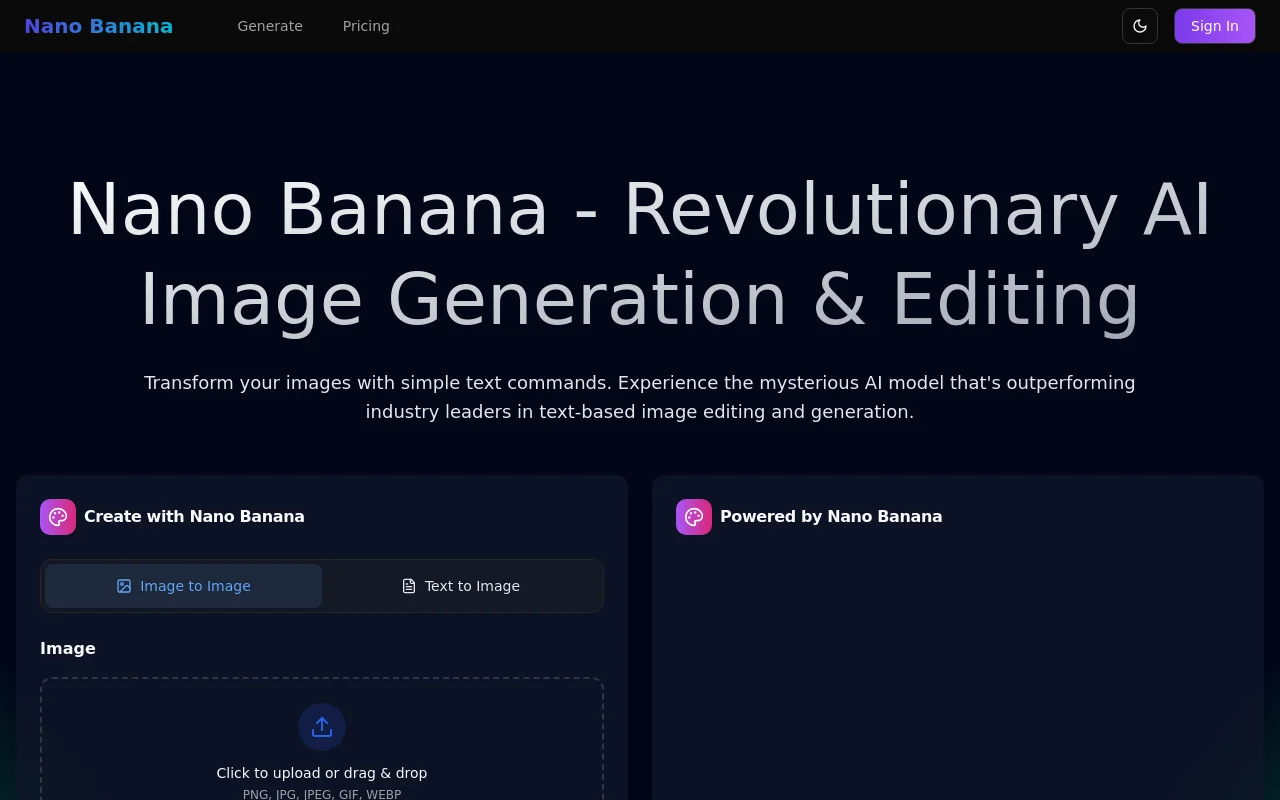
Nano Banana is a breakthrough AI image generation and editing tool that provides users with professional editing effects thanks to its advanced text understanding and multi-image fusion capabilities. This product is suitable for a variety of creative projects, from style conversion to scene modification, with the ability to quickly generate images. Pricing is flexible and suitable for users with different needs.
Demand group:
"This product is especially suitable for designers, photographers, digital artists and any creator who needs to edit images. Its natural language editing function greatly simplifies the process of complex editing and improves work efficiency."
Example of usage scenario:
Generate product promotion images through simple descriptions to improve marketing effectiveness.
Create unique illustrations for your personal blog to attract more readers.
Quickly create compelling visual content on social media to increase engagement rates.
Product features:
Multi-image fusion and synthesis: Able to seamlessly understand and combine multiple input images to perform complex combination tasks.
Character Consistency: Maintain perfect consistency in character identity across multiple edits and scene changes.
Natural language understanding: Users can use simple English descriptions to perform complex multi-step instructions to improve editing efficiency.
Fast generation: Image generation and editing speed is 15-30 seconds, suitable for fast iteration of creative workflow.
Facial feature completion: Facial expressions and features can be accurately modified to ensure natural and realistic results.
Background replacement and change: Easily modify the background scene to keep the overall image natural and smooth.
Old photo restoration: Use AI technology to repair and enhance vintage photos, restoring colors and details.
Remove text and watermarks: Efficiently remove text and logos from product packaging while maintaining image quality.
Usage tutorial:
Visit the Nano Banana website.
Register and log into your account.
Upload an image to edit or choose to generate a new image.
Describe your desired edit or build requirements in natural language.
Click the Generate button and wait for the AI processing results.
View the resulting image, make necessary adjustments or save it.