AI Pose Generator & Art Pose Reference Tool
AI pose generator for artists – create realistic, customizable poses quickly.

English
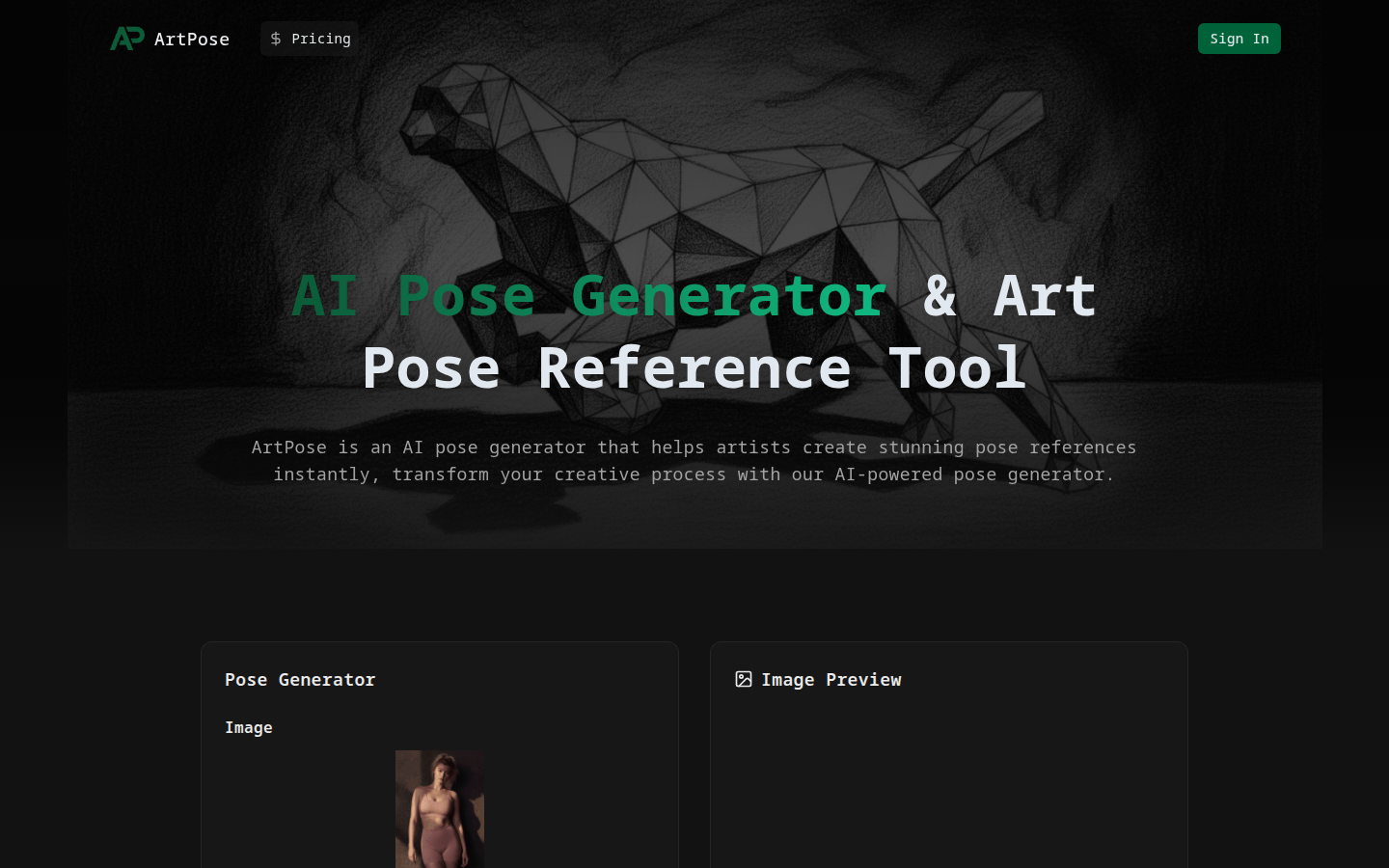
ArtPose is an AI pose generator built specifically for artists. It uses advanced AI technology to help artists create stunning pose references instantly, greatly improving creative efficiency and quality. Its importance lies in providing artists with a convenient and efficient pose reference solution, avoiding the tediousness of finding references in traditional ways. The main advantages of the product include the ability to generate realistic poses, customizable poses, multiple styles to choose from, quick export of high-resolution poses, support for saving and organizing poses, and a community of artists. This product is positioned as a creative auxiliary tool for artists. In terms of price, points are required to generate images. For example, generating an image requires 2 points.
Demand group:
["Artist: For artists, ArtPose can help them quickly obtain various pose references, save time in searching for materials, and improve creative efficiency. Whether they are drawing works in realistic style, anime style or other styles, you can find suitable poses through this product.", "Designer: Designers often need precise pose references when designing characters. ArtPose's customizable poses and multiple style selection functions can meet the designer's needs for different character poses and make the design plan more complete.", "Illustrator: Illustrators need a variety of postures to show the emotions and dynamics of characters during the creative process. The realistic postures generated by ArtPose can provide illustrators with more creative ideas and make illustration works more vivid."]
Example of usage scenario:
When the illustrator was creating an anime-style illustration, he used ArtPose to generate a fighting posture of an anime character, adding a sense of dynamics to the illustration.
When designers were designing game characters, they obtained multiple character pose references of different styles through ArtPose and optimized the character design plan.
When the artist was painting a realistic-style oil painting, he used ArtPose to generate the posture of a ballet dancer, making the painting more realistic.
Product features:
Advanced AI pose generation: With the help of advanced AI technology, realistic character poses can be generated instantly, providing artists with rich pose inspiration and saving time looking for references.
Customizable poses: Artists can flexibly adjust pose angles, body types, and positions based on their specific needs, so that the resulting poses perfectly match their creative vision.
Multiple style options: Provides a variety of pose styles for artists to choose from, such as realistic, animated or stylized, to meet the creative needs of different artistic styles.
Fast export function: Supports fast downloading of high-resolution pose images, which is convenient for artists to use directly for painting reference without additional processing.
Saving and organizing function: Artists can build their own personal library of poses, save and categorize the generated poses so that they can be used at any time in future projects.
Artist Community: Provides a platform for artists to share and discover wonderful gestures. Artists can communicate with peers in the community and obtain more creative inspiration.
Usage tutorial:
1. Visit the website: Open the browser and visit https://posegenerator.net/.
2. Register and log in: If you don’t have an account, you need to register an account first; if you already have an account, log in directly.
3. Input prompt: Enter the posture description you want to generate in the prompt box, such as "squat low, knees bent, hands on thighs, torso leaning forward."
4. Select image format and size: Select a supported image format (JPEG, PNG, WEBP, JPG) and appropriate size.
5. Generate image: After confirming that the information is correct, click the Generate Image button and consume the corresponding points to generate the image.
6. Preview and download: After generating the image, view the generated pose in the image preview area. When satisfied, click the download button to download the high-resolution pose image.
7. Save and organize: Save the downloaded postures to your personal library for subsequent use.