AI Video Extender
AI Video Extender: Extend videos with AI, fast & high-quality. Perfect for creators, businesses, and educators.

English
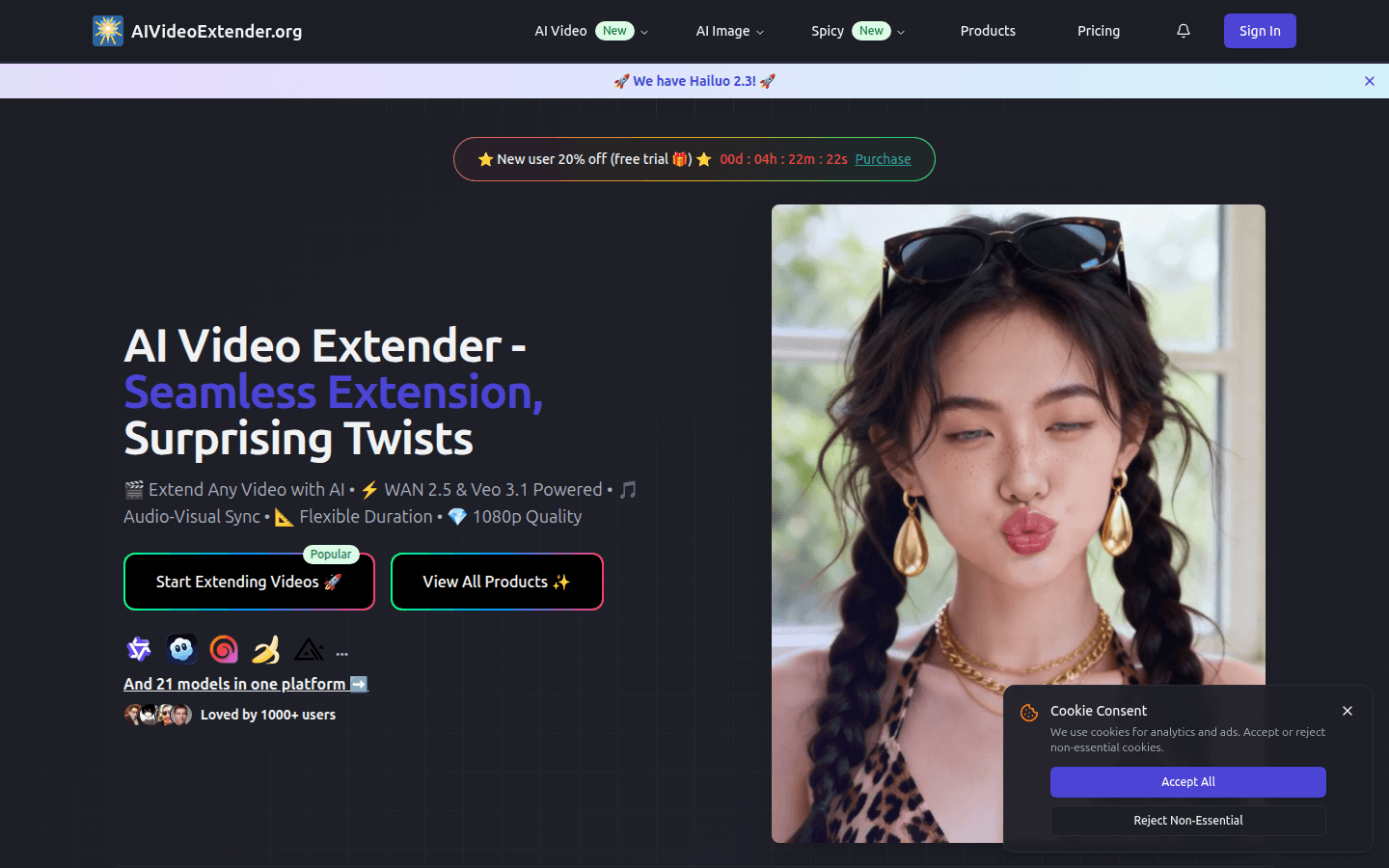
AI Video Extender is a video extension tool based on advanced AI technology, providing two extension engines: WAN 2.5 and Veo 3.1. WAN 2.5 has fast processing speed and low cost, making it suitable for fast-production projects; Veo 3.1 can provide movie-level picture quality and advanced audio effects, making it suitable for high-end commercial projects. This product eliminates the need for reshooting and manual editing, and can automatically generate natural and smooth video continuation content while maintaining picture style and audio synchronization. In terms of price, it is charged according to the resolution, 10 points per second for 480p, 20 points per second for 720p, 30 points per second for 1080p, and there is a 20% free trial discount for new users. The product is positioned to meet the needs of content creators, enterprises and institutions for video expansion during the video production process, helping them save time and costs and improve video production efficiency.
Demand group:
["Content creators: For content creators such as self-media bloggers and video producers, AI Video Extender can help them quickly expand video content, save shooting and editing time, and improve creative efficiency. For example, when making short social media videos, the shooting material may be limited, so using this tool can easily extend the video duration and enrich the content. At the same time, the choice of dual engines can meet the needs of different styles and quality, bringing a richer visual experience to the audience.", "Corporate marketing department: Corporate marketers often need high-quality video materials when producing content such as advertisements, promotional videos, and e-commerce demonstrations. This product can generate natural and smooth video continuation content without reshooting, saving production costs and time. Moreover, its professional output quality can meet the requirements of commercial publicity and help companies better display products and services and attract customers.", "Educational institutions: When educational institutions produce online courses and teaching videos, they need to ensure the coherence and integrity of video content. AI Video Extender 's audio and visual synchronization function can ensure the perfect coordination between the explanation content and the picture, improving the teaching effect. At the same time, the flexible duration control can accurately adjust the video length according to the needs of the teaching content, providing students with a better learning experience. "]
Example of usage scenario:
When social media bloggers create short videos such as Douyin and Instagram Reels, they use this tool to extend the length of the video, enrich the content, and attract more attention.
When companies produce e-commerce product demonstration videos, they do not need to re-shoot. They can use AI Video Extender to generate natural video continuations, saving costs and time.
When educational institutions produce online course videos, they use this tool to ensure the coherence and completeness of video content and improve teaching effectiveness.
Product features:
Supports uploading of multiple video formats: This product supports common video formats, such as MP4, MOV and AVI, etc., making it easy for users to upload videos from different sources for expansion, ensuring broad compatibility. No matter what device or software users have used to shoot and save videos, they can easily use this tool for expansion operations.
Dual-engine optional: Users can choose the WAN 2.5 video extender for fast, cost-effective processing based on project needs. It is suitable for projects that need to be completed quickly, such as social media content and simple advertisements; they can also choose the Veo 3.1 video extender to obtain movie-level picture quality, advanced audio effects and processing capabilities for more complex scenes to meet the needs of professional storytelling and high-end commercial projects.
Flexible duration control: Users can customize the duration of the video extension, ranging from 3 to 10 seconds. The length of the video can be accurately controlled according to specific project requirements to meet the needs for video duration in different scenarios. Whether it is producing a short video or a longer promotional video, it can be flexibly responded to.
Audio visual synchronization: The product adopts advanced audio visual synchronization technology, which can automatically and accurately align the audio with the expanded video picture, ensuring that during the video expansion process, audio elements such as voice narration, music and sound effects perfectly match the picture, bringing a coherent audio-visual experience to the audience. It is especially suitable for commentary content, tutorials and multimedia storytelling that require precise audio and visual harmony.
High-quality output: Supports resolution output up to 1080p, ensuring that the expanded video has professional image quality. Whether it is played on a large screen or shared on social media, it can present a clear and delicate picture effect, meeting the needs of commercial promotion and professional content display.
No need for re-shooting and manual editing: The product’s AI technology can automatically analyze the content, motion patterns and scene context of the original video to generate natural video continuation content, eliminating the need for users to re-shoot or perform complex manual editing, saving a lot of time and energy while maintaining the motion consistency and visual style of the video.
Usage tutorial:
Upload video clip: First, users need to upload the video they want to expand. This product supports common video formats such as MP4, MOV and AVI, etc. For the best extended results, it's recommended to choose footage with clear movement and good lighting. The system uses both WAN 2.5 and Veo 3.1 video extension engines to analyze the video's content, motion patterns and scene context.
Configure extension settings: Users can select the target video extension duration, ranging from 3 - 10 seconds, and select the preferred resolution, up to 1080p, based on project needs. In addition, users can choose to use the WAN 2.5 video extender for fast processing, or the Veo 3.1 video extender for movie-quality picture quality. If the video contains voice narration or music, users can add optional audio guidance and the system will optimize the video extension output based on these settings.
Generate and download extended video: After confirming the settings, the product will use advanced AI technology to process the video. The WAN 2.5 or Veo 3.1 video extension engine generates seamless content with perfect motion fluidity and audio synchronization. Users can preview the expanded video results and adjust settings if needed. Finally, download the extended video in professional quality that you can use immediately in your projects.