Banana Prompts — Free AI Art, Image & Video Prompt Library
Discover tested AI art prompts for images, video, and more. Boost creativity and save time.

English
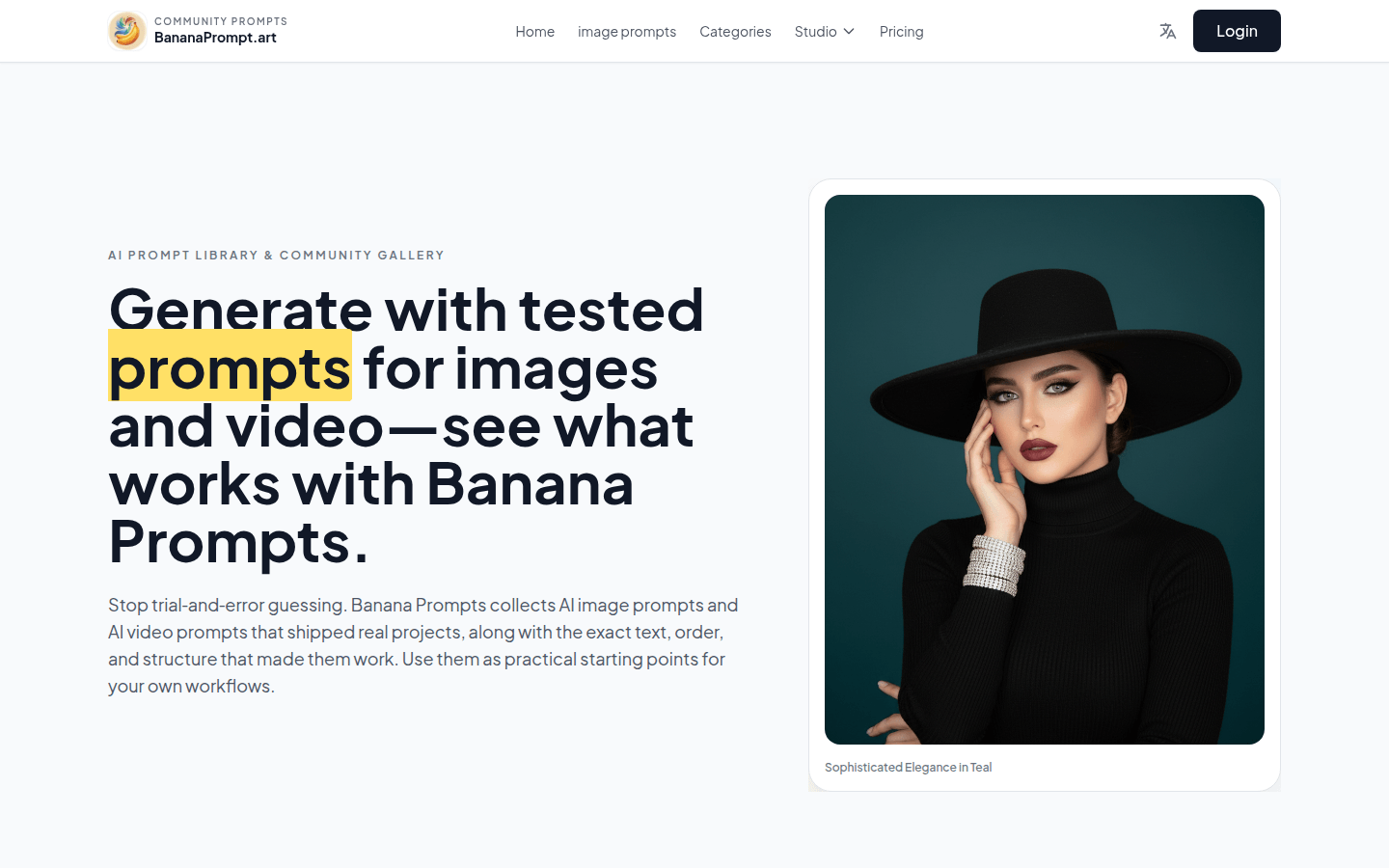
Banana Prompts is a website focused on AI image and video prompts. It collects tips that creators have actually used on different AI models such as Nano Banana Pro, Sora 2, and Veo 3 and have used them in real projects. Its importance lies in helping users skip the process of trial-and-error guesswork and use tested prompts directly as a starting point for creation. The product is positioned for AI art creators, designers and other people to help them use AI models to create more efficiently. The site is free to use and users don’t have to pay to get tips. Its main advantage is that the prompts have practical application value, contain accurate text order and structure, and allow users to clearly see the specific parameters and context behind the generated results.
Demand group:
["- AI art creators: Banana Prompts provides them with a wealth of proven tips to help them save time, avoid unnecessary trial and error, and more efficiently create AI art works that meet their needs.", "- Designers: Designers can use these tips to get inspiration for design projects, such as creating unique image and video elements for posters, advertisements, web design, etc.", "- Marketers: Marketers can use tips to generate images and videos suitable for social media, landing pages, etc. to enhance the visual effects of marketing campaigns. ", "-Video producers: Video producers can refer to video tips to design rhythm, camera movement, and story beats to improve the quality and appeal of videos. ", "-Creative Enthusiasts: For creative enthusiasts who are interested in AI art, this website provides a platform for learning and practice, so that they can easily start creating. "
Example of usage scenario:
1. The creator creates a promotional poster for a travel brand and uses the "Blue Dreams of Morocco" prompt to generate female travel photos with Moroccan style to enhance the attractiveness of the poster.
2. The marketing team produces social media promotional videos for music events, referring to relevant video tips to design the video's rhythm and camera movement to enhance the promotional effect.
3. The designer designs a cover for a fashion magazine and uses the "Urban Noir Portrait" prompt to generate a stylish male portrait photo that conforms to the magazine's style positioning.
Product features:
Browse curated tips: Users can browse tips based on style, use case, or model, and each tip includes full text and optional notes from the creator to help users understand the detailed context of the tip and how to use it.
Copy and adjust cues: Users can copy cues into their own image or video mockups and adjust them to fit their brand, theme, or campaign goals, eliminating the need for trial and error and saving creative time.
Save tips that work well for you: Users can save tips that work well for them and come back to explore new creative techniques and methods as the model evolves.
Reference video prompts: Video prompts serve as a blueprint for pacing, camera movement, and story beat design in tools such as Sora 2 or Veo 3, providing guidance for video creation.
Observe prompt effects: Users can copy basic prompt ideas, adjust wording, and compare the impact of small changes in prompts on the final results in different models to gain insights into how prompts work.
Usage tutorial:
1. Browse Prompts: Visit https://bananaprompt.art to browse carefully curated prompts based on style, use case or model.
2. Choose a prompt: Find a prompt that suits your needs, each including full text and optional creator notes.
3. Copy prompt: Copy the prompt into your own image or video model.
4. Adapt your prompts: Adapt your prompts to your brand, theme, or campaign goals.
5. Generate content: Generate images or videos using the adjusted cues in the model.
6. Save Tips: If a tip works well, you can save it to use later and explore new techniques.













