BeatViz AI Music Video Generator
Create professional music videos instantly with BeatViz AI—ideal for artists, creators, and brands.

English
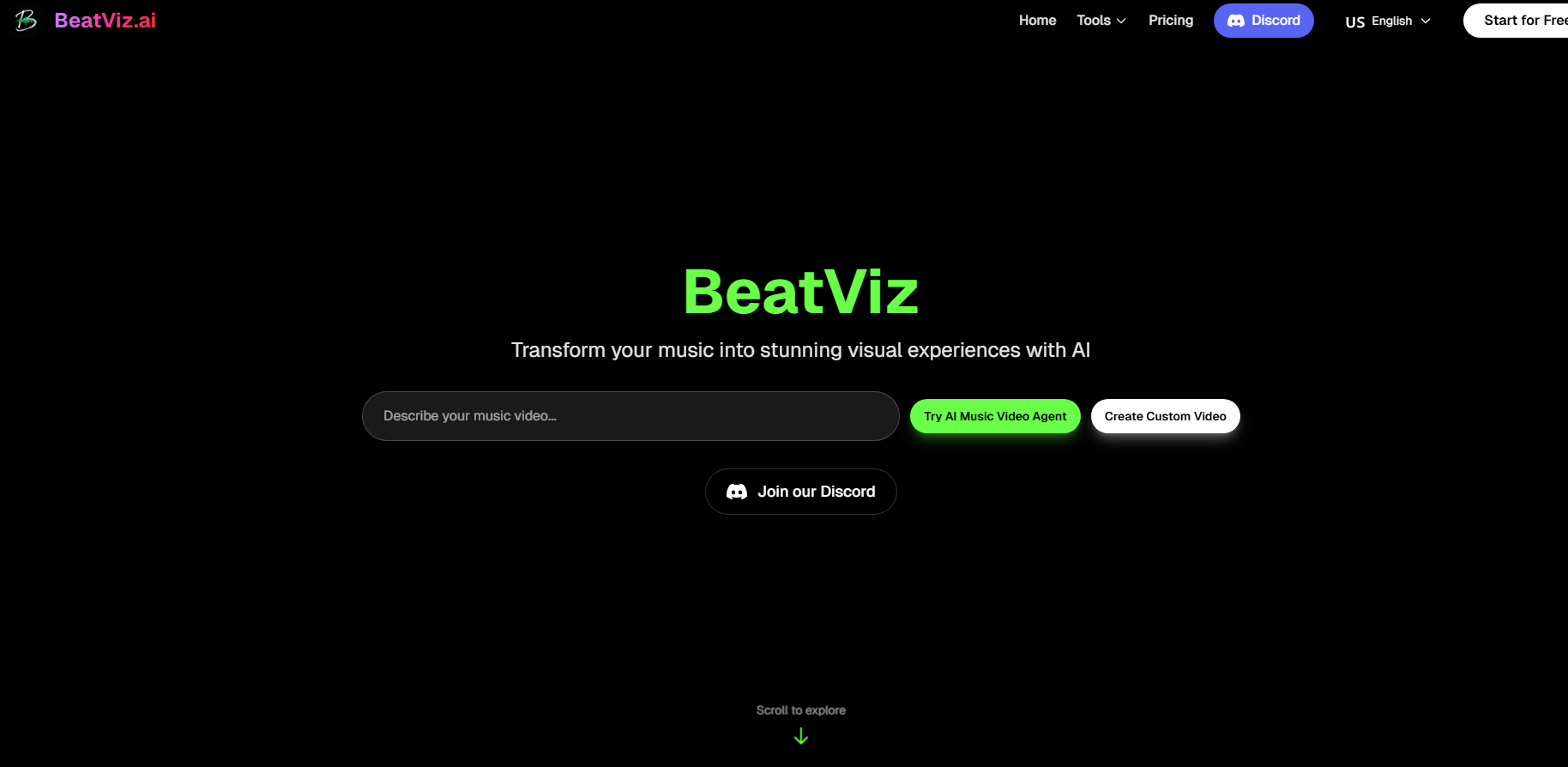
BeatViz AI is an all-in-one AI music video generation platform that uses the world's top generative AI models to quickly transform audio tracks and text cues into professionally synchronized music videos. The product is designed to provide music creators, content creators and brands with a simple and fast solution to create high-quality visual content without the need for expensive equipment or complex skills. In terms of pricing, different levels of subscription options are provided to meet various needs, ranging from individual creators to enterprise-level users.
Demand group:
"This product is particularly suitable for music creators, video content creators and brand marketers. It can quickly and efficiently generate professional-grade music videos, save creation time and costs, and adapt to rapidly changing market needs."
Example of usage scenario:
Independent artists use BeatViz to generate music videos that perfectly match their singles and increase their social media exposure.
Content creators use BeatViz to create short videos on TikTok to increase user interaction and engagement.
The brand marketing team uses BeatViz to quickly generate advertising videos, shortening video production time and improving market response speed.
Product features:
Generate music videos with one click: Users only need to upload audio or enter text prompts to quickly generate professional-quality music videos.
Music can be generated without audio: Even if no audio is uploaded, the system can automatically generate background music and sound effects based on text descriptions.
Highly synchronized audio-visual effects: AI can accurately match music rhythm and video clips at the millisecond level, providing a perfect viewing experience.
User-defined settings: Supports the selection of video resolution, duration and AI model to ensure that the final product meets user needs.
Commercial use rights: Videos generated by paying users can be used for commercial promotion, without watermarks, and suitable for multi-platform publishing.
Fast processing time: Using the cloud AI engine, video generation is fast, saving time and costs.
Suitable for a variety of usage scenarios: Whether it is personal artistic creation or brand marketing, it can quickly meet different needs.
Supports high-quality output: The generated video resolution is up to 1080p, suitable for professional use.
Usage tutorial:
Visit the BeatViz website and register an account.
Upload your audio file or enter a text prompt describing the style of video you wish to produce.
Select the AI model and video parameters you want (such as resolution, duration).
Click Generate and wait for the system to process your request.
Review the resulting video and make adjustments if necessary.
Download videos or post directly to social platforms.













