BestMaker AI
Create stunning 4K videos and AI-enhanced images effortlessly with BestMaker AI—perfect for creators, marketers, and studios.

English
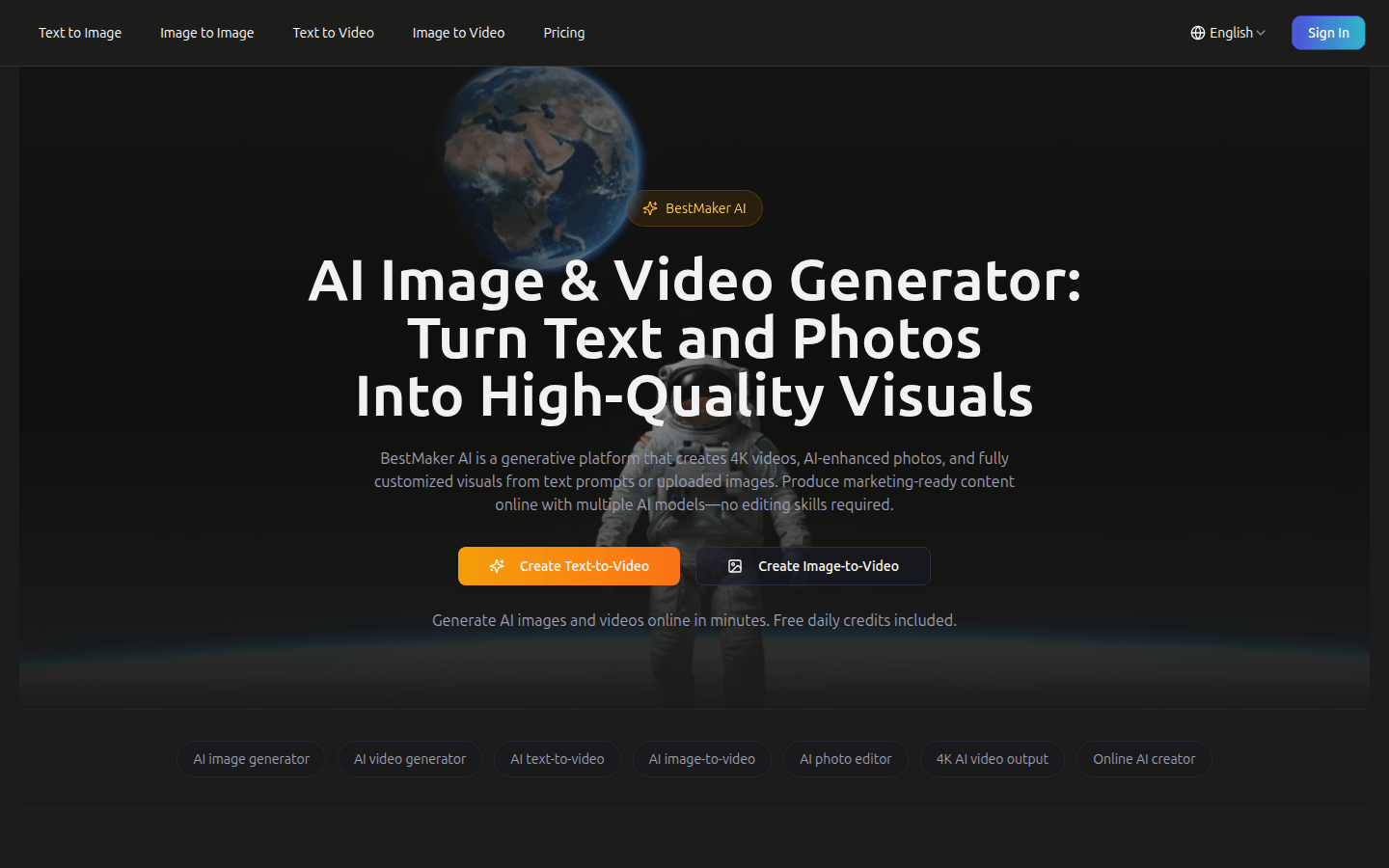
BestMaker AI is a generative platform that uses multiple AI models to create 4K videos, AI-enhanced photos, and customized visual content online without the need for editing skills. Its advantage is that it integrates image generation, video production and editing tools, provides free daily quota, supports up to 4K output, has a variety of AI models to choose from, and has a template library to accelerate creation. In terms of price, free daily quota is provided, which is suitable for creators, marketers, studios, etc.
Demand group:
["Creators: BestMaker AI provides a wealth of creative functions, such as AI image and video generation, a variety of editing tools, etc., which can meet the diverse creative needs of creators and save creative time and energy.", "Marketers: can quickly generate high-quality images and videos required for marketing, supports 4K output, and has a free quota, reducing marketing costs and improving work efficiency.", "Studio: A workspace that integrates multiple functions without switching applications, facilitating team collaboration and improving overall creative efficiency."]
Example of usage scenario:
Content creator Sarah Johnson uses BestMaker AI to quickly generate videos with clear images, improving creative efficiency.
Marketing manager Michael Brown uses this tool to improve video production efficiency, saving time and costs.
Social media influencer Emily Wilson believes that its interface is simple and easy to use, and the video effects it generates are amazing, making it an essential tool for creation.
Product features:
AI image generation: Users can create high-quality AI images in seconds by entering text prompts or uploading photos to meet diverse visual needs.
AI video generation: Utilize advanced multi-modal AI models to generate videos from text or images, including converting scripts and photos into dynamic videos.
Text-to-video: It can instantly convert scripts and briefings into dynamic videos with camera movement, allowing text content to be presented vividly.
Image to Video: Convert any photo into a cinematic video with motion, lighting and effects to enhance the expressiveness of your photo.
AI photo editing: Through natural language prompts, operations such as removing objects, changing backgrounds, and photo retouching are implemented to process photos conveniently and quickly.
4K video output: Able to generate ultra-high-definition 4K video, suitable for various channels and professional delivery needs.
Template library: Provides ready-made scene, storyboard and AI prompt templates to help users start creating faster.
Usage tutorial:
Visit BestMaker AI ’s official website https://bestmaker.ai.
Register and log in to your account to get free daily quota.
Select the desired function like text to image, image to video, etc.
Enter corresponding prompt information according to the selected function, such as text prompts or uploading photos.
Wait for the AI to generate an image or video, which can be edited and adjusted as needed.
Once you're done creating, the resulting visual content can be published or downloaded directly.













