Better Powerpoints
Create stunning presentations effortlessly with Better Powerpoints—free AI tool for business, education, and creativity.

English
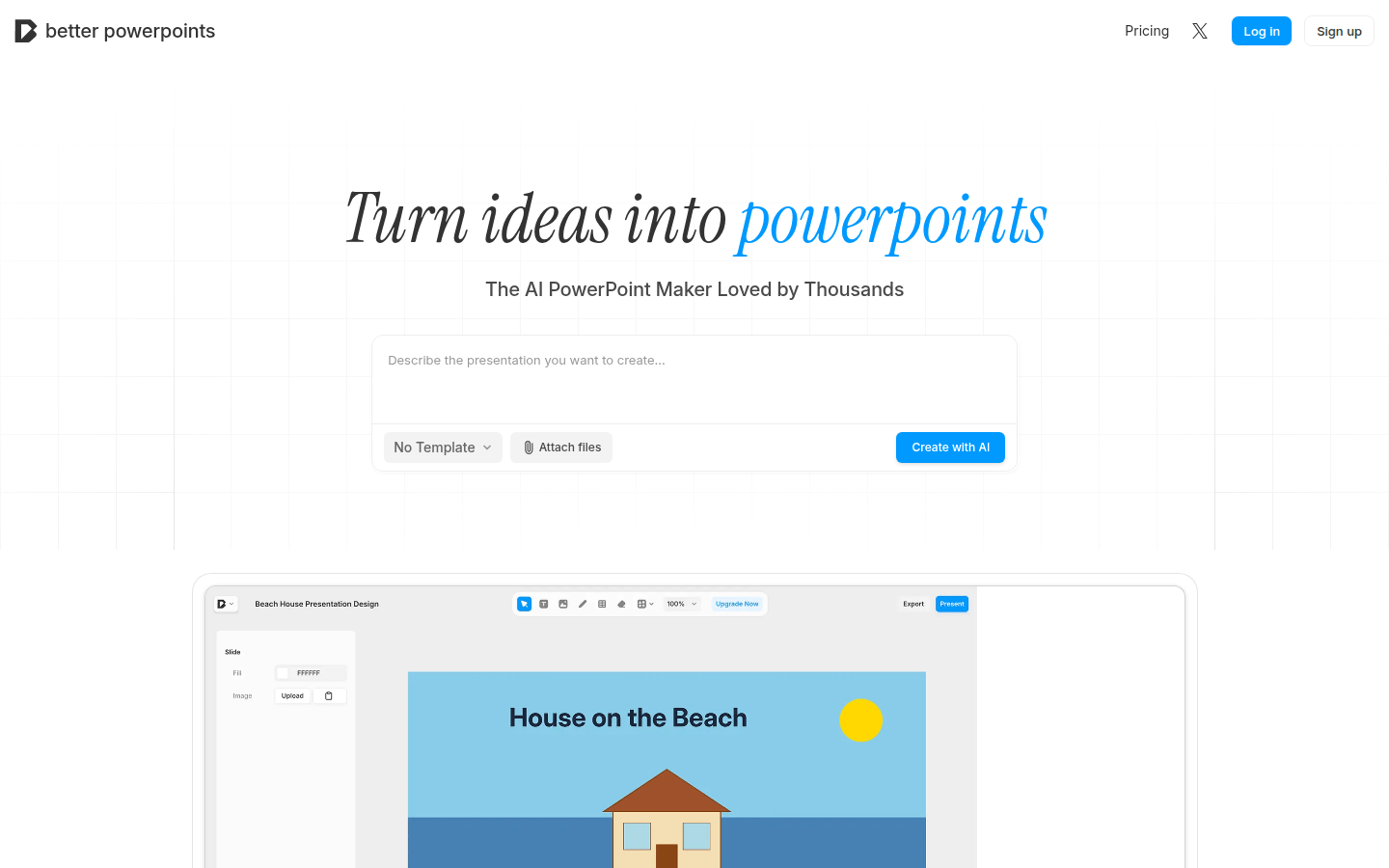
Better Powerpoints is a free AI presentation production tool based on browser. Its importance lies in providing users with a convenient and efficient way to create presentations. The main advantages include: no need to upload files, no watermarks, support for real-time collaboration, and exportability in PPTX format. The product background is to meet users' needs for presentation production in different scenarios, such as business, academic, creative, etc. This tool is free to use and also offers paid plans to meet higher usage needs. It is positioned to become a popular AI presentation production tool that is loved by users.
Demand group:
["Business people: Business people need to create attractive presentations when doing sales promotion, company updates, etc. Better Powerpoints provides a wealth of editing tools and templates to help them design slides that can effectively attract, inform and persuade the audience, improving work efficiency and effectiveness.", "Scholars and educators: Scholars and educators need to present research results and teaching content to students and peers in a clear and vivid way. This tool can transform research notes and ideas into attractive academic presentations and educational slides, and supports real-time collaboration functions to facilitate teamwork to complete teaching and research tasks.", "Creative workers: Creative workers need to showcase their creative projects and portfolios. Better Powerpoints provides rich design options and advanced editing tools to help them transform their ideas into visually stunning presentations and enhance the presentation effect of their works. "]
Example of usage scenario:
The business sales team uses Better Powerpoints to create sales presentations, which can be jointly edited and improved through real-time collaboration functions to improve sales success rates.
Academic research teams use this tool to produce research results into academic slides for academic communication and sharing.
Creative designers use Better Powerpoints to showcase their design work and creative projects, attracting clients and partners with beautiful presentations.
Product features:
Use AI-assisted presentation creation: With the help of advanced AI technology, it provides advanced editing tools to help users transform ideas into stunning presentations, improving production efficiency and quality.
Real-time collaboration function: Supports real-time collaboration among team members. Through real-time editing and instant feedback, team members can edit and discuss presentations together to improve work efficiency.
Export and sharing function: Users can export presentations to PPTX format and seamlessly share them with the audience to facilitate communication and presentation with others.
Multiple types of presentation production: Whether it is business presentations, academic slides or creative slides, it can help users transform research notes and ideas into persuasive presentations and educational slides.
Template exploration function: Provides a variety of presentation templates, such as basic presentations, green presentations, executive summaries, educational presentations, etc. Users can choose the appropriate template for editing according to their own needs.
Usage tutorial:
1. Visit the website: Open the browser and visit https://www.betterpowerpoints.com.
2. Register and log in: Click "Sign up" to register, or click "Log in" to log in with an existing account.
3. Create a presentation: You can choose to use a template, or you can directly click "Create with AI" to use AI to assist in creating a presentation.
4. Edit presentations: Use advanced editing tools to edit and design presentations, such as adding text, pictures, charts, etc.
5. Real-time collaboration: If you need to collaborate with team members, you can invite them to edit and discuss together in real time.
6. Export and share: After completing the presentation, click "Export & Share" to export the presentation to PPTX format and share it with the audience.