Cartoonize AI
Transform photos into cartoons instantly with Cartoonize AI – creative, fast, and free.

English
Cartoonize AI is a free online AI cartoon photo converter that uses advanced AI technology to convert photos, pets or landscape photos into various styles of cartoon images without the need for users to have design experience. The importance of this product lies in providing users with a convenient, efficient and creative way to convert images. Its key benefits include intelligently preserving the core structure and characteristics of images, fast generation, unlimited stylistic possibilities, and commercial-grade high-quality output. Product positioning is aimed at ordinary users and business users to meet their needs in creative expression, marketing and promotion, etc.
Demand group:
["Ordinary users: For ordinary users who like to be creative and express their personalities, this product can convert their own photos, pet photos or travel scenery photos into unique cartoon images to satisfy their creative needs and desire to share", "Designers: Designers can use this product to quickly generate cartoon images of different styles, provide inspiration and materials for design projects, and improve work efficiency", "Marketers: Marketers can convert product photos or promotional images into cartoon style to make promotional content more lively and interesting, attracting consumers' attention", "Anime lovers: Anime lovers can transform their photos into anime-style images, realize their dream of becoming anime characters, and also integrate their favorite anime elements into photos"]
Example of usage scenario:
Individual users upload selfies and generate anime-style cartoon avatars for social media avatars or personal creations
Travel bloggers upload landscape photos and convert them into watercolor-style cartoon pictures for use in travel guides.
Corporate marketers upload product photos and convert them into modern 3D animation style cartoon images for use in product promotion posters
Product features:
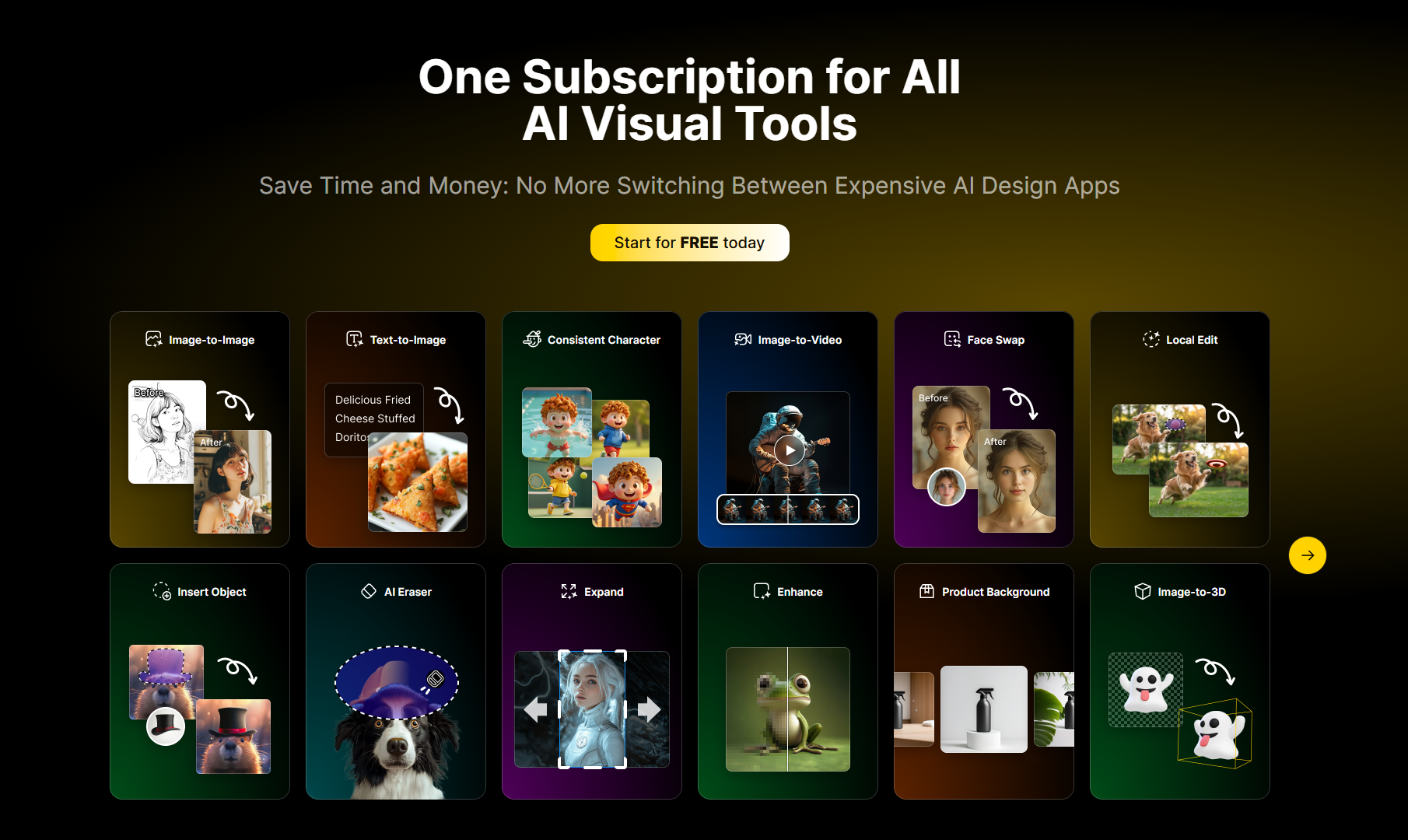
Photo style conversion: Users can convert any photo into AI cartoons of various styles, such as action figure style, Studio Ghibli style, Pixar style, etc. No design experience is required, just click to achieve it
Create a cartoon avatar: Upload a selfie, and AI can capture the user's unique facial features and expressions and transform them into cartoon images of different artistic styles, such as classic anime heroes, modern 3D animated characters, etc.
Landscape photo animation: Give new life to landscape and travel photos, transforming mountains into fantasy backgrounds, beach sunsets into watercolor paintings, cityscapes into futuristic animation scenes, etc.
Pet Cartoonization: Intelligently recognizes the characteristics and personality of pets and transforms pet photos into various cute animated characters, such as brave superhero dogs, fantasy storybook-style cats, etc.
Multi-style conversion: The powerful AI engine supports converting photos into various art styles, such as graphic novel style, 90s cartoon style, 3D rendering style, pixel art style, etc.
Custom conversion: Users can choose photo effects, upload photos, fill in additional details and adjust parameters such as aspect ratio for more precise conversions
Fast generation and download: Cartoon images are generated within 30 seconds. Users can browse the results and download high-quality 4K images, suitable for commercial use.
Usage tutorial:
Step 1: Upload photos. Choose an image from your device as the starting point for conversion. It is recommended to use a clear, well-lit image with a resolution that matches the desired output aspect ratio.
Step 2: Describe the modification content (optional). Write a prompt that describes how you would like the image to be transformed, including specific requirements for style, color, modifications, or artistic effects
Step 3: Adjust settings. Fine-tune conversion parameters such as aspect ratio and number of outputs to control how similar the result is to the original image
Step 4: Generate and download. Click the "Generate" button and wait for the AI to convert the image into a cartoon style. Browse the results, select your favorite images and download a high-quality version