ChartGen
Create professional charts instantly with ChartGen AI—easy, fast, and secure for all your data needs.

English
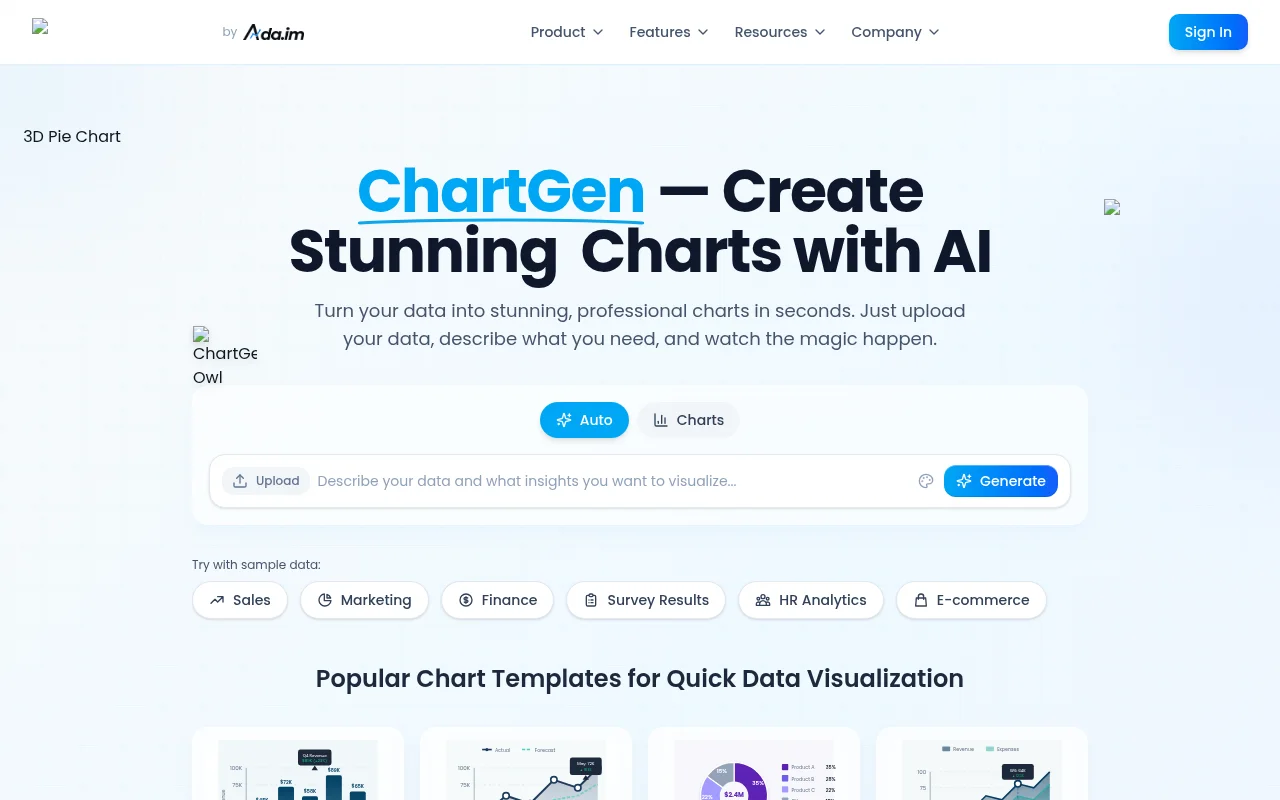
ChartGen AI is a free AI chart generator that turns your data into professional visualizations in seconds. It is suitable for users from all walks of life, from start-ups to large enterprises, helping teams quickly generate charts, support real-time data updates, and comply with enterprise-level security standards.
Demand group:
" ChartGen AI is suitable for business personnel and analysts who need to quickly generate data visualizations. Whether it is financial reports, market analysis or data presentations, users can obtain professional charts through simple operations and improve work efficiency."
Example of usage scenario:
Financial Analysis Report: Quickly generate quarterly revenue versus expense comparison charts.
Marketing campaign analysis: visualize conversion rates and return on investment across channels.
HR data analytics: Present employee performance and satisfaction survey results.
Product features:
Automatically generate charts: Users only need to upload data, and AI will automatically generate various charts such as bar charts and line charts.
Supports a variety of chart types: including bar charts, pie charts, scatter charts, heat maps, etc. to meet different needs.
Natural language processing: Users can generate the required diagrams with simple descriptions, without requiring professional design skills.
Real-time data synchronization: After connecting to the data source, the chart can be updated in real time to ensure the timeliness of the data.
Multiple export formats: Users can export charts to PNG, SVG or PDF formats for easy sharing.
Enterprise-level security: Complies with SOC 2 and GDPR standards to ensure user data security.
Convenient usage process: upload data, generate charts, and share analysis, simple and efficient.
Usage tutorial:
1. Upload or connect your data: Upload an Excel or CSV file, or connect to a data source.
2. Prompt to generate charts: Use simple Chinese to describe the type of chart you want.
3. View the generated charts: AI automatically generates the required charts and displays them on the interface.
4. Customize chart styles: Choose a color scheme and style to suit your needs.
5. Export or share charts: Download or embed generated charts directly into reports.













