ConceptViz
Create professional science charts fast with ConceptViz—ideal for teachers, researchers, and students.

English
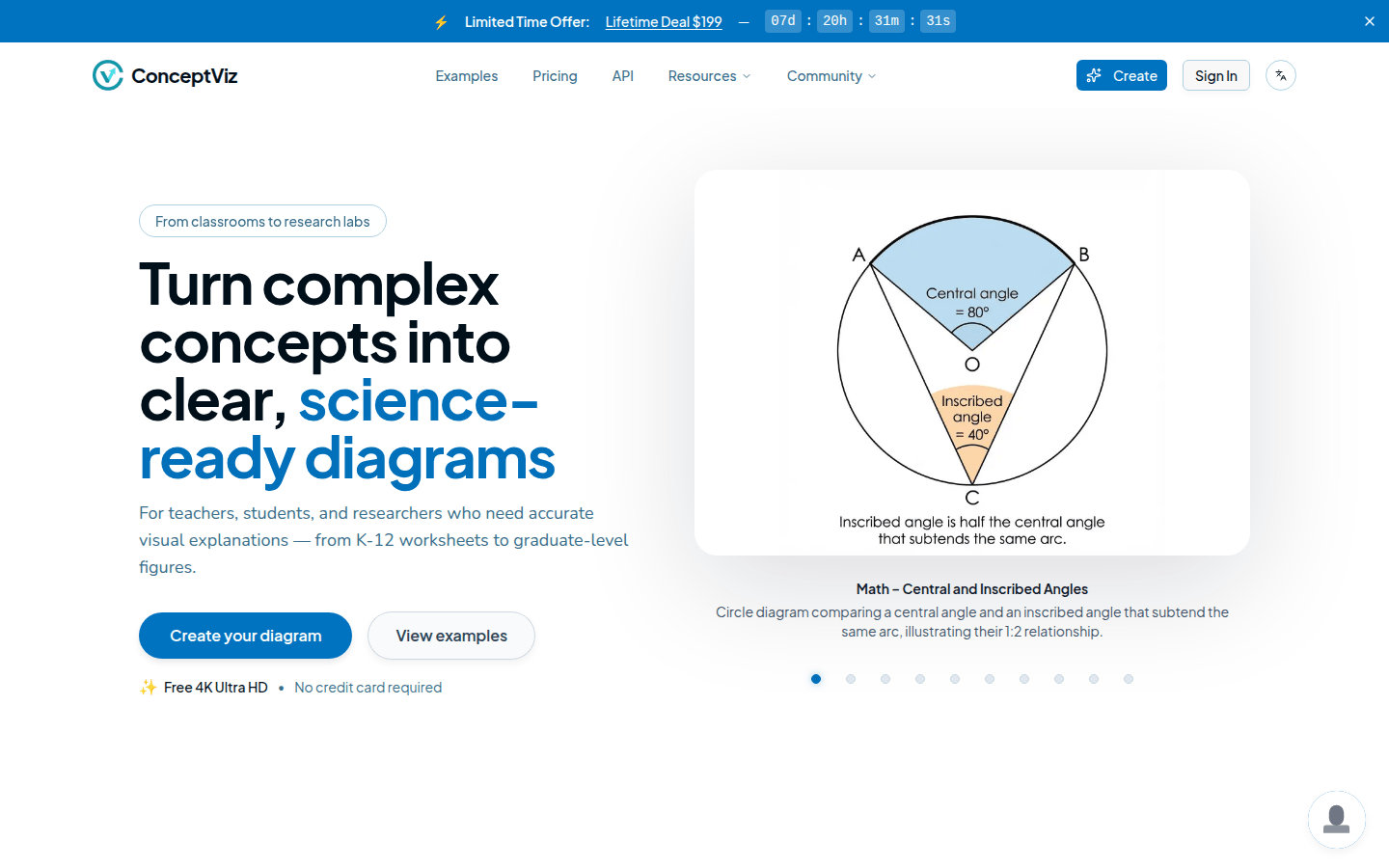
ConceptViz is an AI-powered diagram generator built specifically for teachers and researchers. Its importance lies in greatly improving the efficiency of creating scientific diagrams and educational materials. The main advantages include no need for drawing skills, support for multiple disciplines and complexity levels, and simple operation. Professional diagrams can be generated through simple text descriptions. The product background is to meet the needs of the education and research fields for efficient creation of scientific diagrams. In terms of price, there is a free plan (including 3 free credits), and there are paid plans with different prices, such as the Teacher Basic Edition for $14.9 per month and the Teacher Professional Edition for $29.9 per month. The product is positioned as an efficient chart generation tool in the fields of education and scientific research.
Demand group:
["Teachers: For teachers, ConceptViz can help them quickly create scientific diagrams and educational worksheets needed in the classroom, saving time in preparing lessons. Whether it is basic teaching in K-12 or professional courses in universities, appropriate diagrams can be generated according to different subject and complexity requirements, improving teaching efficiency and quality.", "Researchers: When researchers write papers and reports, they need a large number of accurate scientific diagrams to display research results. ConceptViz does not require them to have drawing skills and can generate professional diagrams with simple text descriptions, which greatly improves the efficiency of research work. ", "Students: During the learning process, students can also use ConceptViz to create learning materials, such as biological illustrations, physical diagrams, etc., to help them better understand and master knowledge, and at the same time, it can also cultivate their independent learning ability. "]
Example of usage scenario:
When preparing biology courses, teachers use ConceptViz to generate scientific diagrams of cell structures for classroom explanations.
When researchers write physical research reports, they use ConceptViz to create ray diagrams to display experimental results.
When completing biology homework, students use ConceptViz to generate illustrations of plant cells to assist learning.
Product features:
AI-driven chart generation: With the help of advanced artificial intelligence technology, it can quickly generate professional scientific charts, biological illustrations and educational worksheets based on simple text descriptions input by users, saving a lot of time and energy.
Multiple version options: Labeled and unlabeled versions are provided for users to choose from to meet the needs of different teaching and research scenarios. For example, in teaching, you can first use labeled charts to explain, and then use unlabeled ones for testing.
Multi-discipline and multi-level support: Supports multiple disciplines such as physics, biology, chemistry, geospatial and mathematics, and is optimized for different levels of complexity, from primary school to university and research levels, covering a wide range of education and research.
High-resolution download: The generated charts support high-resolution downloads, ensuring that the charts are clearly visible when printed or projected, and are suitable for various teaching and research presentation occasions.
Multi-price plan: A free plan is provided so that users can try out and experience the product features first, and then upgrade to paid plans according to needs, such as Teacher Basic Edition and Teacher Professional Edition, to obtain higher usage quota and more features.
Usage tutorial:
1. Describe the chart: Go to the ConceptViz website and describe the required scientific chart in simple English in the corresponding input box, such as "labeled plant cell diagram for middle school".
2. Select options: Select related options for the chart based on your needs, such as whether labels are required, color or black and white mode, and applicable grade levels.
3. Generate and download: Click the Generate button and wait a few seconds to download the high-resolution chart for printing, presentation, or making digital worksheets.













