CreateNew AI – Free AI Video, Image & Creative Effects Generator
Generate stunning AI videos, images, and effects—free and easy for creators, marketers, and designers.

English
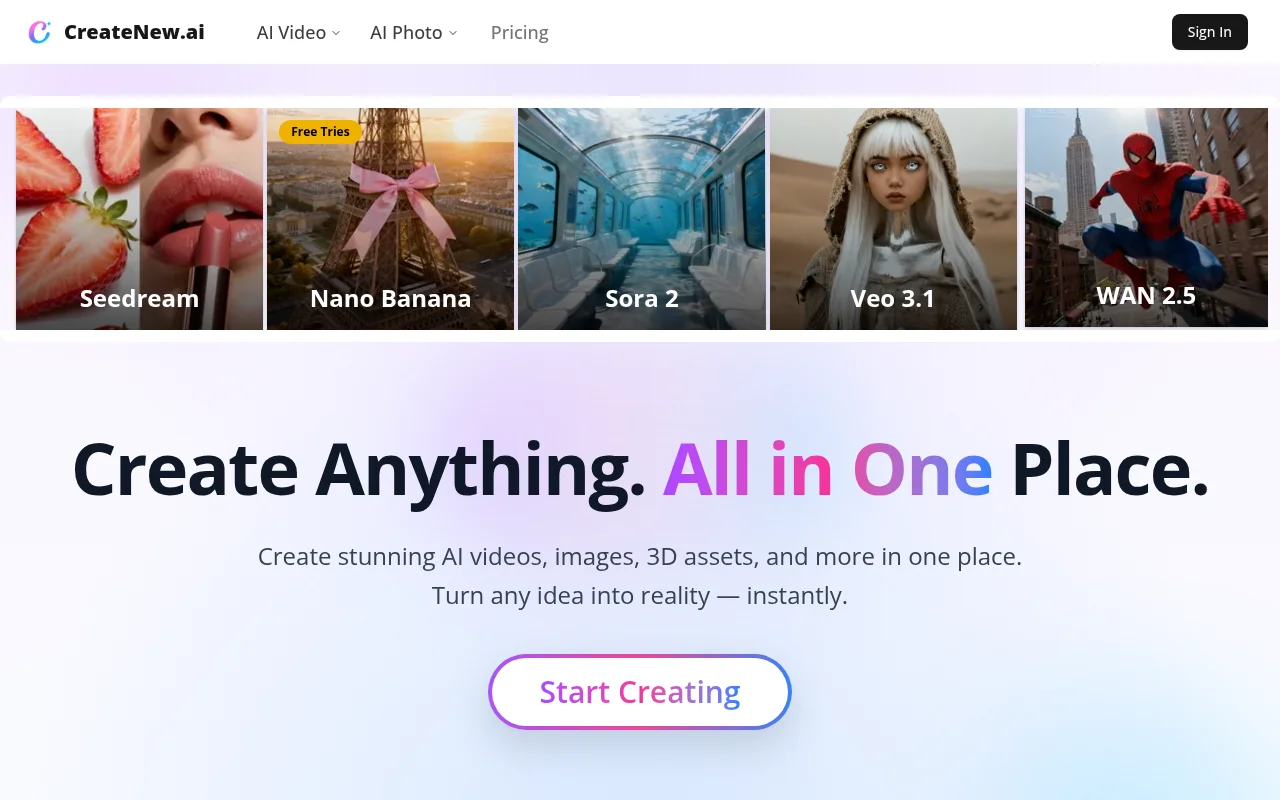
CreateNew is a one-stop AI creation platform that integrates advanced AI technology and can be used for the creation of videos, images, music and other content. Its main advantages include supporting a variety of top-level AI models, being able to create in a unified workspace, and being easy to operate and suitable for users of all levels. In terms of product background, it closely follows the development trend of AI technology and provides creators with convenient and efficient creative tools. Prices include a free trial and paid plans include commercial use. Product positioning is to serve content creators, marketers, designers, entrepreneurs, etc., helping them realize their creative ideas quickly and with high quality.
Demand group:
["Content creators: The platform provides rich AI creation tools and multiple model support, which can help content creators quickly transform ideas into high-quality videos, images and other content, improving creative efficiency and quality.", "Marketers: You can use the platform to create attractive product videos, images and other marketing materials, and use AI special effects and creative tools to enhance the attractiveness and uniqueness of the materials, thereby better promoting products and services.", "Designers: The platform supports a variety of top-level AI models, providing designers with more creative possibilities, helping them realize diverse design needs in a unified workspace and improving design efficiency.", "Entrepreneurs: can use the functions of the platform to quickly create videos, images and other content required for business, saving time and costs. At the same time, the platform payment plan includes commercial use rights to meet corporate commercial purposes."]
Example of usage scenario:
Content creators used CreateNew to generate a series of product promotion videos for social media promotion, which attracted a large number of users' attention.
Marketers used the platform's AI image creation tools to create exquisite e-commerce posters, which improved product conversion rates.
The designer used the multi-model creative engine on CreateNew to design a unique set of 3D artworks for exhibition display.
Product features:
AI video generation: Using advanced AI technology, it can quickly and intuitively transform various ideas into high-quality video content, covering various types such as movie scenes, animation shots, product videos, and short videos.
AI image creation and enhancement: With the help of AI tools, you can generate original works of art, portraits, e-commerce visual materials and 3D style renderings. You can also enhance existing photos to improve image quality.
Multi-model creative engine: Supports many leading AI models, such as Sora 2, Veo 3 1, Kling 2 1, etc. Users can use these models in a unified workspace to produce various visual effects.
AI video and image special effects: Provides powerful AI conversion functions that can be used for video generation, image enhancement, and creative special effects production, such as virtual try-on, 3D puppet generation, AI felt-style filters, etc.
Creative tools adapt to various workflows: from style conversion and 3D puppet creation to character portraits, fashion styling and artistic filter applications, they can transform any creative concept into exquisite content.
Usage tutorial:
Step 1: Visit the CreateNew website, register and log in to your account.
Step 2: According to the creative needs, select the corresponding creative tools, such as AI video generation, AI image creation, etc.
Step 3: If necessary, upload relevant photos or enter a text description to clarify your creative intentions.
Step 4: Select the appropriate AI model and creation parameters and start creating.
Step 5: Preview and adjust the generated content. If you are not satisfied, you can regenerate or modify it.
Step 6: After completing the creation, download or save the generated content for use in the desired scene.













