Dreamlux
Create stunning videos instantly with Dreamlux—no watermark, no hassle. Transform text or images into professional videos in seconds. Perfect for creators, marketers, and hobbyists.

English
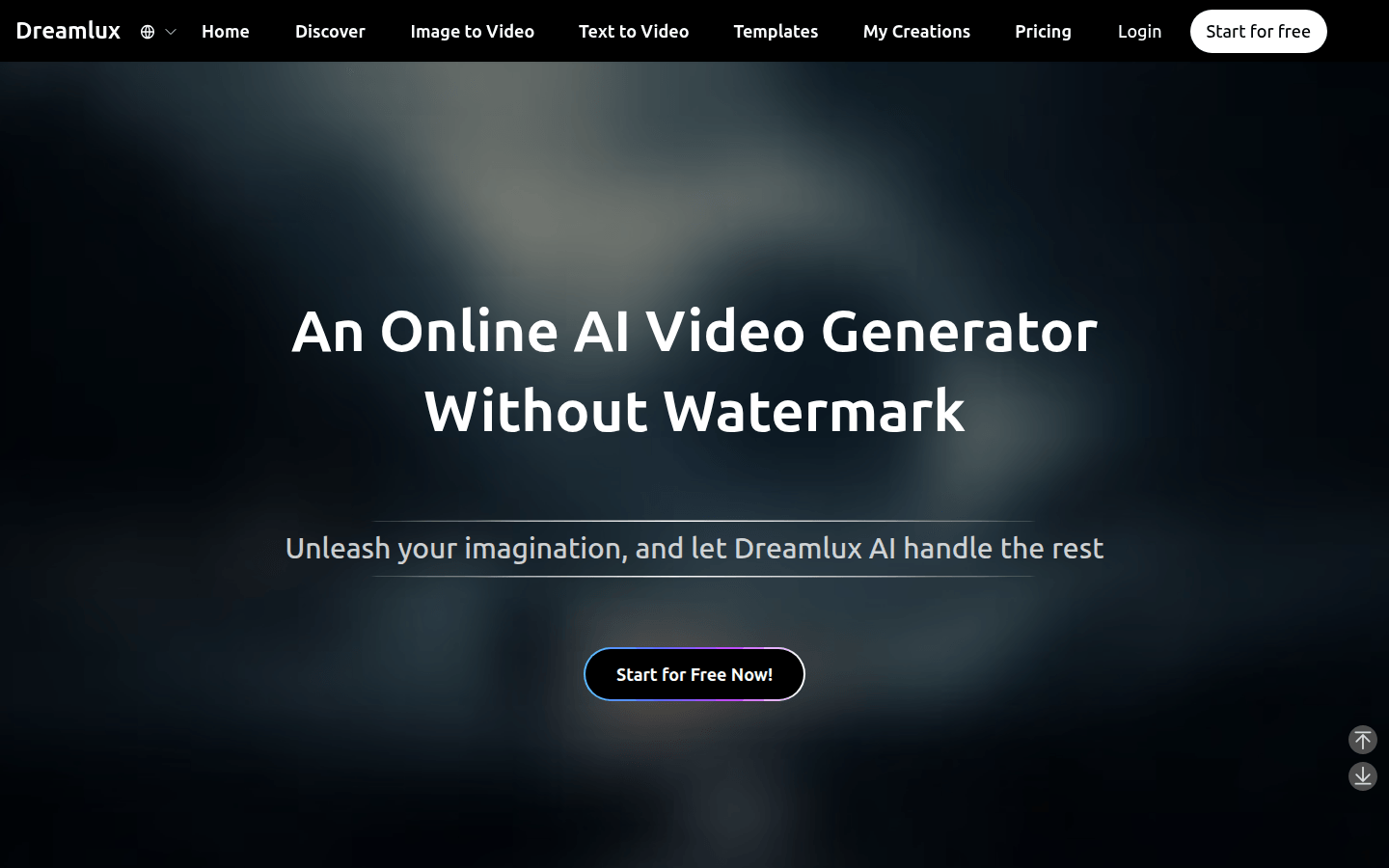
Dreamlux is an online AI video generator without adding watermarks. Its importance lies in making it easy for users to transform ideas into engaging videos. The main advantages include: no need for complex editing, just one click to generate high-quality videos; supports text to video and image to video; has rich preset templates to easily create videos of different styles; fast video generation and high output quality; friendly interface and no learning costs. In terms of product background, it aims to provide convenient video creation tools for different users. The price is positioned as free to use and is aimed at the majority of people with video creation needs.
Demand group:
["Content creators: For content creators, Dreamlux can help them quickly convert text content into video form, enrich the presentation of content, and attract more viewers. Whether they are bloggers, self-media people or video bloggers, they can use this tool to improve their creation efficiency and eliminate the tedious video editing process.", "Marketers: Marketers can use Dreamlux to generate attractive commercial promotional videos for product promotion, brand promotion, etc. Rapidly generating high-quality videos can respond to market needs in a timely manner, improve marketing effectiveness, and attract potential customers.", "Ordinary enthusiasts: Ordinary video creation enthusiasts can use Dreamlux to unleash their creativity and use rich templates and convenient operations to easily create interesting videos. Whether they are recording life, sharing hobbies, or expressing creative ideas, their needs can be met."]
Example of usage scenario:
E-commerce merchants can use Dreamlux to transform product descriptions into vivid videos for product promotion and promotion, increasing product appeal and sales.
Educators can input teaching content in text form and generate teaching videos to facilitate students' learning and understanding and enrich teaching resources.
Individual users can upload their own photos, use the image to video function to create memory videos, record the beautiful moments in life, and share them with relatives and friends.
Product features:
Text-to-video AI function: Users simply enter or paste script content, and the AI video generator can quickly convert text into engaging video content. Whether it's a blog post or a product description, text can be easily transformed into a vivid visual presentation, greatly saving time and energy in video production.
Image to video AI function: After users upload reference images, this function can convert static images into dynamic videos while maintaining scene consistency. Users can also add text prompts to customize video content, telling stories while retaining the original style of the image, giving the image new life.
Rich preset templates: The platform provides a wide range of preset templates, covering various types from realistic movie scenes to fantasy animation styles. These templates make it easier for users to create different styles of AI videos, and they can quickly produce distinctive videos even without professional design knowledge.
Fast video generation: Dreamlux ’s AI video generation algorithm is carefully optimized for extremely fast processing speeds. Users can complete video production in a short time, greatly improving creative efficiency and meeting urgent video production needs.
High-quality output: This product combines users' creativity with advanced AI technology, capable of generating high-quality videos with realistic scenes. These videos are very suitable for various professional purposes, such as business promotion, personal creation, etc., ensuring the professionalism and viewing quality of the videos.
User-friendly interface: Dreamlux ’s interface design is simple and easy to understand, even users without any video editing experience can easily get started. Users can start creating stunning videos immediately without spending time learning complex procedures.
Download without watermark: User-generated videos can be downloaded without watermark, making them easy to share and use on various platforms, ensuring the integrity and professionalism of the video.
Usage tutorial:
Step 1: Enter content. Users can choose to enter text, upload an image, or choose a preset template. If you choose text input, you only need to enter or paste the script; if you choose image upload, you need to provide a reference image; if you choose template, you can directly choose a suitable preset template to start creating.
Step 2: Generate video. After completing the content input, just click the one-click generation button, and the powerful AI will start processing the content provided by the user and quickly create a wonderful video that exactly matches the user's needs.
Step 3: Download and share. After the video is generated, users can preview the video in "My Creations". If you are not satisfied with the video effect, you can adjust the input content or regenerate it. Finally, users can download videos without watermarks and share them on any platform.













