Elf on the Shelf Generator
Create magical Elf on the Shelf content instantly with our free AI generator.

English
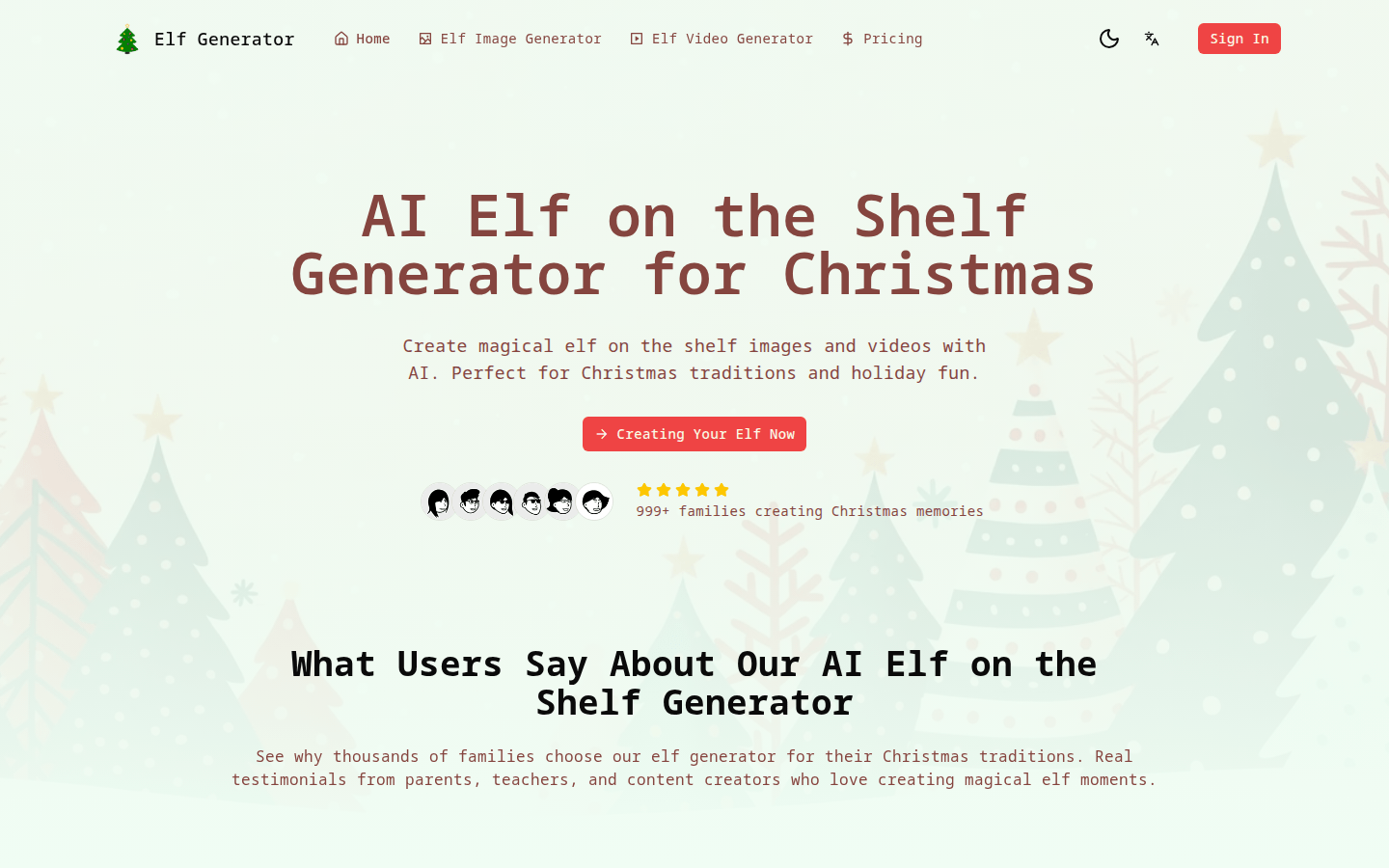
AI Elf on the Shelf Generator is a website product based on advanced AI technology designed specifically for the Elf tradition during the Christmas season. Its importance lies in providing users with a convenient, efficient and creative way to create elf-related content to meet people's entertainment and traditional needs during the Christmas season. The main advantages include advanced AI technology, which can accurately understand Christmas themes and elf behaviors, and generate more realistic and magical images and videos; free to use and no watermark; multiple generation modes to adapt to various elf creativity; instant content generation, no need to wait; the generated content is high-definition and printable. This product is positioned as a tool for home users to create beautiful memories at Christmas. It provides core functions for free to meet the needs of users to add a joyful atmosphere at Christmas.
Demand group:
["Family users: For families, Christmas is an important holiday of the year. This product can help them easily create images and videos related to elves, adding a festive atmosphere to the family and leaving beautiful memories. For example, parents can use the generated content to interact with their children and experience the joy of Christmas together.", "Teachers: In school Christmas activities, teachers can use the elf content generated by this product to enrich teaching, stimulate students' interest and creativity, and allow students to better understand and experience Christmas culture.", "Content creators: Content creators can use the product's multiple functions and rich resources to quickly generate high-quality Christmas elf content for sharing on social media, blogs and other platforms to attract more attention and traffic."]
Example of usage scenario:
During Christmas, families use this product to generate elf images and videos to share with their children, adding to the festive atmosphere.
Teachers use the generated elf content to create courseware and carry out interesting teaching activities during the school's Christmas activities.
Content creators use this product to create unique Christmas elf videos and post them on social media to attract a large number of fans.
Product features:
Free AI Elf Image Generator: Users can use free AI technology to instantly generate stunning elf images. These images include realistic Christmas elf photos, various elf poses, and magical elf scenes, which are very suitable for traditional holiday activities and social media sharing.
AI elf video creator: Users can convert their elf creations into animated videos for free. The videos contain dynamic elf images, wonderful Christmas stories, and rich holiday content, adding a vivid atmosphere to elf traditions with professional quality.
Multiple elf generation modes: Provides text-to-elf image, image-to-elf video, and custom elf pose modes. Whether the user has a simple elf pose idea or a complex holiday scene idea, this generator can adapt well.
Instant elf content generation: No need to wait in line or make complicated settings, users can get elf images and videos in just 30 seconds, quickly preparing professional Christmas content for the holidays.
HD quality sprite images and videos: Every sprite image and video generated is HD quality and ready to print. The images feature perfect lighting effects, realistic elf details and an authentic Christmas atmosphere, making them perfect for use on elf-related prints and decorations.
Extensive elf ideas and templates: Users have access to hundreds of elf ideas and templates, using these resources to create unique Christmas elf scenes, wonderful holiday stories, and unforgettable magical memories that the whole family will be immersed in during the holiday season.
Usage tutorial:
Step 1: Visit the website https://elfontheshelfgenerator.com/ and open the AI Elf on the Shelf Generator.
Step 2: Choose the corresponding function according to your needs, such as sprite image generator or sprite video generator.
Step 3: If you choose the sprite image generator, you can enter a relevant text description or select a custom sprite pose mode, and then click the Generate button.
Step 4: If you choose the Genie Video Generator, you can upload relevant images, or select the text-to-video mode, enter the relevant description and click Generate.
Step 5: Wait less than 30 seconds to get the generated sprite image or video.
Step 6: You can preview the generated content. If you are satisfied, you can directly download and save it for printing or sharing.













