Free AI Sora Watermark Remover
Remove Sora watermarks easily with free AI tool. Perfect for creators and editors.

English
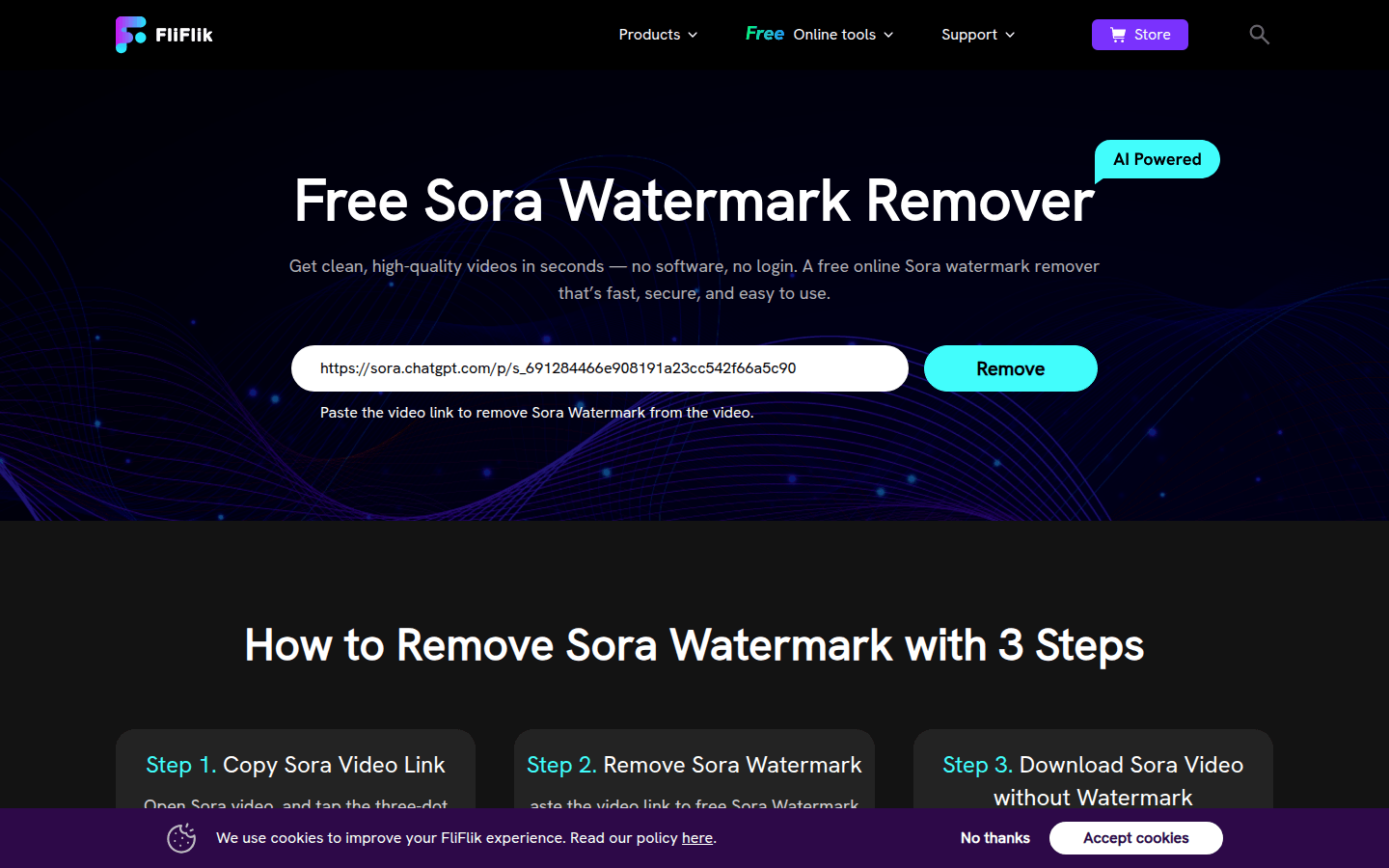
Free AI Sora Watermark Remover is a free online tool designed to help users remove watermarks from Sora videos easily. The tool uses advanced AI technology, combined with features such as motion tracking, lighting analysis, and smart masking, to accurately identify and remove watermarks. Its importance lies in the fact that it helps creators improve the quality and professionalism of their videos, making them more attractive on platforms such as social media. The main advantages of the product include easy and fast use, no need for software downloads and logins, and the ability to maintain the original quality of the video. In terms of price, it is completely free to use. Its positioning is to provide Sora video creators and editors with efficient and safe watermark removal solutions.
Demand group:
["Sora Video Creator: After creators use Sora to generate videos, watermarks may affect the overall effect and professionalism of the videos. This tool can help them easily remove watermarks, improve video quality, and make the works more attractive on platforms such as social media.", "Video Editors: When editors process Sora video materials, watermarks may interfere with editing work. Using this watermark remover, they can quickly remove watermarks, improve work efficiency, and focus on the creation of video content.", "Social media content creators: For users who share videos on social media, videos without watermarks can better attract the attention of viewers. This tool allows them to easily obtain Sora videos without watermarks, enhancing the dissemination of content."]
Example of usage scenario:
A short video creator used Sora to create a promotional video, but the watermark affected the overall effect. After using this tool, the watermark was quickly removed and the video gained more attention on social media.
An advertising company used Sora materials when producing advertising videos. The watermark remover removed the watermarks, making the advertising videos more professional and improving the company's image.
A freelance video editor processes Sora videos for a client. Using this tool saves a lot of time and improves work efficiency. The client is very satisfied with the video effect without watermark.
Product features:
Download Sora videos without watermarks: The tool uses advanced motion tracking and lighting analysis technology to reconstruct areas blocked by Sora watermarks. Preserves fine edges despite motion blur while preserving film grain for a consistent texture, ensuring downloaded videos retain their original look and quality.
Remove Sora watermarks with one click: This tool combines automatic tracking and smart masking to accurately erase watermarks without affecting surrounding details. It automatically adapts to changes in movement and lighting to ensure clean removal in different scenarios. Users can also save presets by aspect ratio, making future Sora watermark removal jobs faster and more consistent.
Optimized to handle dynamic Sora watermarks: Unlike simple frame-based tools, this AI Sora 2 watermark remover is optimized for Sora’s dynamic watermarks. These watermarks often change brightness, transparency, and position from frame to frame, and the model is able to track these subtle movements in real time and reconstruct background pixels through adaptive texture synthesis, ensuring that even if the watermark moves or fades in motion, the removal effect remains clean and consistent.
Retain full quality after watermark removal: Many creators feel that Sora's default watermark makes videos look incomplete or distracting, disrupting visual flow and reducing the professional feel of the content. Use Sora Watermark Remover to remove watermarks without losing any quality, ending up with a clean, polished video that makes it more credible on social media platforms.
Easy and fast operation: the tool runs in an online browser without downloading any software. Users only need to copy the Sora video link, paste it into the tool, click the remove watermark button, and the process will be completed and the watermark-free video will be downloaded in a few seconds.
Usage tutorial:
Step 1: Copy Sora video link. Open Sora Video, click on the three-dot menu, then click on the "Copy Link" button.
Step 2: Remove Sora watermark. Paste the copied video link into the free Sora watermark remover and click the "Remove Sora Watermark" button.
Step 3: Download Sora videos without watermark. After the processing is completed, you can preview and download the Sora video without watermark.













