Free Nano Banana Prompts
Free Nano Banana Prompts for AI image and video creation. Perfect for beginners and pros.

English
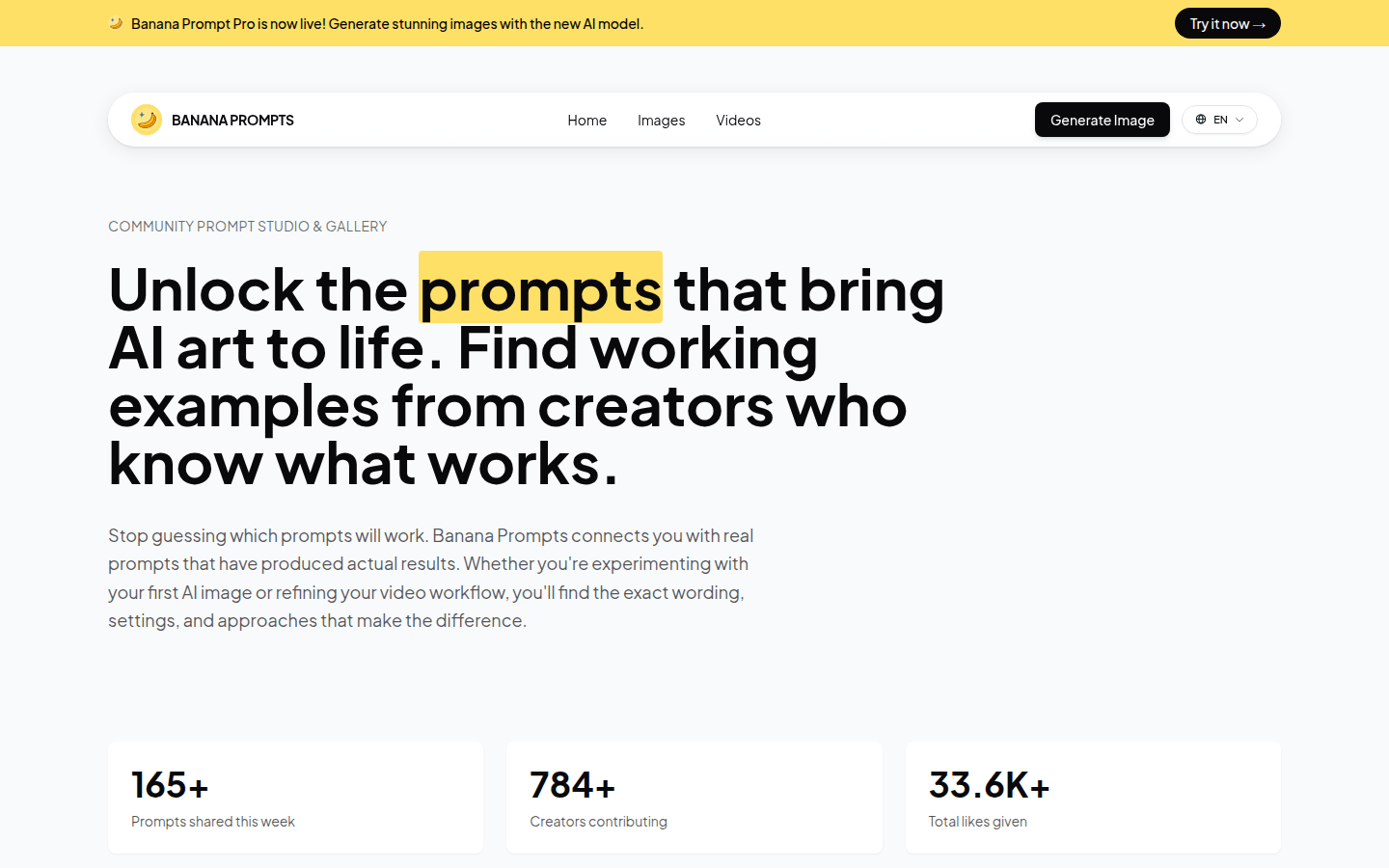
Banana Prompts is a website that provides AI prompt templates. Its importance lies in providing users with tested AI prompts to help users generate high-quality images and videos. The main advantages include free use, tips for a variety of AI models, examples with practical effects, etc. The product background is to meet users' needs for effective prompts when using AI to generate images and videos. In terms of price, it's completely free. Positioning is a platform that provides practical tips for beginners and advanced users of AI image and video generation.
Demand group:
["AI image beginners: For users who are new to AI image generation, Banana Prompts provides proven prompt templates to help them get started quickly and avoid the difficulty of groping for prompts on their own.", "Video creators: Video creators can use the tips provided by the website to optimize the effect of video generation, improve work efficiency, and obtain better creative results.", "Professional designers: Professional designers can get new inspiration and creativity from the community, enrich their own design ideas, and learn from tips and tricks from other creators to improve design quality.", "AI enthusiasts: Fans interested in AI technology can explore different AI models and tips on the website, and gain an in-depth understanding of the principles and methods of AI-generated images and videos."]
Example of usage scenario:
Users who want to generate an urban reflection image with dramatic light and shadow can find the "Urban Reflection in Dramatic Light" prompt on the website, copy and apply it directly, and quickly get the desired effect.
When making fashion-related videos, video creators should refer to the "Honey & Fire" tips to provide inspiration for the character design in the video and make the video more beautiful.
Designers need to create artistic portraits of men, using the "Black & White" prompt to transform ordinary images into black and white artistic portraits with a sense of depth and elegance.
Product features:
Provides a wealth of AI prompt templates: The website has a large number of tested AI prompt templates, covering various AI models such as Nano Banana, Sora 2, Veo 3, etc., providing users with diverse choices.
Display community shared content: Users can see tips and generated works shared by other creators in the community, get inspiration and learn effective tips and techniques.
Support image and video generation: not only can be used for AI image generation, but also suitable for video generation workflow to meet the needs of different users.
Detailed prompt information is provided: Each prompt contains specific wording, settings and methods, so users can copy and adapt them to their own projects without guessing.
Convenient for users to copy and adapt tips: Users can easily copy tips from the community, make appropriate modifications and adjustments according to their own needs, and quickly apply them to actual creations.
Display popular works and tips: Timely display of works and tips that have attracted attention in the community, allowing users to understand the current popular creative directions and effective tips.
Promote communication among creators: Through community functions, creators can communicate and share experiences with each other to jointly improve the level of AI creation.
Usage tutorial:
1. Visit the website: Open the browser and enter the URL https://bananaprompts.com to enter the Banana Prompts website.
2. Browse tips: Browse various tips and works in the website's community to find tips that meet your needs.
3. Copy the prompt: Click the copy button next to the prompt to copy the prompt content to the clipboard.
4. Adjust the prompts: Modify and adjust the copied prompts appropriately according to your specific needs.
5. Apply tips: Apply the adjusted tips to the corresponding AI image or video generation tool to generate the work.
6. Share and communicate: If you are satisfied with your work, you can share it with the community to communicate and interact with other creators.