God Mode AI
Generate pro game sprites and animations instantly with AI—no art skills needed. Perfect for indie developers.

English
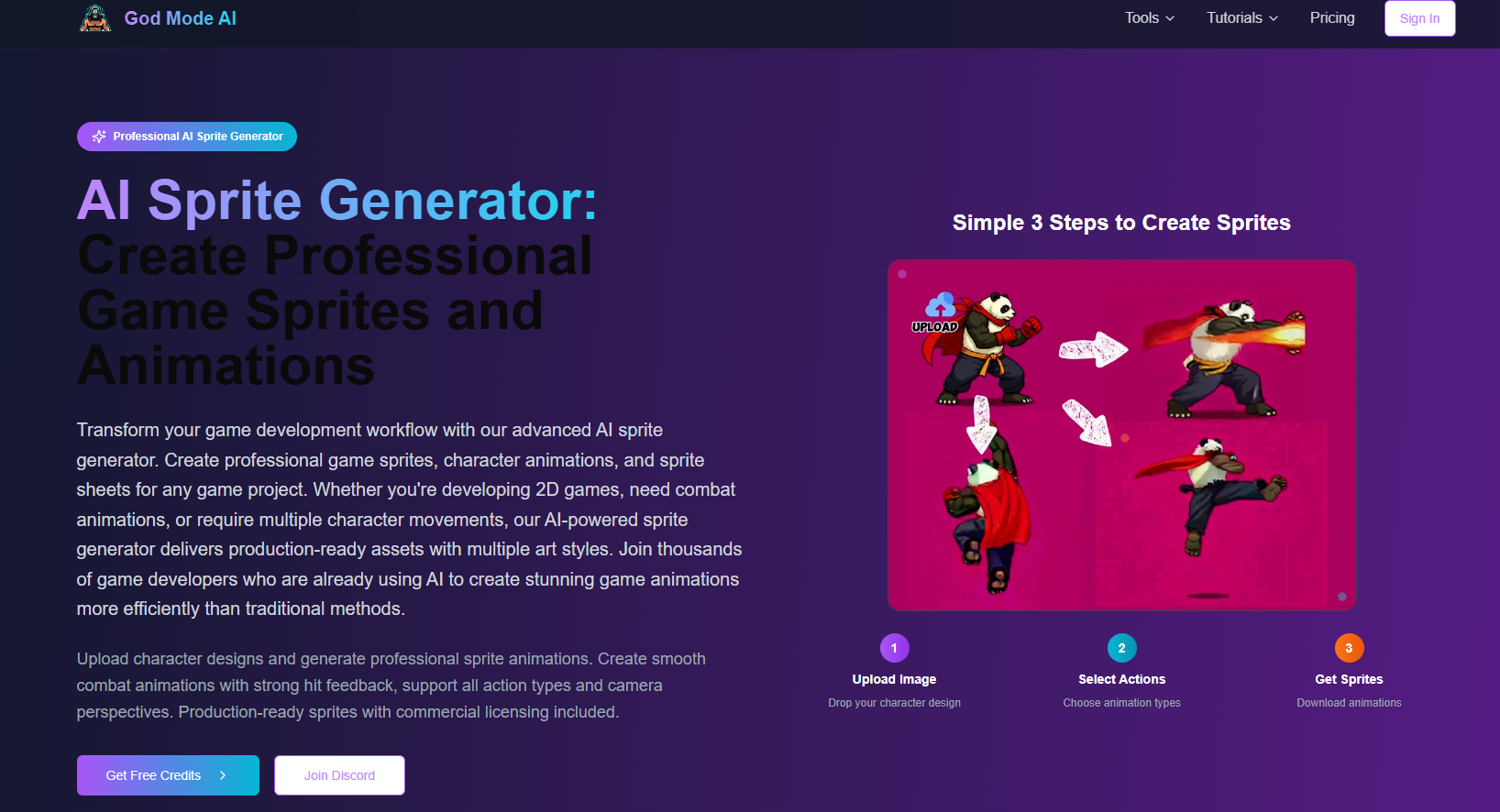
AI Sprite Generator is an advanced tool designed to help game developers quickly generate high-quality game sprites and animations. This product does not require users to have painting or animation skills. Users only need to upload character designs to generate professional-level game animations in a variety of styles. Its commercial license also allows developers to freely use the generated resources in commercial projects. This tool greatly improves the efficiency of game development and is especially suitable for independent developers and small teams. Product prices are divided into pay-per-use and subscription, and users can choose flexibly according to their needs.
Demand group:
"This product is particularly suitable for independent game developers and small development teams, as it provides an efficient sprite generation solution that reduces dependence on art resources and allows developers to devote more energy to the core development of the game."
Example of usage scenario:
The battle animation generated after uploading the character design.
Create a character walking animation in multiple directions.
Convert 2D characters into 3D models and animate them.
Product features:
Upload your character design and easily generate a variety of animations.
Supports multiple animation types, including combat and character movement.
Provides output in a variety of artistic styles to adapt to different game needs.
Generates action animations in 8 directions, suitable for RPG and strategy games.
No artistic skills required, anyone can get started quickly.
A commercial license is included and the generated resources can be used in commercial projects.
Supports high-quality export to game engines such as Unity and Godot.
Through the community sharing function, you can learn from the creative experiences of other users.
Usage tutorial:
Visit the website and create an account.
Upload an image of your character design.
Select the type and style of animation you want to generate.
Click Generate and wait for AI to process and generate animation.
Download the generated animation and import it into your game project.