GPT Image 1.5 AI
Generate high-quality images from text with GPT Image 1.5 AI—fast, easy, and free trial available.

English
GPT Image 1.5 AI image generator relies on Google's GPT Image 1.5 model to pursue higher image quality and faster speed, and reduce computing power costs. This product is positioned to help users quickly generate beautiful images from text, and is suitable for creative design, e-commerce marketing and other fields. Its main advantages include extremely fast generation, high-quality output, simple operation, and multi-platform adaptation. In terms of price, a free trial with a quota is provided, and users can upgrade to a paid plan at any time to unlock higher quotas and advanced features.
Demand group:
["Digital artists and designers: They need to quickly convert ideas into visual works. The product's extremely fast generation and high-quality output characteristics can meet their requirements for efficiency and quality, helping them create stunning concept art, illustrations and visual designs for their projects.", "E-commerce practitioners: In the field of e-commerce, a large number of product models, lifestyle images and store visual content are needed. GPT Image 1 5 can quickly generate these images, enhance the attractiveness of the store and the display effect of goods, and promote sales.", "Marketing and advertising staff: Creating eye-catching visual materials for events, social media and advertising is their main job. The product is easy to use and can generate high-quality images based on short prompt words, helping them quickly complete the production of promotional materials and improve work efficiency.", "Game developers: In games and creative projects, they need to design characters, scenes and assets. The powerful functions of GPT Image 1 5 can meet their needs for diverse and high-quality images, adding rich visual effects to games.", "Ordinary creative enthusiasts: Even if they have no technical background, they can use this product to generate pictures through simple prompt words to meet their creative expression needs and enjoy the fun of creation."]
Example of usage scenario:
Digital art field: Creators use this product to create character design sheets for animation projects, automatically arranging front, side, back view, expression and posture parts, saving a lot of design time.
E-commerce industry: E-commerce merchants use this product to generate lifestyle pictures of products and store visual content, which improves the display effect of products and attracts more customers.
Marketing activities: Marketers create eye-catching posters for social media activities. By entering short prompt words, they can quickly generate high-quality images and improve the promotion effect of the event.
Product features:
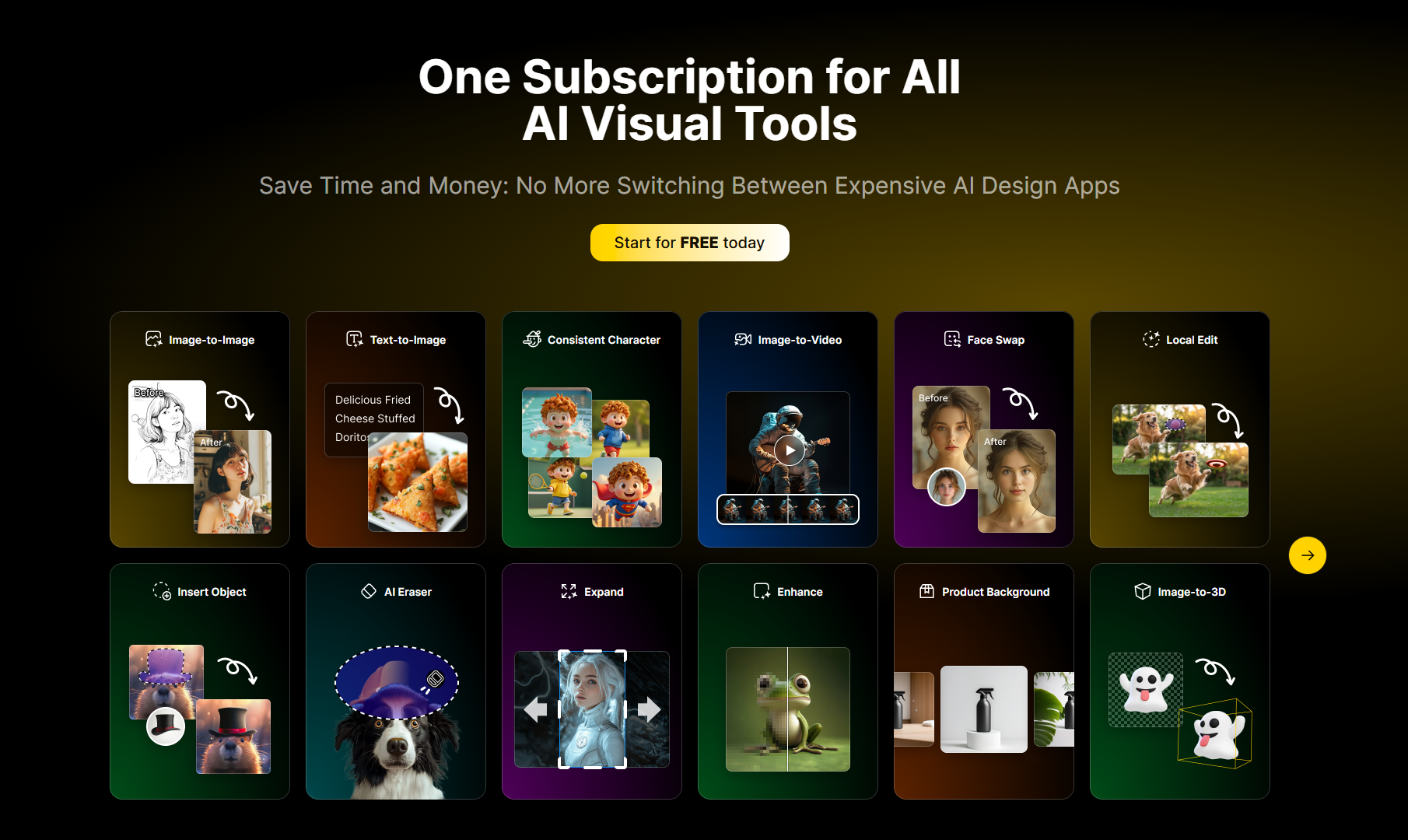
Vincent picture function: Users can let their imagination run wild by inputting prompt words described in natural language, and let GPT Image 1.5 transform text ideas into high-quality and beautiful pictures in a few seconds.
Picture-generating function: supports users to upload pictures, and then modify, expand or style the pictures based on the input prompt words to meet diverse image creation needs.
API access function: Developers can use API to integrate the image generator into their own applications or systems to achieve personalized image generation services and improve development efficiency.
Diverse output formats: Common output formats such as PNG and JPEG are provided for users to choose, allowing users to flexibly adjust according to different usage scenarios and needs.
Optional output size: Users can specify a variety of different output sizes such as 1:1, 3:4, 9:16, etc. based on actual needs based on Auto's automatic size selection to ensure that the generated images meet the usage requirements.
Historical record saving: The system will save the historical record of image generation for logged-in users, so that users can view, download again, or refer to previously generated images at any time to improve the consistency of creation.
SEO friendly: The generated images are lightweight and web-optimized, which helps improve page speed and SEO performance, allowing web pages to achieve better ranking and display effects in search engines.
Multi-platform adaptation: The generated images can be seamlessly applied to websites, social media, advertisements, and various design platforms without additional adjustments, saving users time and energy.
Usage tutorial:
Step 1: Visit the website. Open the browser and enter the URL https://gptimage15.ai/zh to enter the homepage of the GPT Image 1.5 AI image generator.
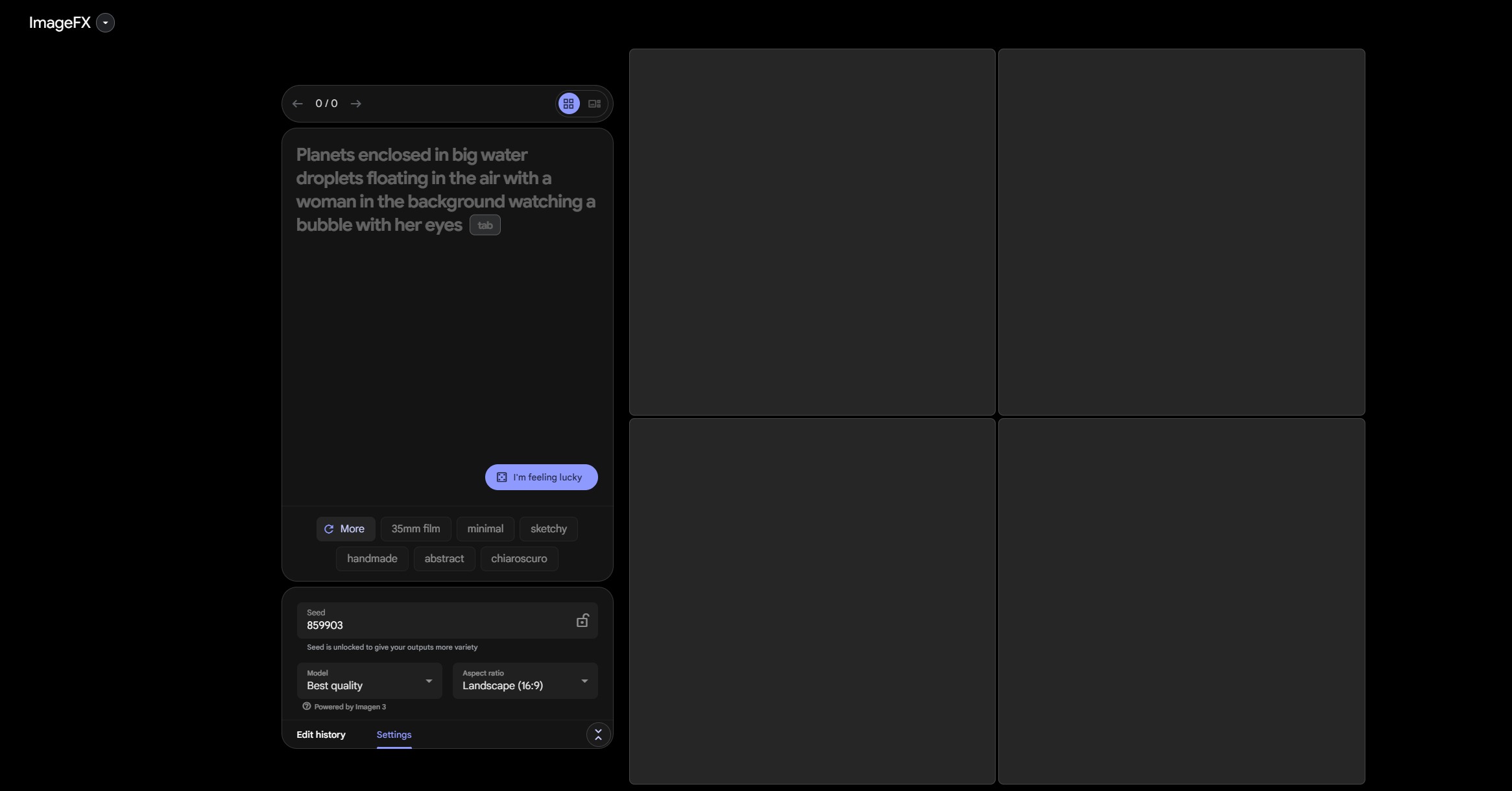
Step 2: Enter the prompt word. In the input box on the home page, use natural language to describe the image idea you want to generate. You can use your imagination as much as you want. The more detailed the description, the more likely the generated image will be in line with your expectations.
Step 3: Select a configuration. Select creative configurations such as image model, output format (such as PNG, JPEG), and output size (such as 1:1, 3:4, etc.) as needed.
Step 4: Start generating. Click the "Start Generating" button and the GPT Image 1.5 model will process your prompt words and generate high-quality images in seconds.
Step 5: Download and use. After generating the image, click the download button to save the image to your local device, which can be used in various scenarios such as web pages, social media, and printed matter.