GPT Image 1.5 Generator
Create stunning images fast with GPT Image 1.5—4x faster, smarter, and more powerful for marketing, e-commerce, and design.

English
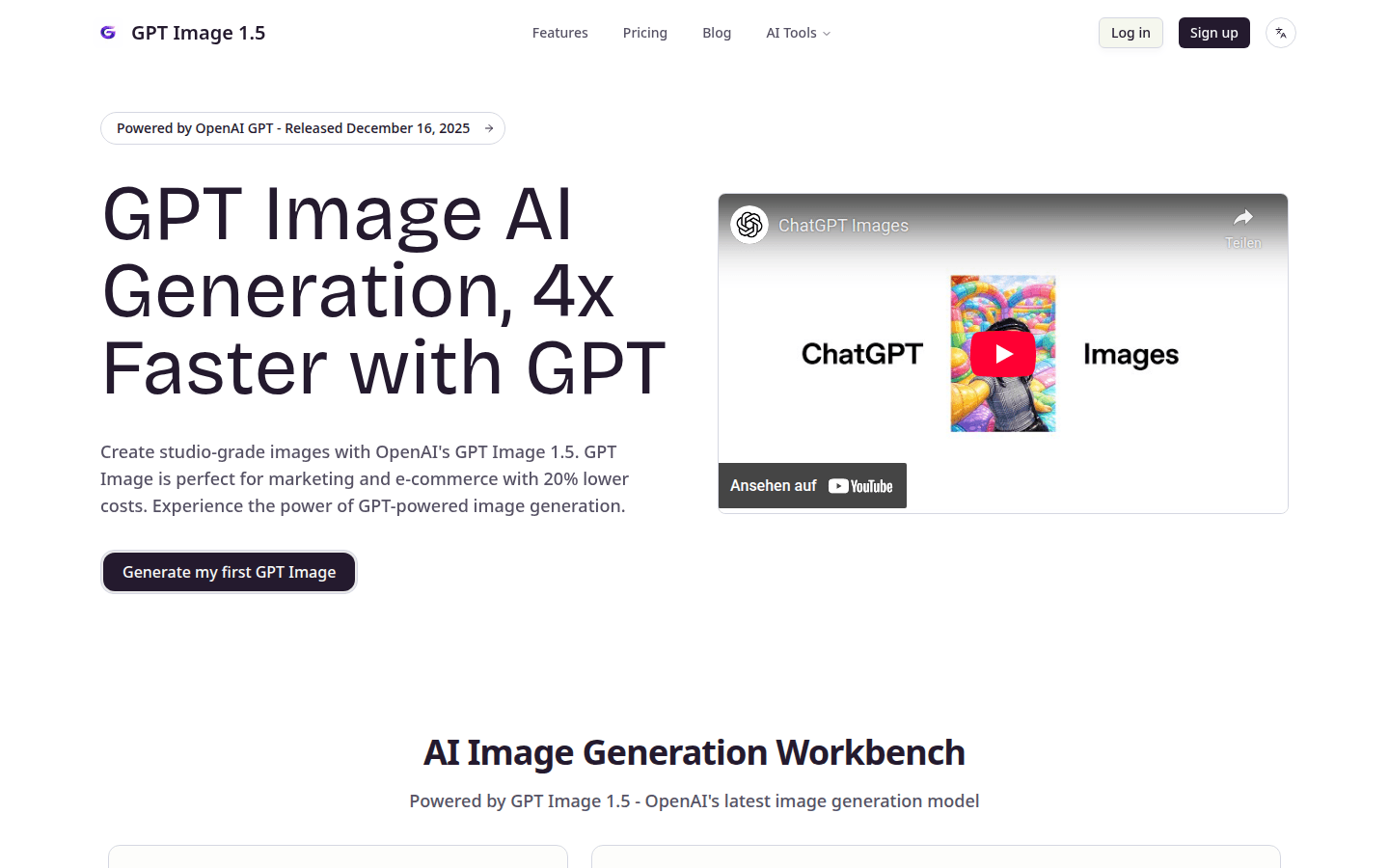
GPT Image 1.5 is the latest image generation model released by OpenAI on December 16, 2025. It is based on GPT technology and is 4 times faster than GPT Image 1 in performance, enabling rapid iteration and real-time creative workflow. Its importance lies in bringing more efficient, more accurate and more powerful solutions to the field of image generation. This model has precise prompt following capabilities, powerful editing functions, excellent text rendering effects, etc., and is suitable for marketing and e-commerce fields. In terms of price, the cost is 20% lower than that of GPT Image 1, and it can provide high-quality image generation services without increasing the budget too much.
Demand group:
["Marketers: GPT Image 1.5 can help them quickly create high-quality marketing images, suitable for various marketing activities and promotional materials. Its precise prompt following capabilities and professional editing functions can meet marketers' various creative needs for images, while reducing costs and improving marketing effects.", "E-commerce practitioners: For e-commerce practitioners, this model can be used to shoot and display product images, generate attractive product images, and improve product display effects and sales conversion rates. Its efficient image generation speed and powerful editing functions can meet the e-commerce platform's requirements for image quantity and quality.", "Creative designers: Creative designers can use GPT Image 1.5’s powerful functions to realize your own creative ideas. The diverse functions of the model, such as text rendering, style conversion, etc., provide designers with more creative possibilities and help them create unique design works. "]
Example of usage scenario:
Marketing event posters: Marketers can use GPT Image 1.5 to quickly generate attractive posters based on event themes and requirements, containing clear text information and exquisite image elements to improve the promotional effect of the event.
E-commerce product pictures: E-commerce practitioners can use this model to generate high-quality product pictures, display product details and features, attract consumers' attention, and improve product sales conversion rates.
Creative design works: Creative designers can use the various functions of GPT Image 1.5 to realize their own creative ideas, such as creating comics, drawing technical drawings, etc., to create design works with a unique style.
Product features:
Extremely fast image generation: The image generation speed of GPT Image 1.5 is 4 times faster than that of GPT Image 1. It can generate images in a short time, greatly improving work efficiency, allowing creative staff to complete image creation in a shorter time, achieving rapid iteration and real-time creative workflow.
Precise prompt following: This model uses advanced GPT algorithms to accurately understand and execute complex multi-step prompts, maintaining the consistency of faces, textures, lighting and composition during the image generation process, ensuring that the generated images meet the user's expectations.
Professional image editing: Provides professional-level image editing functions with precise control capabilities. Its advanced internal and external painting capabilities, powered by GPT technology, are ideal for marketing and e-commerce workflows, enabling fine modifications and beautification of images.
High-quality text rendering: Produce clear and readable text in images, suitable for posters, logos, product labels, marketing materials and more. It supports multiple fonts and languages and has accurate typesetting effects, allowing users to easily add text information to images.
Image style transfer: Ability to style transfer, background replacement, and subject modification of reference images while retaining key visual elements. During the conversion process, the high quality of the image is always maintained, providing users with diverse image creation options.
Usage tutorial:
1. Visit the official website of GPT Image 1.5 https://gpt-image15.com.
2. Select the appropriate generation mode, such as text-to-image or image-to-image.
3. Enter a detailed image description in the prompt box, such as scene, character, style and other information.
4. Select image size and other settings as desired.
5. Click the Generate button and wait for the model to generate images.
6. If the build fails, you can try switching to another level and try again.
7. Edit and adjust the generated image until it meets your needs.













