GPT Image 2 — Turn Words into Stunning Images
Create stunning images from text with GPT Image 2—fast, high-res, and full of creative possibilities.

English
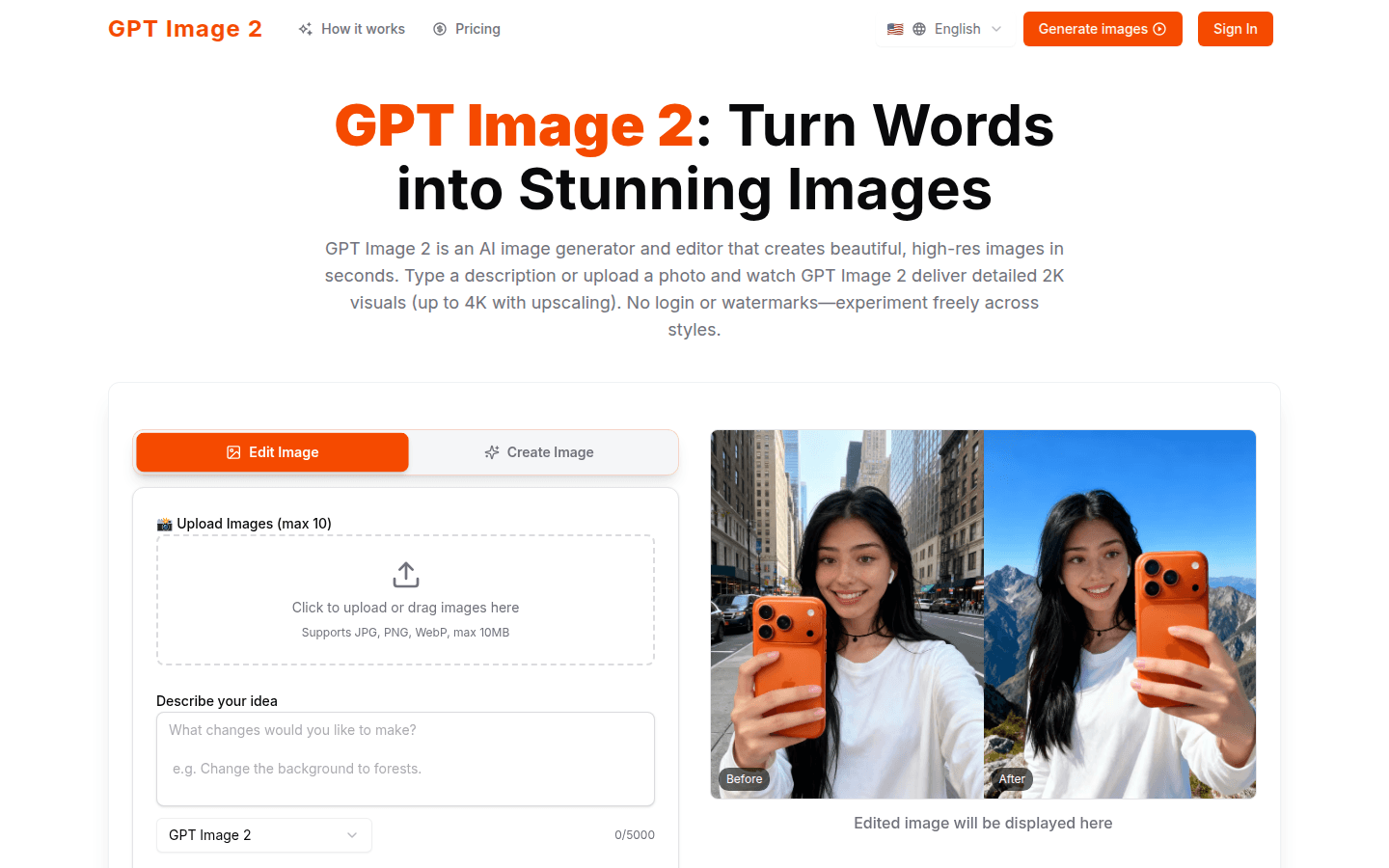
GPT Image 2 is an AI image generation and editing platform that can transform text descriptions or photos into beautiful high-resolution images. It is positioned to provide creators with fast, high-quality image generation and editing services. The main advantages of the product include: supporting natural language editing, which means users can describe their needs in the same way as daily communication; having 2K basic output, and optional 4K super-resolution to meet different quality requirements; being able to maintain the consistency of characters and styles, suitable for series creation; supporting multi-image fusion and style migration, increasing creativity; fast generation and supporting retry, improving efficiency. In terms of price, a free trial is available, and paid packages are also available.
Demand group:
["Creators: including illustrators, designers, photographers, etc., who need to quickly generate high-quality images to meet project needs. GPT Image 2's natural language editing and rapid generation functions can help them save time and improve creative efficiency. At the same time, its multi-image fusion and style transfer functions can bring them more creative inspiration.", "Marketers: When producing marketing materials such as advertisements and brochures, high-quality images are needed to attract customers. GPT Image 2's high-resolution output and character style consistency functions can ensure the quality of images and the unity of brand image. ", "Content creators: such as bloggers, social media operators, etc., need to continuously publish attractive image content. GPT Image 2's quick generation and free trial functions can help them obtain high-quality images at a lower cost and enhance the attractiveness of their content. "]
Example of usage scenario:
When advertising companies produce product promotion posters, they use GPT Image 2 to generate creative and high-quality product images to improve the promotion effect.
When designing game characters and scenes, the game development team uses GPT Image 2's character and style consistency function to ensure the overall coordination of the game screen.
When self-media bloggers write articles, they use GPT Image 2 to generate images related to the content of the article to enrich the visual effect of the article.
Product features:
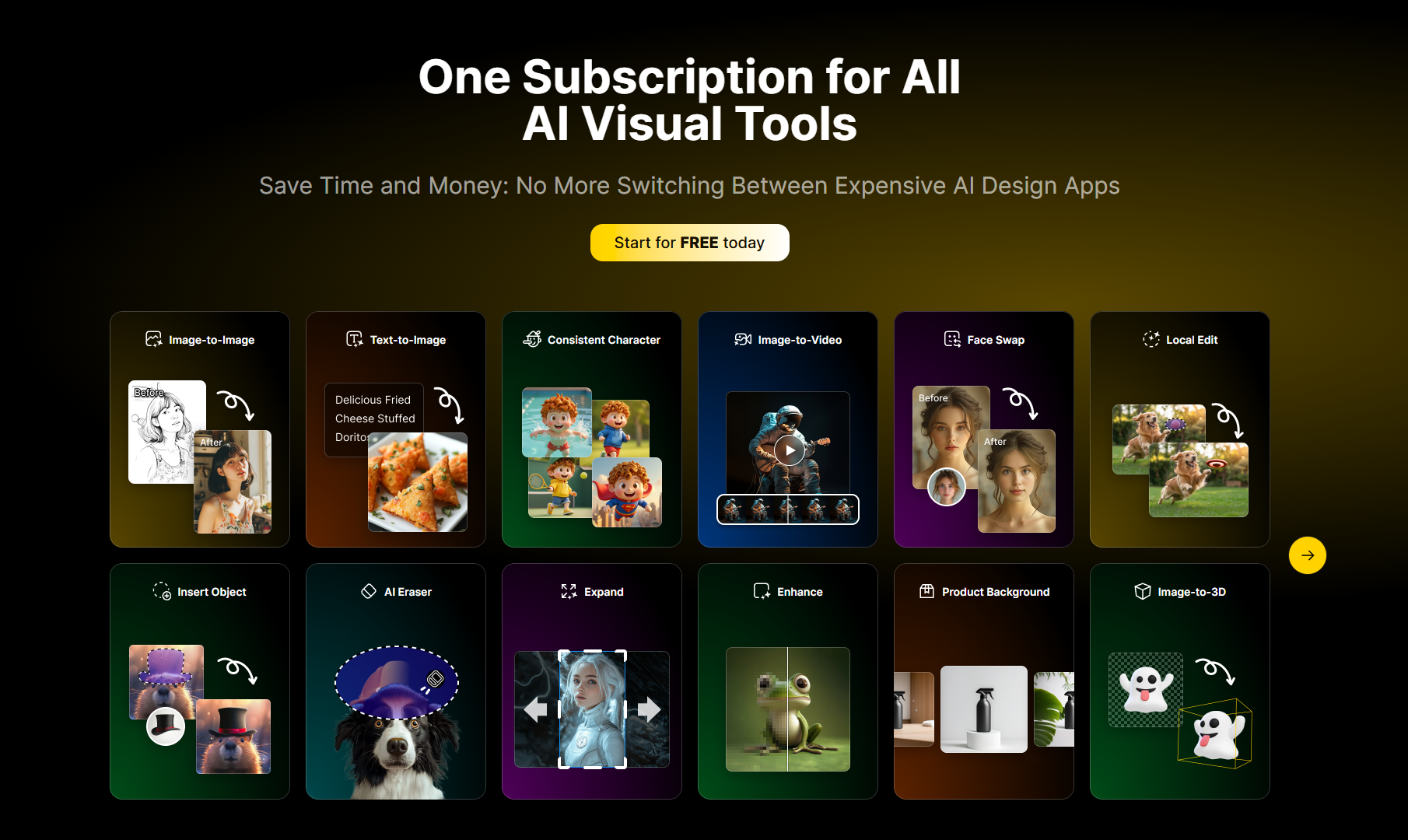
Natural language editing: Users can use natural language to describe image generation or editing needs without complex commands or codes. They can express ideas as easily as in daily conversations, and the system will generate or modify images based on the description.
2K basic output and 4K super resolution: The product outputs 2K resolution images by default, and also provides the option of 4K super resolution. This makes the generated images not only rich in details, but also able to meet scenes with high image quality requirements such as printing.
Character and style consistency: When creating a series of images, you can lock the character's facial features, object appearance, etc. to ensure that the character and style remain consistent under different scenes, poses, clothing, and lighting conditions, suitable for the production of storyboards, mascots, or series of advertisements.
Multi-image fusion and style transfer: elements of multiple reference images can be fused together, or a style can be applied to another image. For example, convert daytime photos into a noir style, or seamlessly blend portraits with landscapes, bringing more creativity and possibilities to your creations.
Fast generation and retry: Image generation is fast and results can be obtained in a short time. If you are not satisfied with the generated image, you can quickly retry, saving time and energy and improving creative efficiency.
Smart Editing Mode: When editing an image, the system respects the subject in the image, intelligently filling in depth and redesigning. For example, you can maintain the overall coherence and authenticity of your image when adjusting colors, removing objects, or changing lighting.
Multi-language support: The website supports multiple languages, including English, Korean, Japanese and Portuguese, etc., making it convenient for users in different regions to use.
Usage tutorial:
1. Visit the website: Open the browser and enter the URL https://www.gptimage2ai.com to enter the official website of GPT Image 2.
2. Select an operation: You can select the "Create Image" or "Edit Image" function.
3. Create an image: If you choose to create an image, you can do it in two ways. The first is to enter a text description of the image, and describe in detail the image content, style, color and other information you want in the description box; the second is to upload relevant reference pictures, supporting JPG, PNG, and WebP formats, with a maximum file size of 10MB.
4. Edit images: If you choose to edit images, upload the images that need to be edited, and then use natural language to describe the editing needs, such as adjusting colors, removing objects, changing lighting, etc.
5. Select a style: When generating or editing images, you can choose a preset style, such as cartoon style, 3D model, oil painting style, science fiction style, etc.
6. Generate and view: Click the Generate button and wait for the system to quickly generate or edit the image. Once generated, the final image can be viewed and downloaded.