hq0
Empower your team with secure, branded meetings. Boost credibility, efficiency, and control. Start free today.

English
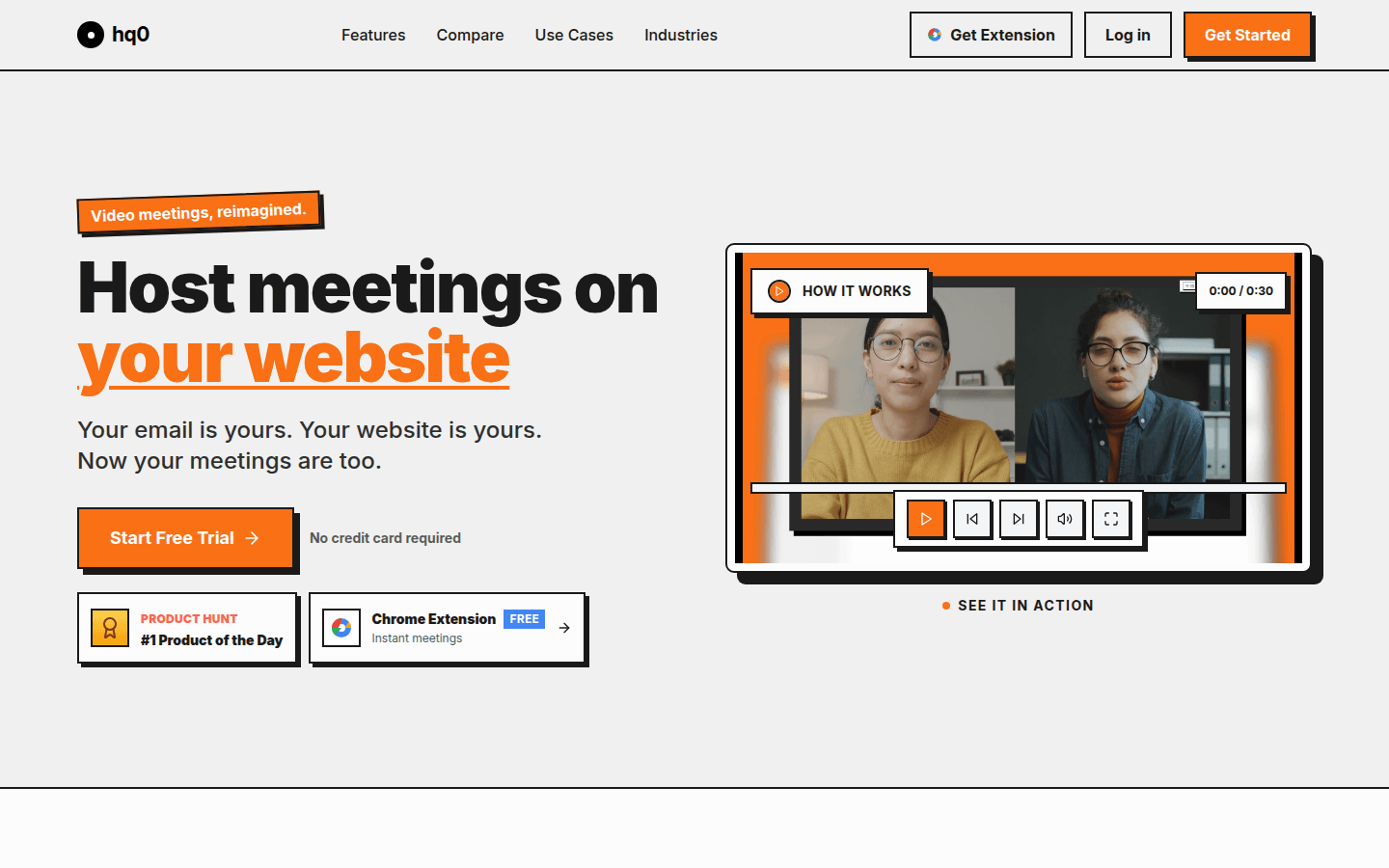
hq0 is a conferencing platform built specifically for customer-facing teams. Its importance lies in providing enterprises with safe, professional and efficient conferencing solutions. Key advantages include: meetings can be held on your own domain name to enhance your brand image; notes can be automatically sent from your own email; and detailed team customer interaction data can be provided. In terms of product background, it aims to solve the problem of lack of brand customization and security guarantees in traditional conference platforms. In terms of price, some features are free, such as customizing the meeting experience, using your own domain name, etc.; some features require payment, such as removing the brand logo within the meeting, which costs $15 per month. The product positioning is to provide one-stop conference solutions for customer-facing teams in various industries.
Demand group:
["Sales team: Enhance the brand image and credibility through custom domain names and brand customization, better demonstrate the company's strength during the sales process, while preventing competitors from counterfeiting, and improve sales success rates.", "Customer success team: Use AI transcription and summary functions to quickly organize meeting content, provide customers with timely feedback and solutions, and enhance customer satisfaction and loyalty.", "Recruitment team: Use verified meeting links to protect candidate information and corporate employer brand reputation, and prevent interview fraud.", "Consulting team: Own domain names and white-label platforms can strengthen brand identity, protect confidential discussions, and AI summaries can become instant deliverables, providing customers with more professional services.", "Financial services team: Custom domain names can prevent fraud attacks, protect the financial security of enterprises and customers, and avoid huge losses caused by fraud."]
Example of usage scenario:
Financial services industry: Prevent fraud attacks through custom domain names, avoiding an average loss of $125,000 per incident.
Healthcare industry: Use HIPAA-compliant phishing protection to protect patient data, ensure meeting links are verifiable, and prevent data leaks.
Real Estate Industry: Using custom domain names to secure communications for high-value transactions and prevent $2.4 billion in wire fraud.
Product features:
Brand customization: Allow users to customize the conference experience using their own brand, including sending emails and notifications from their own domain names, creating conference links with brand logos, adding company logos, slogans and SEO information to the conference page, matching brand colors, and paying to remove the brand logo within the conference and in the application, achieving a complete white-label video experience and branded dashboard experience.
AI and automation: Provides AI transcription functions and is included in the basic service. It also provides enterprise-level AI subtitles and dubbing services that can be added to help users process meeting content more efficiently.
Meeting recording: Supports meeting recording to facilitate users to review meeting content.
Integration function: Can be integrated with Stripe, Slack, calendar synchronization, CRM integration, Zapier and other tools to achieve seamless data connection and workflow automation.
Security: Equipped with domain name verification phishing protection function to prevent fraud and information leakage, and protect the information security of enterprises and customers.
Team analysis: Users can use this platform to view how the team uses hq0 , understand the interaction between the team and customers, and provide data support for decision-making.
Multi-language conference: Support multi-language conferences to meet the needs of different regions and customers.
Custom domain name: Users can use their own domain name to hold meetings to enhance brand professionalism and credibility.
Usage tutorial:
Step 1: Visit the hq0 official website (https://hq0.com) and click "Get Started" or "Start Free Trial" to start the free trial.
Step 2: Register an account according to the prompts and fill in the necessary information, such as company name, email address, etc.
Step 3: After logging in to your account, perform brand customization, including setting a custom domain name, adding a company logo, matching brand colors, etc.
Step 4: Integrate the required tools, such as Stripe, Slack, calendar synchronization, CRM integration, etc., to achieve seamless data connection and workflow automation.
Step 5: Create a meeting. You can choose to use a custom domain name and a branded meeting link to invite participants.
Step 6: During the meeting, you can use AI transcription, recording and other functions to facilitate subsequent review and organization of meeting content.
Step 7: After the meeting, check the team analysis data to understand the interaction between the team and the customer to provide support for decision-making.