IconCraft
Create professional app icons quickly with IconCraft—no design skills needed.

English
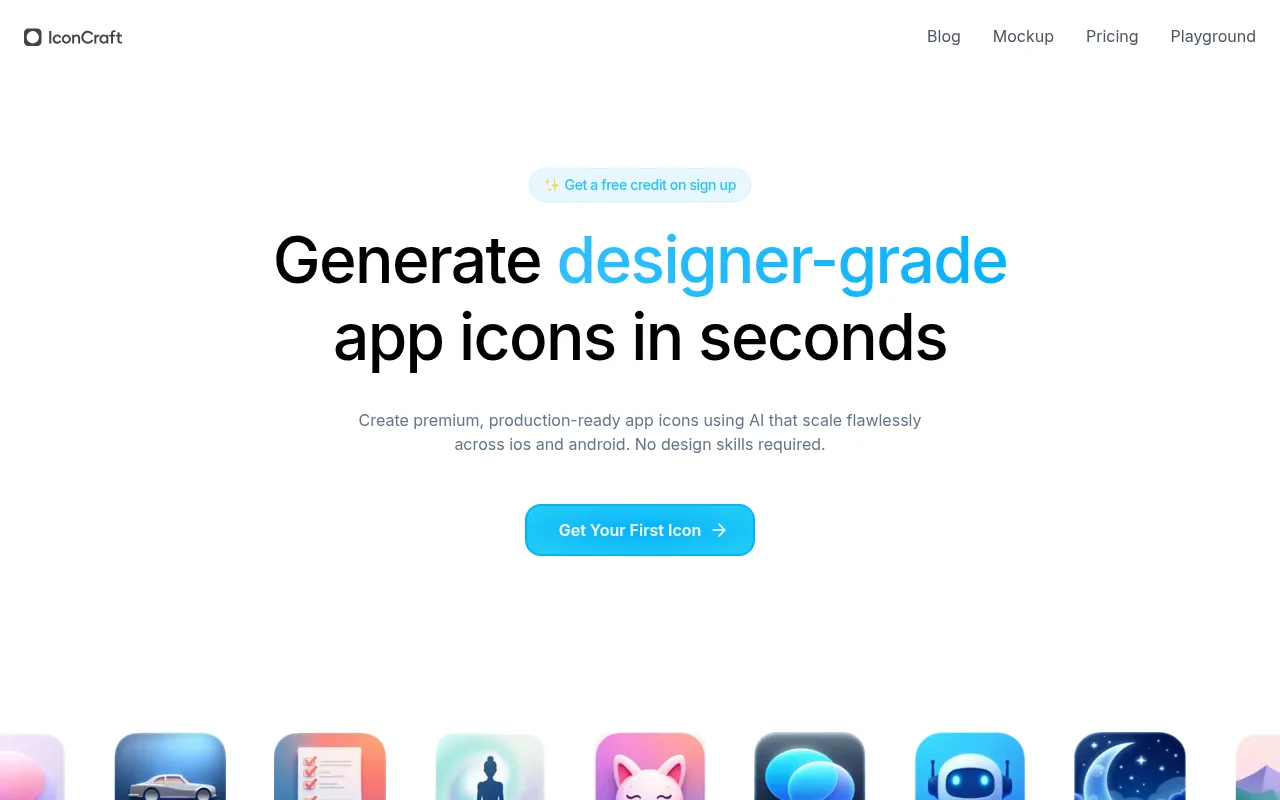
IconCraft is an AI-based application icon generation tool designed to help developers quickly create high-quality application icons. Users only need to describe the application concept, and AI can provide a variety of design solutions, support custom logo upload, and generate icons that are consistent with the brand image. This tool is suitable for developers, entrepreneurs, and anyone who needs icon design. It has the advantages of being fast, convenient, and requiring no design skills, and is suitable for projects of all sizes. Users receive free credits when they sign up to try out the service.
Demand group:
"This product is suitable for developers, entrepreneurs, and users who want to quickly design icons. Because it is easy to use and does not require a design background, anyone can create professional-level icons, saving design time and costs."
Example of usage scenario:
A startup developer used IconCraft to create a professional icon for their mobile app.
When a freelancer was designing applications for multiple clients, he used IconCraft to quickly generate the required icons, which improved work efficiency.
Before launching a new application, a team used IconCraft to generate a variety of icons for the team to choose from to facilitate quick decision-making.
Product features:
Intelligent suggestions: Based on the input application description, AI provides suggestions for multiple visual directions.
Custom logo upload: Users can upload existing logos, and AI will generate icons based on the brand.
Style Reference: Inspiration icons can be generated based on design trends or preferences provided by users.
Multi-platform compatible: The generated icons display perfectly on both iOS and Android.
Fast generation: Users can get high-quality app icons in just a few minutes.
No design skills required: anyone can use it easily and is suitable for all types of users.
Usage tutorial:
Visit the IconCraft website.
Sign up for an account and get free credits.
Enter a description of the application and click Generate icon.
Browse AI-generated icon designs and choose your favorite style.
If you have custom needs, you can upload an existing logo.
Adjust it to your personal style, confirm and download the final icon.













