Img Editor
Create stunning images quickly with Img Editor—free AI-powered tool for artists, designers, and creators.

English
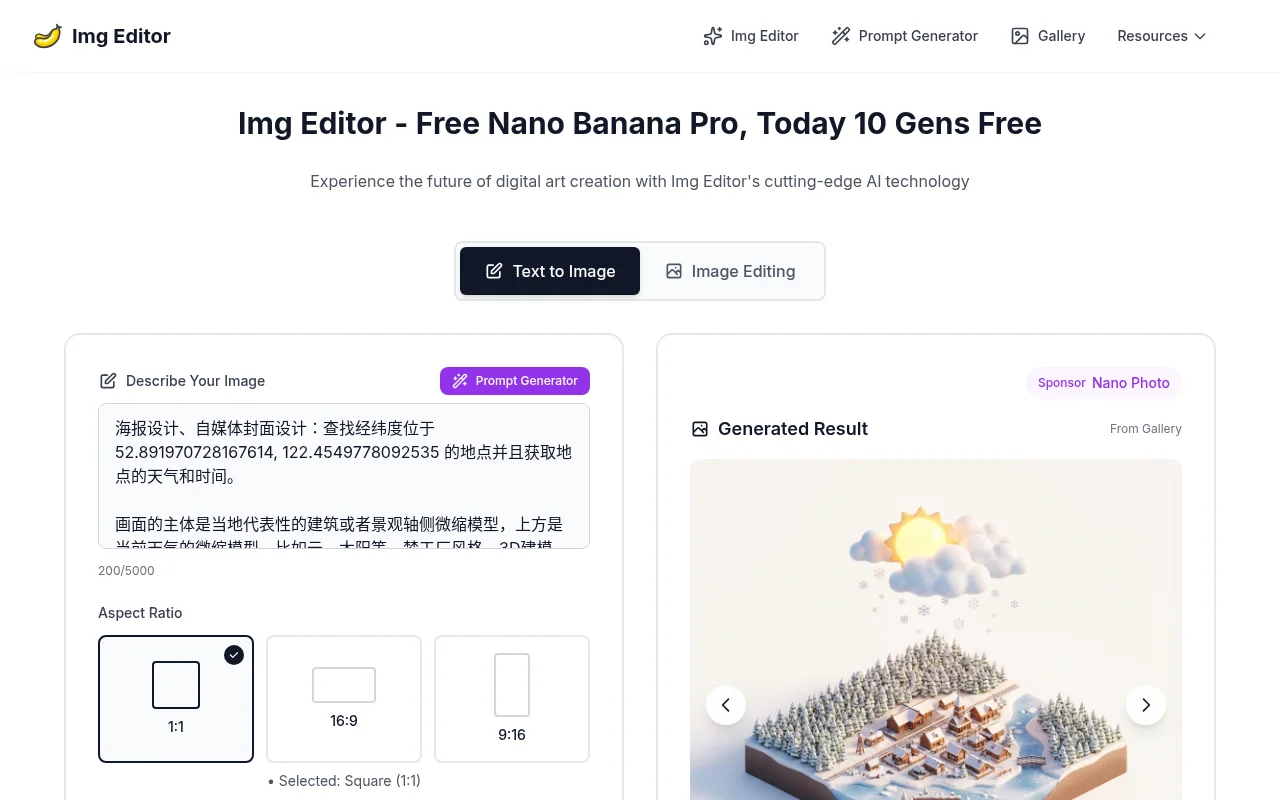
Img Editor is an image generation tool based on advanced AI technology. Its importance lies in providing users with a convenient and efficient way to create digital art. Key benefits include free use, fast generation speed, unlimited image generation, and the ability to output professional-quality results. The product background is to comply with the development trends of digital art and AI technology and meet users' needs for high-quality image generation. In terms of price, it is currently free to use, and there is also a "Free Nano Banana Pro" activity, where you can enjoy 10 free generation opportunities today. The product is positioned as an image generation platform for digital art creators, designers, self-media practitioners and other people.
Demand group:
["Digital art creators: Img Editor 's advanced AI technology can help them quickly convert ideas into images, saving creation time and energy. Rich custom parameter settings and diverse style choices meet their individual needs for artistic creation and inspire more creative inspiration.", "Designers: such as poster designers, self-media cover designers, etc., can use this tool to quickly generate images that meet design requirements and improve work efficiency. The prompt word generation function provides them with more design ideas and can easily cope with various design projects.", " "Self-media practitioners: During the content creation process, a large number of high-quality images are needed to attract readers. Img Editor can generate professional-level images for free and quickly, meeting their needs for image quantity and quality, and improving the attractiveness and competitiveness of self-media content."]
Example of usage scenario:
Poster design: Designers can use Img Editor to generate poster images with specific styles and elements, such as DreamWorks-style 3D modeling posters, for business promotion or event promotion.
Self-media cover production: Self-media practitioners can use this tool to generate attractive cover images based on the article content to increase the click-through rate and reading volume of the article.
Advertising image creation: Advertising companies or corporate marketers can use Img Editor to generate images that meet advertising styles and requirements, such as advertising posters that combine classroom scenes and portraits for product promotion or brand promotion.
Product features:
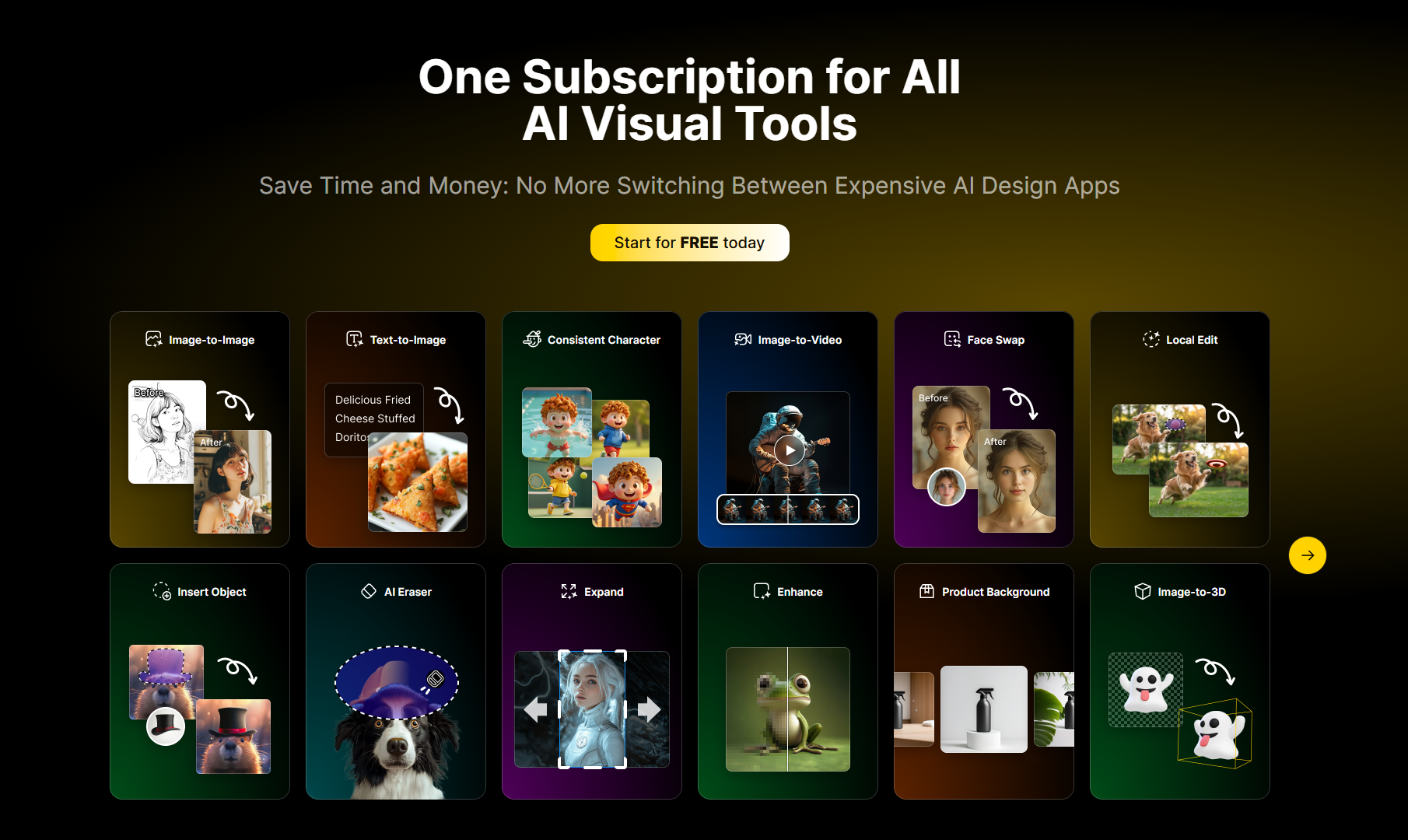
Text to image function: Users only need to enter a text description of the image, such as scene, style, elements and other information, Img Editor can use advanced AI understanding capabilities to quickly convert the text into the corresponding image to meet diverse creative needs.
Image editing function: Supports editing operations on generated images. The color, brightness, contrast and other parameters of the image can be adjusted, and various special effects can be added to make the image more perfect and in line with the user's creative vision.
Custom parameter settings: Users can customize the resolution, size ratio, quality and other parameters of the image according to their own needs, such as selecting different aspect ratios such as 1:1, 16:9, and different resolutions such as 1K, 2K, 4K, etc., to obtain the image effect that best meets their own requirements.
Prompt word generation function: Provides a prompt word generator to provide users with creative inspiration. Users can refer to example prompt words, such as "Poster design, self-media cover design: Find the location with the longitude and latitude 52.891970728167614 122.4549778092535 and get the weather and time of the location...", or modify and combine the prompt words according to their own creativity to easily generate unique images.
Image sharing and downloading function: Users can download the generated images locally for subsequent use. At the same time, you can also submit images to the gallery for review. After passing the review, you can get 10 additional generation opportunities, and you can share your creative results with other users to increase interaction and communication.
Usage tutorial:
1. Open the official website of Img Editor (https://imgeditor.pro/).
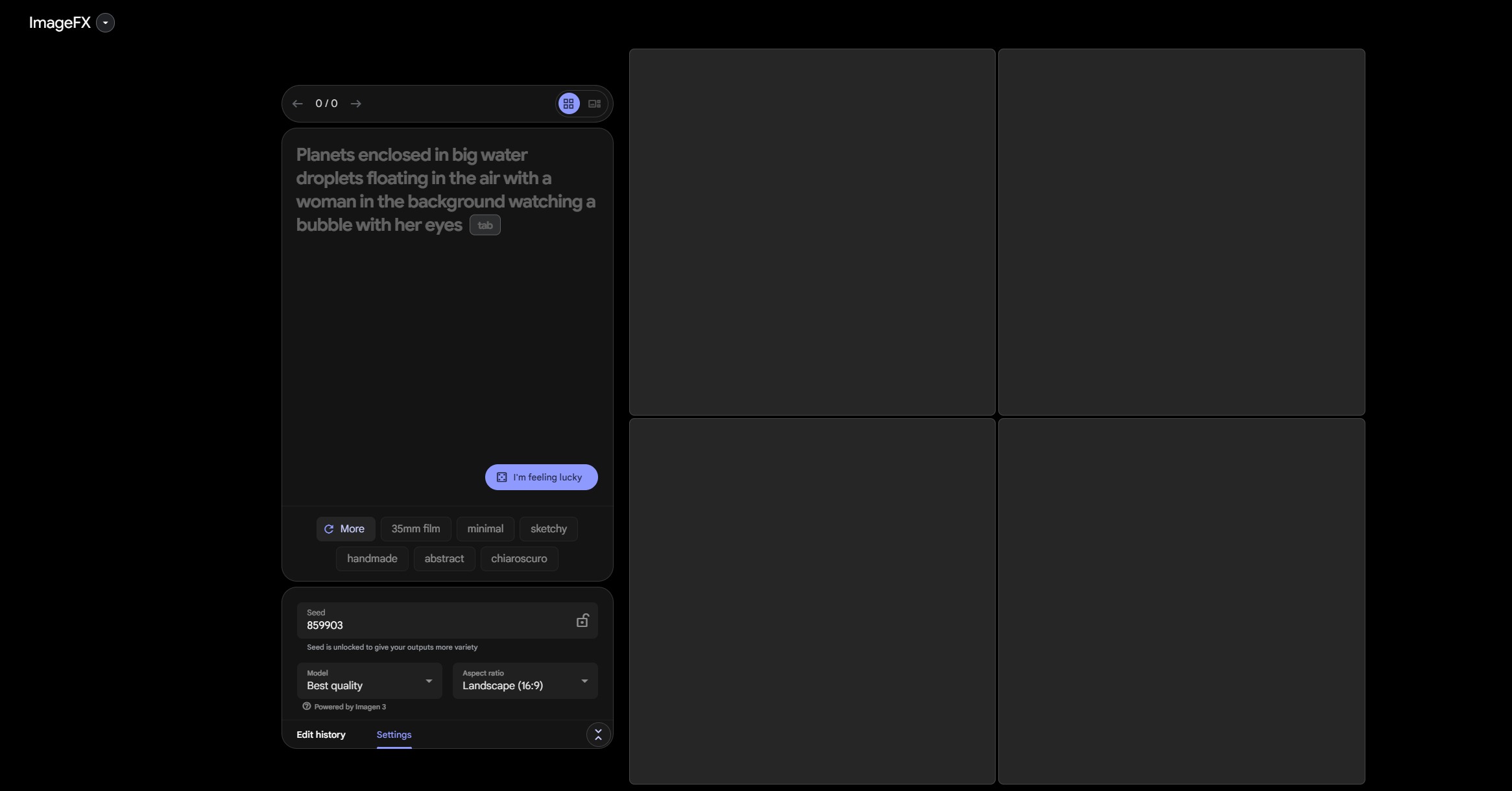
2. In the prompt word input box, enter a detailed description of the image, including scene, style, elements and other information. You can also refer to the sample prompt words in the prompt word generator to modify and create.
3. Set the image parameters according to your own needs, such as resolution, size ratio, quality, etc.
4. Click the "Generate with Img Editor" button and wait for the tool to generate images using advanced AI technology.
5. After the image is generated, preview and inspect the image. If you are not satisfied, you can adjust the prompt words or parameters and regenerate the image.
6. After confirming that the image meets the requirements, click the download button to save the image locally. You can also choose to submit the image to the gallery for sharing and review.