Imgezy
Create stunning images effortlessly with Imgezy—AI-powered editing for all users.

English
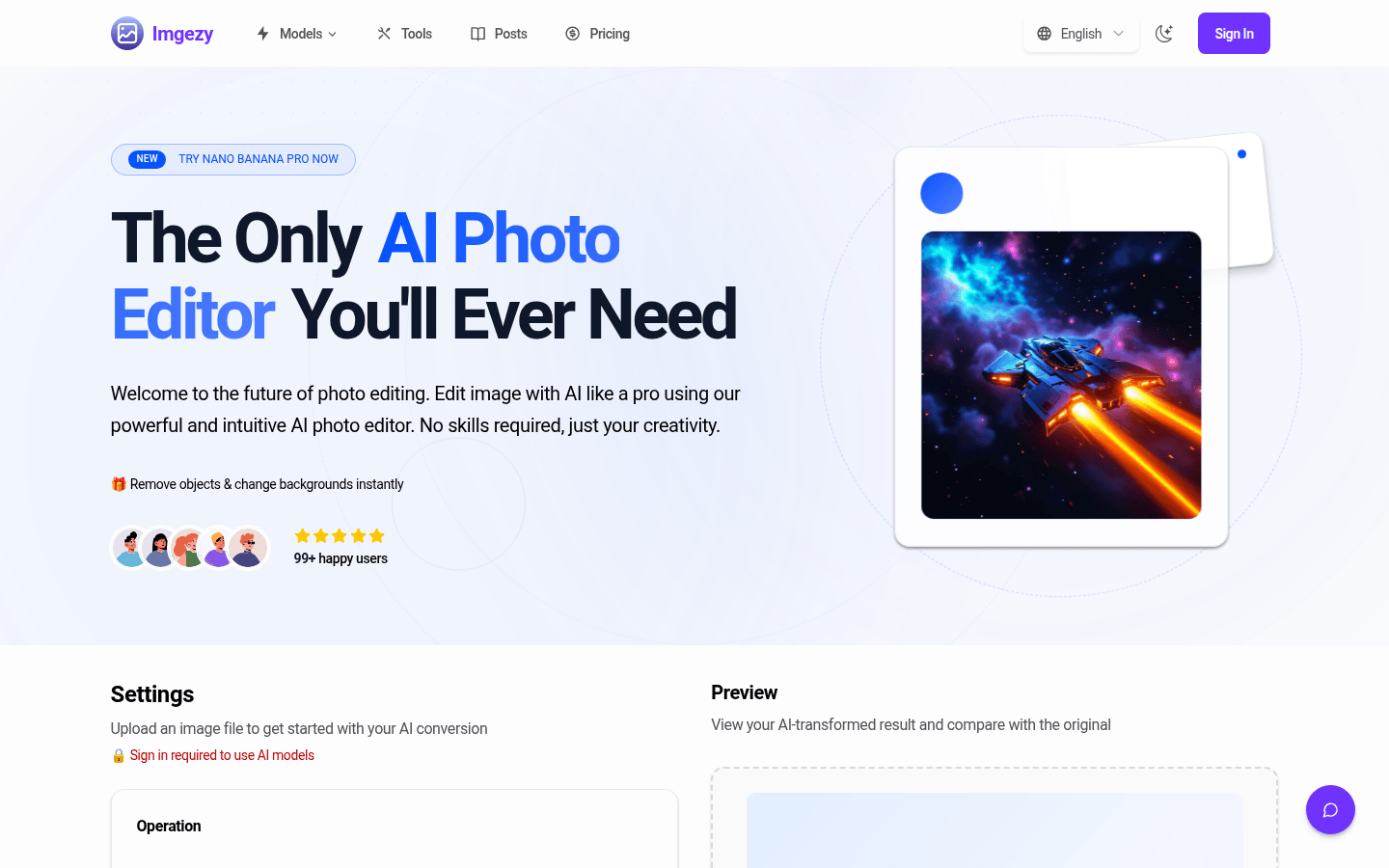
Imgezy is an online AI image editor that leverages advanced artificial intelligence technology to allow users to easily edit and enhance images without requiring professional skills. Its importance lies in providing users with convenient, efficient and professional image editing solutions. Key advantages include simple operation, instant results, professional-grade results, and more. This product is aimed at different levels of users, with basic packages suitable for ordinary users and small projects, and advanced packages that meet the needs of professionals and enterprises. The basic package is US$9.99 per month, about 80 points, can process about 40 images; the professional package is US$19.99 per month, about 500 points, can process about 250 images, and includes services such as commercial licensing and priority support.
Demand group:
["Ordinary users: For ordinary users without professional design experience, Imgezy is simple to operate and does not require complicated tools and skills. Just describe your needs and you can easily edit photos to meet daily sharing and recording needs.", "Photographer: Photographers can use this tool to quickly process photos, remove disturbing elements, change backgrounds, etc., improve work efficiency, and at the same time achieve some creative editing to add more highlights to the work.", "E-commerce practitioners: E-commerce practitioners can use Imgezy to create professional product images that meet market requirements, batch process product photos, reduce photography costs, and increase sales conversion rates.", "Content creators: Content creators such as bloggers, social media experts, etc. can use this tool to create unique visual content, attract more attention and interaction, and enhance the influence of their works."]
Example of usage scenario:
E-commerce store owners use Imgezy to create professional product images, saving the cost of hiring photographers and increasing product sales.
Content creators use this tool to process social media images, gain more likes and attention, and increase the spread of their works.
Photography enthusiasts use Imgezy to restore old family photos so that precious memories can be preserved and displayed.
Product features:
Object removal function: It can remove unnecessary objects, people or disturbing elements from photos with pixel-level accuracy, making the photos more concise and beautiful. For example, remove unnecessary passers-by in landscape photos to make the picture purer.
Background replacement function: Users can quickly replace the background of a photo from a solid color to a stunning scenery, or make other background changes as needed to add a different atmosphere and style to the photo.
Image enhancement function: Automatically optimize the color, light and clarity of photos to make them more vivid, highlight the subject, and show better visual effects.
Batch processing function: allows users to edit multiple photos at one time, greatly saving time and energy when processing a large number of pictures and improving work efficiency.
High-quality output function: Users can download high-resolution edited photos to ensure that image quality is not lost and meet the needs of various usage scenarios.
Smart repair function: It can automatically repair damaged or blurred image areas, restore the clarity of photos, and bring some old or damaged photos back to life.
Custom prompt function: Users can use their own custom prompts for image conversion to achieve personalized editing needs and develop more creativity.
Usage tutorial:
Step 1: Upload the image. Users can upload images by dragging and dropping photos, or by selecting files from their device. The tool supports all major image formats such as JPG, PNG, and WebP.
Step 2: Describe editing requirements. Simply enter editing instructions in the text box, such as "Remove the person on the left," "Change the background to a sunny beach," or "Make the sky blue," etc.
Step 3: Download and share. Wait for the AI to finish processing in seconds, and after previewing the result, download the new high-resolution image and can share it to your desired platform.













