Infinite Talk AI
Create endless, lifelike video from audio with Infinite Talk AI—ideal for creators, educators, and businesses.

English
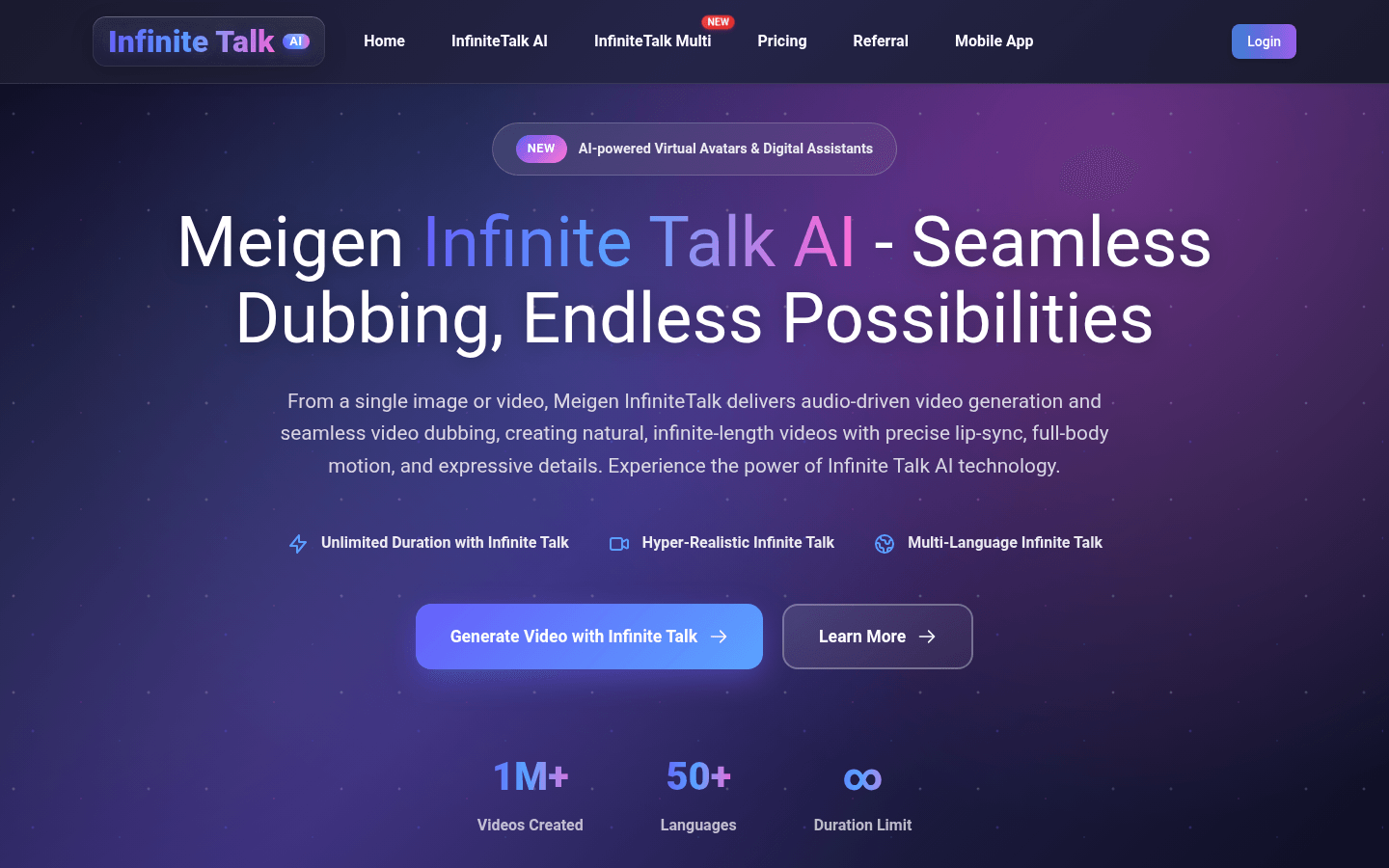
Infinite Talk AI is an audio-driven video tool created by the Meigen team that uses advanced technology to transform simple audio into dynamic and realistic avatar videos. Its positioning is to provide professional video generation solutions for creators, educators and enterprises. The importance of the product lies in breaking through the limitations of traditional video production and achieving video generation with unlimited duration, high stability and precise lip synchronization. Advantages include unlimited duration, ultra-realistic effects, multi-language support, high stability, precise lip synchronization, and more. In terms of price, free trial opportunities are provided. For specific payment models, please refer to the official website pricing page.
Demand group:
["Content creators: You can take advantage of Infinite Talk AI 's multiple features, such as unlimited length generation and flexible prompt control, to easily produce creative and engaging educational videos, tutorials and presentations, improving the quality and impact of your content.", "Entertainment industry practitioners: With its ultra-realistic effects and multi-language support, you can give stories, podcasts and entertainment content vivid animated characters to meet creative needs and attract more audiences.", "Those who need to create accessible content: Through precise lip synchronization and visual cues, avatars can convey information through both voice and vision, making communication more accessible and suitable for people with disabilities or scenarios that require multi-modal information transmission.", "Educators: can use this tool to create vivid teaching videos, making course content more intuitive and interesting, and improving students' learning enthusiasm and understanding.", "Corporate publicity personnel: can quickly add natural dubbing and vivid virtual images to corporate promotional videos to enhance the publicity effect and display the professional image of the company."]
Example of usage scenario:
Content creators use Infinite Talk AI to transform static images into vivid educational videos that capture students' attention and improve learning outcomes through precise lip synchronization and rich expressions.
Entertainment companies use the tool to add animated characters to podcasts to liven up stories and increase listener engagement and retention.
The corporate promotion department uses Infinite Talk AI to add multi-language dubbing to product promotion videos to achieve global promotion and enhance brand awareness.
Product features:
Sparse frame video dubbing: With advanced sparse frame dubbing technology, not only lip movements can be synchronized, but also head position, body posture, and facial expressions can be accurately matched. It is especially suitable for long-form content that requires expressive and natural performances.
Unlimited length video generation: Breaking through time limits, you can create lip sync videos of any length without sacrificing video quality and image consistency. It is very suitable for long-term content such as podcasts, interviews, lectures, etc.
High-stability presentation: Through optimized algorithms, smooth, distortion-free animation effects are achieved, effectively reducing hand and body imperfections, and maintaining visual stability even during long-term generation processes.
Superior lip accuracy: Achieve precise lip synchronization that perfectly matches the rhythm, timing and intonation of speech, maintaining image consistency and natural facial expressions throughout the video.
Multi-input mode support: Offering both audio-to-image and audio-to-video modes, users can create talking portraits from static images or add perfectly matched voice and visual effects to existing video clips.
Flexible Prompt Control: Allows users to use text prompts to guide the avatar's expressions, emotions, or gestures, adding personality to the video without manual animation.
Seamless Dubbing: Quickly and accurately replace or add narration to any video clip for natural lip sync and smooth transitions with virtually unnoticeable dubbing effects.
Flexible resolution selection: Supports exporting videos in multiple resolutions (such as 480p, 720p), users can balance according to quality and cost requirements, suitable for different scenarios such as social media, professional production or broadcast.
Usage tutorial:
1. Upload source file and audio: Select a video or image as the source file, then upload voice, podcast, or conversation audio for dubbing with Infinite Talk AI .
2. Adjust lip sync settings: Select the video resolution (such as 480P, 720P), and fill in prompt information as needed to describe the avatar's movements or expressions.
3. Generate video: Click the "Generate Video" button, use the corresponding points and wait for the generation process to complete. Tip: Clear portraits and clean audio will help improve the quality of your lip sync.