Joyfun AI
Create stunning videos instantly with Joyfun AI—free, no registration, and full of creative tools.

English
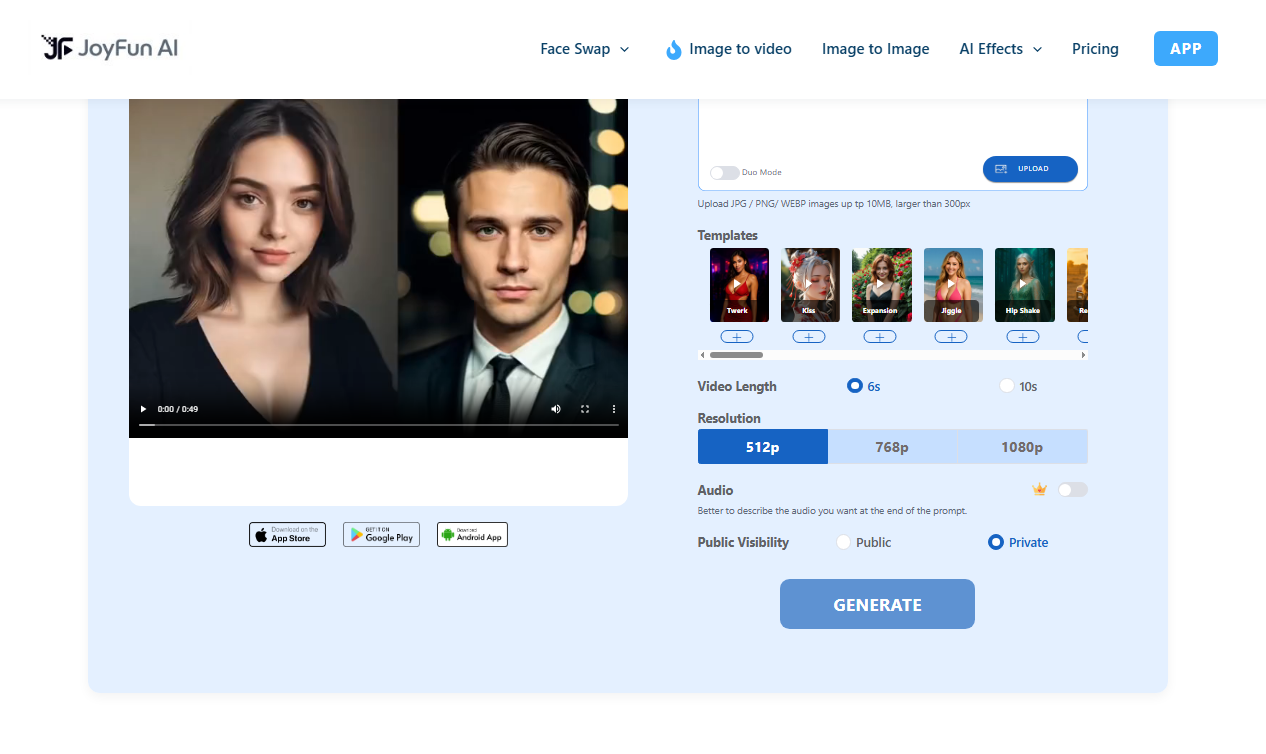
Joyfun AI is an innovative online video creation platform designed to provide users with a seamless video generation experience through advanced artificial intelligence technology. Users can use rich features to create high-quality video content completely free of charge without registration. The platform supports a variety of formats and effects, emphasizing users' creativity and free expression. Joyfun AI is known for its user-friendly interface and diverse tools, suitable for a variety of creative needs, suitable for social media, advertising, and personal projects.
Demand group:
" Joyfun AI is ideal for creators and digital artists who need to quickly generate video content. Whether they are social media bloggers, advertising designers, or producers of personal art projects, Joyfun AI provides convenient and efficient creative tools that allow users to easily express their creativity."
Example of usage scenario:
Users use the face swap function to create funny short videos and share them with friends.
Digital artists use image-to-video functionality to add dynamic effects to their work and enrich their portfolios.
Music producers can use text-to-video to create promotional videos for new singles to quickly grab the audience's attention.
Product features:
Face swap: Use advanced AI algorithms to seamlessly swap faces in photos and videos, suitable for making interesting short videos.
Image to video: Turn static images into dynamic videos, support text prompts to generate animations, and add vivid elements to social media content.
Text to video: Users can generate a complete video based on text description, which is convenient for storyboards or concept visualization.
Various video special effects: Provides a variety of one-click special effects, including dancing, kissing, etc., to easily generate rich and diverse dynamic effects.
High-definition output: Supports 1080p high-definition quality, ensuring that the generated video performs well on various screens.
No registration required: Users can start creating without creating an account, protecting user privacy.
Completely free: There are no hidden fees or paywalls, and users can generate unlimited videos.
Mobile compatibility: Optimized web platform supports iOS and Android devices, making it easy to create at any time.
Usage tutorial:
Visit the Joyfun AI website.
Select the desired function (such as face swap, text to video, etc.).
Upload media files or enter a text description.
Select relevant settings (such as special effects, output quality, etc.).
Click Generate and wait a moment to get the finished video.













