Ketchup AI
Generate stunning AI images with Ketchup AI—perfect for creators, designers, and marketers. Create, edit, and share in seconds.

English

Ketchup AI is a next-generation AI image generation and editing model, the successor to the Nano Banana model, with significant improvements in quality, consistency, and processing speed. It supports 4K resolution and hyper-realistic effects, making it difficult for users to distinguish between reality and AI. Its key benefits include precise color control, 4K hyper-realistic effects, outstanding controllability and powerful creativity. The model is suitable for creators, designers, marketers, storytellers and more, and no login is required to use it. In terms of price, the document does not mention specific charges, but some features provide free trials.
Demand group:
["Marketers and Social Media Managers: Quickly create compelling visual content for campaigns, posts, and ads. Ketchup AI generates unique and engaging content that stands out across platforms without having to redesign it from scratch.", "Designers and Artists: The ability to quickly prototype, generate concept art, and gain instant inspiration. With powerful AI image generation assistance, it can make a difference when iterating on designs and exploring new artistic directions.", "Writers and Bloggers: Generate custom illustrations and featured images for articles and stories to bring narratives to life. Also, create consistent characters throughout your content.", "Educators and Students: Create engaging visual aids for presentations and projects. Easily visualize complex concepts with advanced text-to-image generation, making learning more interactive and memorable."]
Example of usage scenario:
Marketers create hyper-realistic product images for product campaigns to capture consumers' attention.
Designers quickly generate concept art for character design and scenario ideas for new games.
Writers create matching illustrations for novels to make the stories more vivid.
Product features:
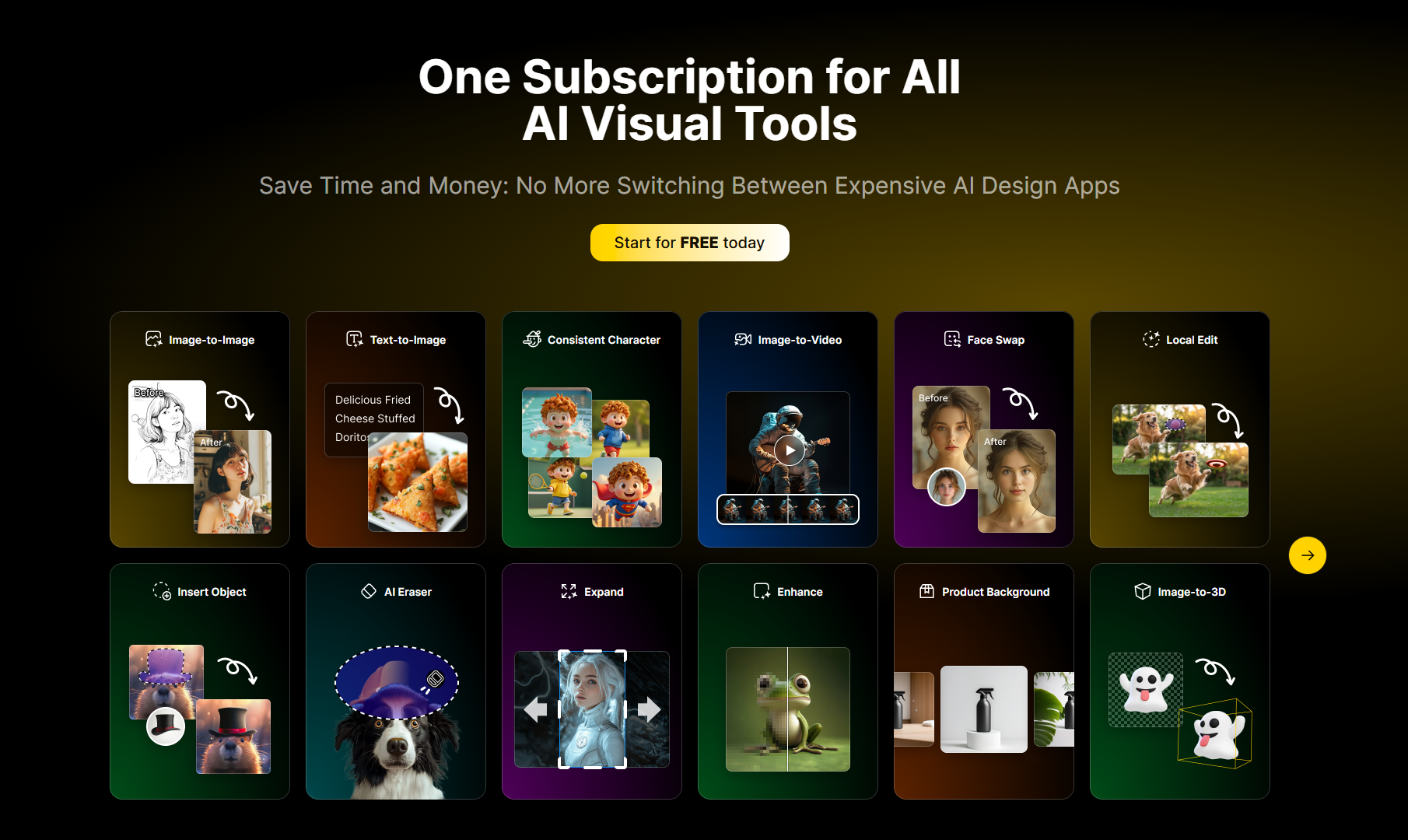
Text to image: Through advanced prompt understanding functions, detailed text descriptions are transformed into stunning visual images, and its integrated large language model can accurately realize the user's creative vision.
Conversational image editing: Users can edit images through natural conversations, such as removing objects, changing backgrounds, modifying colors, etc., without requiring professional technical skills.
Perfect character consistency: Able to maintain the same appearance of the character during multiple editing and generation processes, with industry-leading character preservation technology.
Multi-Image Fusion: Fusion of up to 8 images in a single build seamlessly combines concepts, places objects and creates composite images.
Precise local editing: Ability to edit specific areas of an image with extreme precision, making detailed adjustments without affecting surrounding areas.
Style Transfer and Composition Adjustment: Change the artistic style, adjust the composition, and modify the aesthetic approach while maintaining the integrity of the content.
Image to 3D character: Use advanced modeling technology to convert any photo into a detailed 3D character, allowing you to accurately create collection-level character models.
Anime to Live Action Role Playing: Transform anime characters into live action role playing images with real human characteristics through a realistic conversion engine.
Usage tutorial:
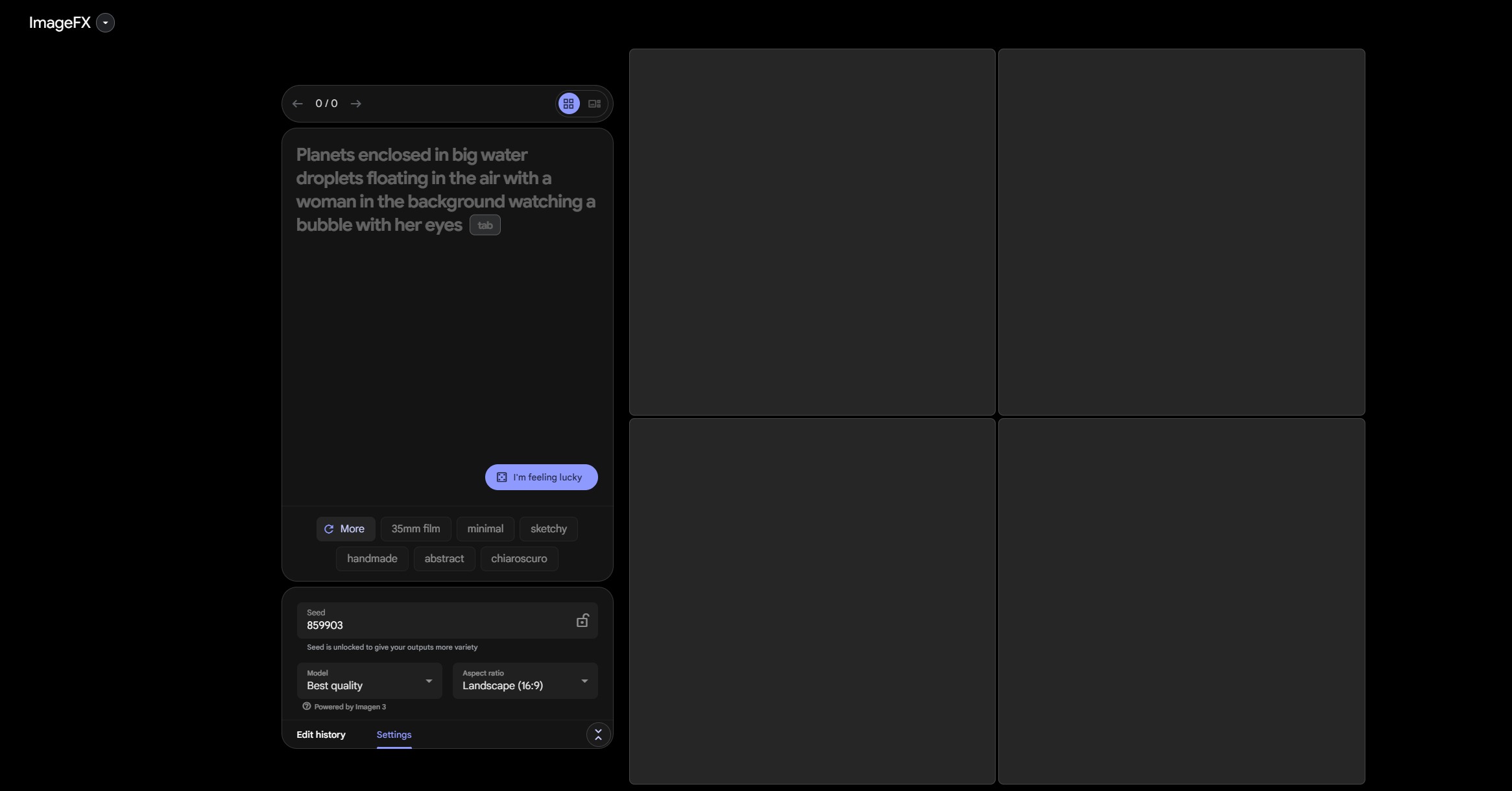
1. Describe your vision: Enter a detailed text description of the image you want to create, and Ketchup AI will analyze the prompt, understand the context and requirements, and then generate a high-quality image that meets the specifications.
2. Click Generate: Click the Generate button and let Ketchup AI do its work. Most images are generated within 15 - 30 seconds, with optimized processing ensuring fast turnaround times.
3. Download and share: View the generated images, choose your favorites, download in high resolution and share your creations with the world.