LinkedIn Profile Analyzer
Optimize your LinkedIn profile with AI-driven analysis and actionable insights.

English
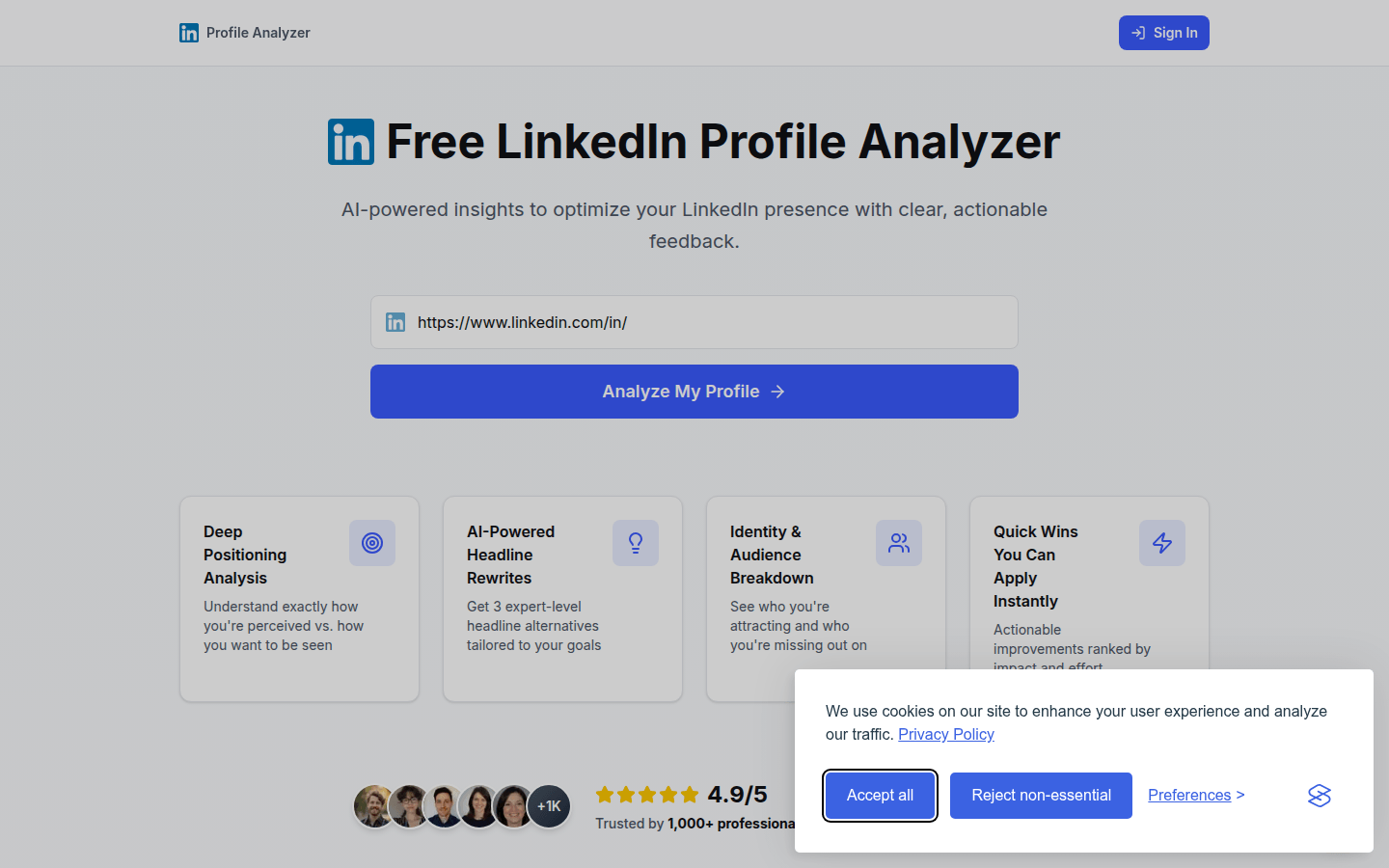
Hooktide LinkedIn Analyzer is a free, AI-powered tool designed to optimize your LinkedIn profile presentation. It provides users with clear and actionable feedback to help them better present their professional image. Its importance lies in that it can help users discover problems in the materials, such as inaccurate positioning, inconsistent titles and actual work, etc., and provide targeted improvement suggestions. Trusted by more than 1,000 professionals, this tool is suitable for all types of professionals who want to improve their LinkedIn profile presentation.
Demand group:
["Working professionals: Working professionals can use this tool to optimize their LinkedIn profiles, enhance their professional image, and attract more potential job opportunities and cooperation opportunities.", "Freelancers: Freelancers can use the tool's title rewriting and positioning analysis functions to better demonstrate their professional capabilities and service content, and attract more customers.", "Business managers: Business managers can use this tool to understand the image display of team members on LinkedIn, and provide guidance for team brand building and personal career development."]
Example of usage scenario:
Product designer Rachel K: The analysis revealed blind spots in the data that she was not aware of. AI discovered the inconsistency between the title and the actual work. After adjustment, the number of data views increased by 40% in two weeks.
Freelance Marketing Consultant James M: The AI-generated title alternative was more engaging than his original title and he received inbound messages quickly after choosing one that was targeted at customer acquisition.
Priya S, Engineering Manager: Through analysis, she understood the gap between her actual image and her expected image. After modifying the information, the interaction increased significantly.
Product features:
In-depth positioning analysis: Through AI technology, in-depth analysis of users' image positioning on LinkedIn helps users understand the difference between their actual perceived image and the image they expect to display, so as to make precise adjustments.
AI-driven title rewriting: Based on the goals set by the user, artificial intelligence is used to generate 3 professional-level title alternatives. These solutions can better highlight the user's characteristics and goals and attract more attention.
Identity and audience segmentation: Detailed analysis of the people attracted by user profiles and potential people missed, helping users understand their audience positioning so that they can adjust profile content and expand influence.
Quick Improvement Suggestions: Provides a list of improvements that can be implemented immediately, ranked according to impact and effort required, allowing users to prioritize the most valuable improvement points.
View early user reviews: Show feedback from real users, let new users know how the tool actually helps other professionals, and increase users’ trust in the tool.
Usage tutorial:
1. Visit the Hooktide LinkedIn Analyzer website.
2. Click “Sign In” to log in to your LinkedIn account.
3. Click “Analyze My Profile” to start analysis.
4. View the analysis report, including in-depth positioning analysis, AI title rewriting, identity and audience segmentation, etc.
5. Optimize the data based on rapid improvement suggestions.













