Loova
Create stunning videos and images effortlessly with Loova's AI tools. Perfect for creators, beginners, and businesses. Try free today!

English
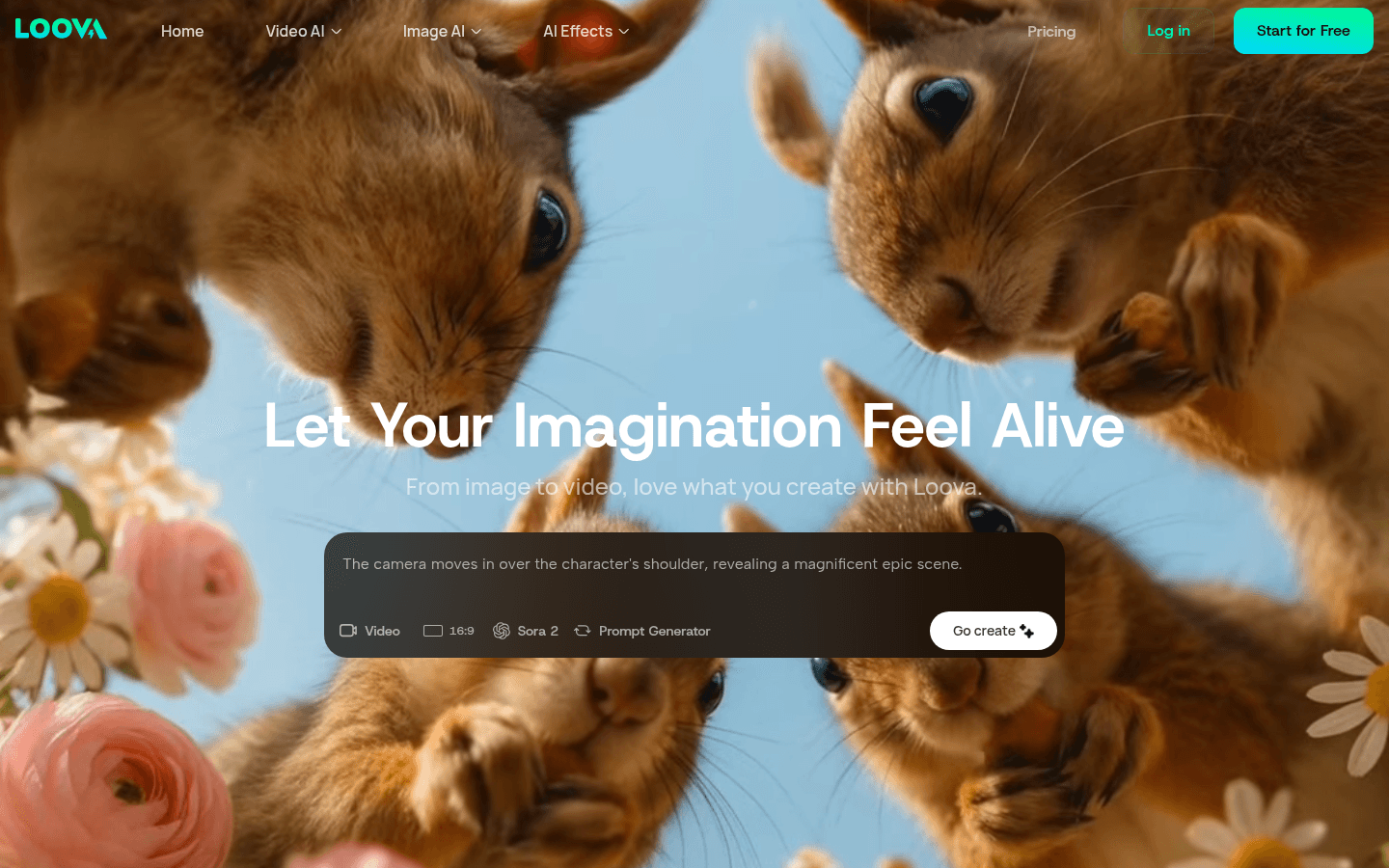
Loova is an integrated creative platform that provides creators with rich AI image and video generation functions. It integrates top AI models such as Sora 2 Pro, VEO 3.1 and Kling O1, and can realize text to video, image to video conversion, and a variety of video special effects. Its main advantage is that it has comprehensive functions, can meet the creative needs of different users, and can be operated without complex technology. The product is positioned for all types of creators. Whether they are professional content creators or ordinary users, they can easily create eye-catching content with the help of Loova . In terms of price, free use opportunities are provided so that users can experience its functions first.
Demand group:
["Content creators: can quickly produce attractive videos, improve creative efficiency, save time and energy, so that they can focus on the creativity itself.", "Ordinary users and experimenters: can try different creative methods through simple operations, without having to have professional skills, to meet their creative needs and desire to explore.", "Business users: can use Loova 's rich functions to produce promotional videos, advertising pictures, etc., to enhance brand image and promotional effects, suitable for commercial purposes."]
Example of usage scenario:
Content creators use Loova ’s text-to-video feature to quickly create product promotional videos.
Ordinary users use the image to image function to turn their photos into anime style.
Commercial companies use AI video effects to add cool effects to advertising videos to attract consumers’ attention.
Product features:
Image to video: It can convert any static image into a dynamic video, giving life to the picture, making it have vivid scenes and rich emotions, suitable for quickly producing dynamic visual stories.
Text to video: Generate videos based on simple text descriptions, skip the complex editing process, and directly convert concepts into actual content, saving time and energy.
Image editing: By uploading images and using text prompts, you can edit, reshape or completely change the style of images in a short time to achieve diverse creative expression.
Text to Image: Just enter your thoughts and instantly transform text into stunning images, integrating the power of top AI image generators to provide high-quality visual effects.
Video special effects addition: It has a variety of AI video special effects, such as AI superhero generation, AI zombie transformation, etc., which can add interest and appeal to videos according to different emotions and needs.
Multiple model selection: Provides a variety of AI video and image models, such as Sora 2, Google Veo 3, etc. Users can choose the appropriate model for creation based on speed, quality and other requirements.
Multi-language support: Supports multiple languages, making it easier for users in different regions to use it and expanding the user base.
Usage tutorial:
1. Visit the website: Open the browser and enter the URL https://Loova.ai/ to enter Loova platform.
2. Register and log in: If you are a new user, click the registration button to complete the registration; users who already have an account log in directly.
3. Select functions: According to your own needs, select image to video, text to video, image editing, text to image generation and other functions on the platform.
4. Enter content: If you select the text-related function, enter the corresponding text description; if you select the image-related function, upload the corresponding picture.
5. Select models and special effects (optional): Select the appropriate AI model and video special effects as needed.
6. Generate content: Click the Generate button and wait for the platform to process and generate the corresponding image or video.
7. Download or share: After the generation is completed, the content can be downloaded locally or shared directly to social media and other platforms.













