Luminar De
Enhance your photos effortlessly with Luminar Neo's AI-powered tools. Perfect for beginners and pros alike.

English
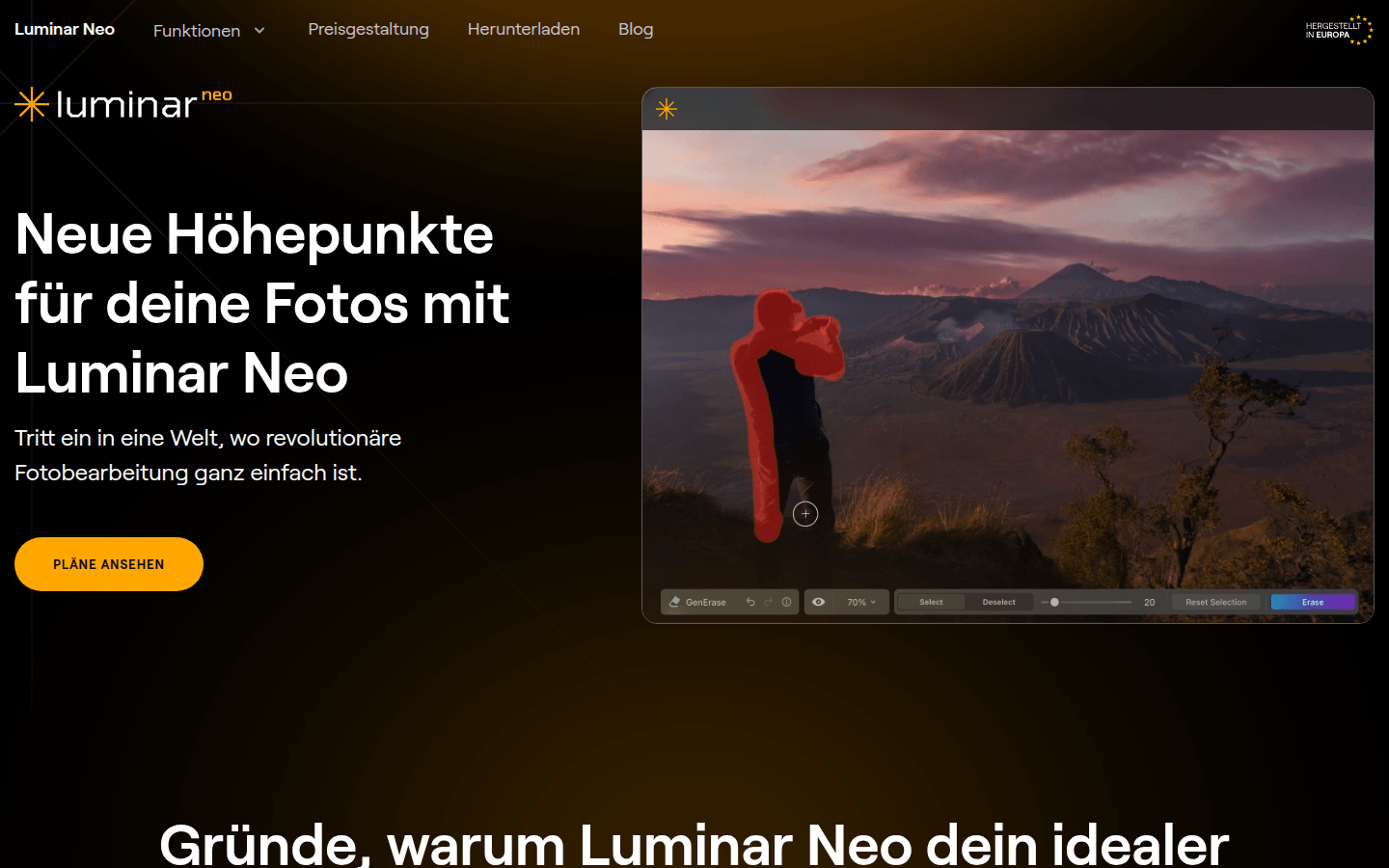
Luminar Neo is an image processing program developed by Skylum and is available for MacOS and Windows systems. It has a powerful AI algorithm that automatically improves image quality, allowing users to achieve the best results with minimal workload. The software provides a wealth of advanced processing functions, ranging from basic cropping and resizing to complex AI enhancement, background removal and other operations. Its advantage is that the operation is simple and intuitive, even beginners can easily get started, while it can also meet the high requirements of professional photographers for image quality and details. It can run as a standalone application or be integrated into existing software such as Adobe Photoshop and Adobe Lightroom as a plug-in without changing the user's workflow. In terms of price, although the specific amount is not explicitly mentioned in the article, it is mentioned that different plans are available for review, indicating that it is paid software, and provides a 30-day money-back guarantee. Additionally, purchasing this product supports Ukraine.
Demand group:
["Photography beginners: Luminar Neo has an intuitive user interface and rich AI functions. Even beginners without much image processing experience can easily get started and obtain high-quality image effects through simple operations, helping them quickly improve their photography skills.", "Professional photographers: For professional photographers, the software provides advanced processing functions and support for RAW files, which can meet their high requirements for image quality and details. At the same time, the software's non-destructive editing and layer support functions allow them to express their creativity more freely.", "Graphic designers: The software's various special effects and filters, as well as its powerful image synthesis capabilities, provide graphic designers with more creative space. They can use these functions to produce unique design works, improving work efficiency and quality of work.", "Social media enthusiasts: Sharing high-quality photos on social media is the key to attracting attention. Luminar Neo's one-click presets and LUT functions allow users to quickly add professional effects to photos, making the photos more outstanding on social media."]
Example of usage scenario:
Photographers can use Luminar Neo's AI image enhancement capabilities to quickly enhance the color and clarity of landscape photos, making them more vivid and lifelike for exhibitions or sales.
Graphic designers can use the software's synthesis function to combine multiple elements into a unique design work, such as posters, advertisements, etc.
Social media users can use one-click presets and LUT functions to add stylish effects to their photos to attract more attention and likes.
Product features:
AI image enhancement: Use breakthrough AI algorithms to automatically improve image quality, allowing photos to show higher clarity and color saturation without complicated operations, and easily discover the best effects of photos.
RAW file processing: Supports direct processing of RAW files, retaining image quality and details to the greatest extent. Users can have more precise control over the final image and achieve professional-level image processing.
Layer support: allows users to overlay multiple images, adjustments or effects, create complex composite images or make subtle improvements, giving users complete control over every detail of their images.
Non-destructive editing: The original image file will not be changed during the editing process, ensuring that the original data is always intact and accessible, allowing users to make various attempts and modifications with confidence.
Object Correction: Automatically correct issues such as lens distortion, chromatic aberration, and vignetting to improve image quality and accuracy, making images more realistic and professional.
Clone Tool: Provides precise and user-friendly cloning functionality, allowing users to easily remove unwanted elements or copy parts of an image to achieve fine adjustments to the image.
Color Optimization: Optimize the colors in your photos to achieve vivid, natural tones, or create a stylized look that matches your creative imagination to meet different artistic needs.
Batch processing: The ability to efficiently apply editing operations to multiple photos, saving time and ensuring consistency across a series of images, improving work efficiency.
Usage tutorial:
Step 1: Visit the official product website https://luminarneo.de/, view different plans and choose the package that suits you to purchase.
Step 2: Download and install the Luminar Neo software according to your operating system (MacOS or Windows).
Step 3: Open the software. If you choose to use it as a standalone application, you can directly import the images that need to be processed; if you choose to use it as a plug-in, you need to find and enable the Luminar Neo plug-in in the supported software (such as Adobe Photoshop, Adobe Lightroom, etc.).
Step 4: Select the corresponding functions according to your own needs, such as AI image enhancement, cropping, color adjustment, etc. For some complex operations, you can refer to the software's tutorial or help documentation.
Step 5: During the editing process, you can preview and adjust the effect at any time until you achieve a satisfactory result.
Step 6: Once you are done editing, save the processed image. If necessary, you can also use the software's batch processing function to perform the same operation on multiple images.













