Modor
Create professional product mockups for free with Modor—quick, easy, and perfect for designers and entrepreneurs.

English
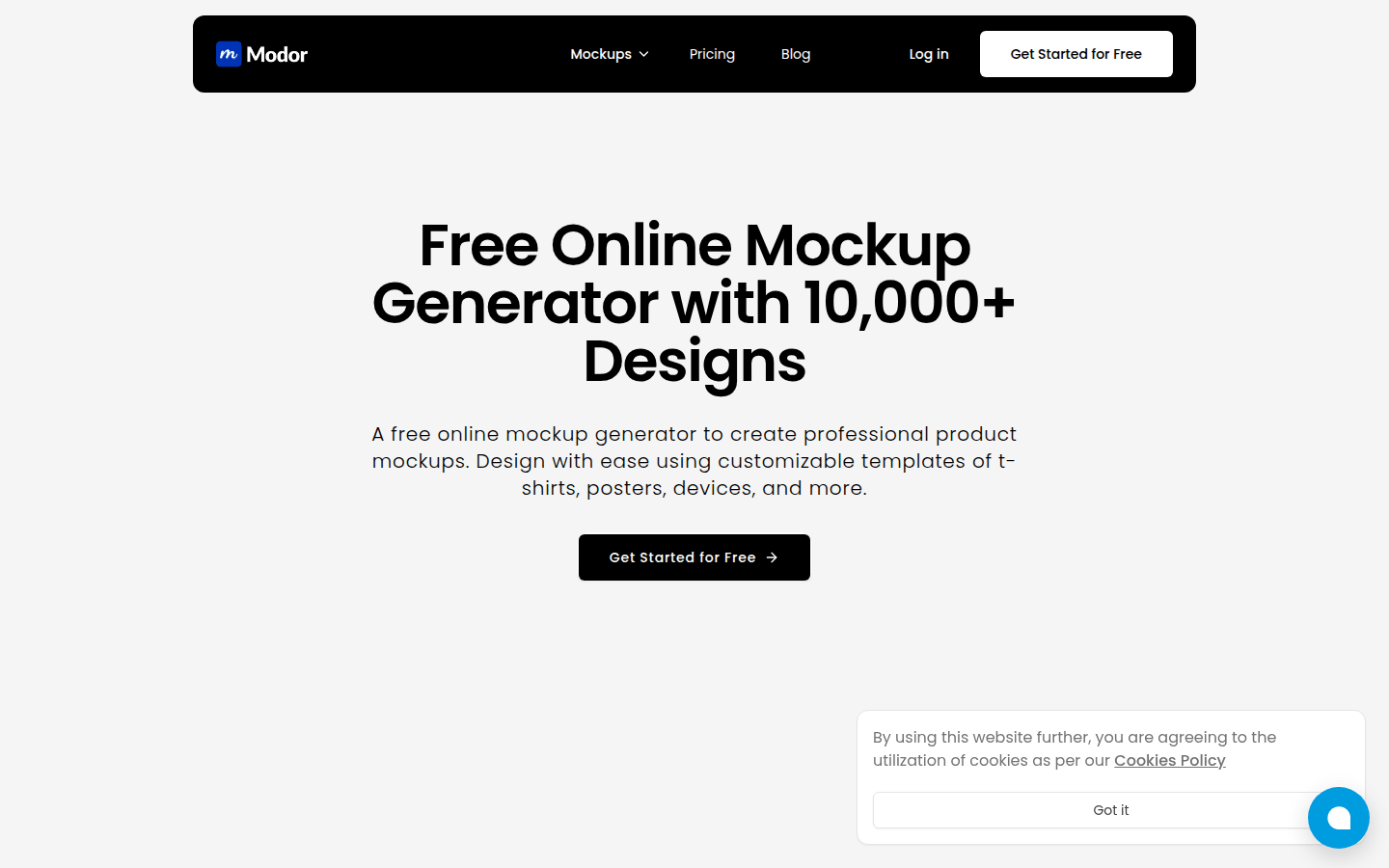
Modor is a free online AI prototype generator. Its importance lies in providing designers and related practitioners with a convenient and efficient prototype production solution. The main advantages include free use, instant customization, and support for multiple product types such as T-shirts, posters, equipment, etc. In terms of background information, it uses advanced AI technology to allow users to generate professional products and printing prototypes without complicated operations. The price is completely free, and it is positioned as an online design tool for design enthusiasts and professionals.
Demand group:
["Designers: For professional designers, Modor can help them quickly generate product prototypes, save design time, improve work efficiency, and focus on creative design without spending too much energy on prototype production.", "E-commerce practitioners: E-commerce practitioners can use this tool to generate professional display prototypes for products, improve the display effect of the products, attract more potential customers, and thus increase the sales conversion rate.", "Entrepreneurs: In the early stages of product promotion, entrepreneurs may not have enough funds and resources to produce professional product displays. Modor 's free features can help them produce high-quality product prototypes at low cost for marketing. ", "Students: When students are working on design assignments or projects, Modor can provide them with a convenient, free tool to help them better showcase their design works. "]
Example of usage scenario:
Designers design T-shirts for customers, use Modor to quickly generate T-shirt prototypes of different styles and colors, and display them to customers for selection.
Before new products are put on the shelves, e-commerce merchants use Modor to generate product poster prototypes for product display and promotion on the e-commerce platform.
During the product financing stage, entrepreneurs use Modor to create prototypes of product equipment to show investors the appearance and functionality of the product.
Product features:
Create professional products and printing prototypes for free: Users can use this tool to create professional-looking products and printing prototypes without paying any fees, saving production costs.
Instant customization of T-shirts, posters, equipment, etc.: Users can instantly customize designs for T-shirts, posters, various equipment, etc. on the platform to quickly meet different design needs.
Use the online AI prototype generator: With the help of advanced AI technology, you can easily generate the required prototype on the online platform without complicated operation processes.
Provides a variety of fonts and styles to choose from: The platform provides users with a wealth of fonts and styles to meet diverse aesthetic and design requirements when designing mockups.
Detailed adjustments can be made to the generated prototypes: users can not only quickly generate prototypes, but also fine-tune every detail of the prototype to make the design more perfect.
Usage tutorial:
1. Open the browser and visit Modor ’s official website https://Modor.io/.
2. After entering the website, find the mockup generation option on the page and select the type of mockup you want to create, such as T-shirts, posters or equipment, etc.
3. Customize the selected prototype according to your own design needs, such as selecting colors, adding patterns, adjusting text, etc.
4. During the customization process, if necessary, you can use a variety of fonts and styles provided by the platform to enrich the design effect.
5. After completing the customization, check and adjust the details of the generated prototype to ensure that the design meets your requirements.
6. After confirming that it is correct, save or download the generated prototype for subsequent use.