Monet AI
Monet AI: All-in-one AI creative platform with 20+ models for image, video, and audio creation.

English
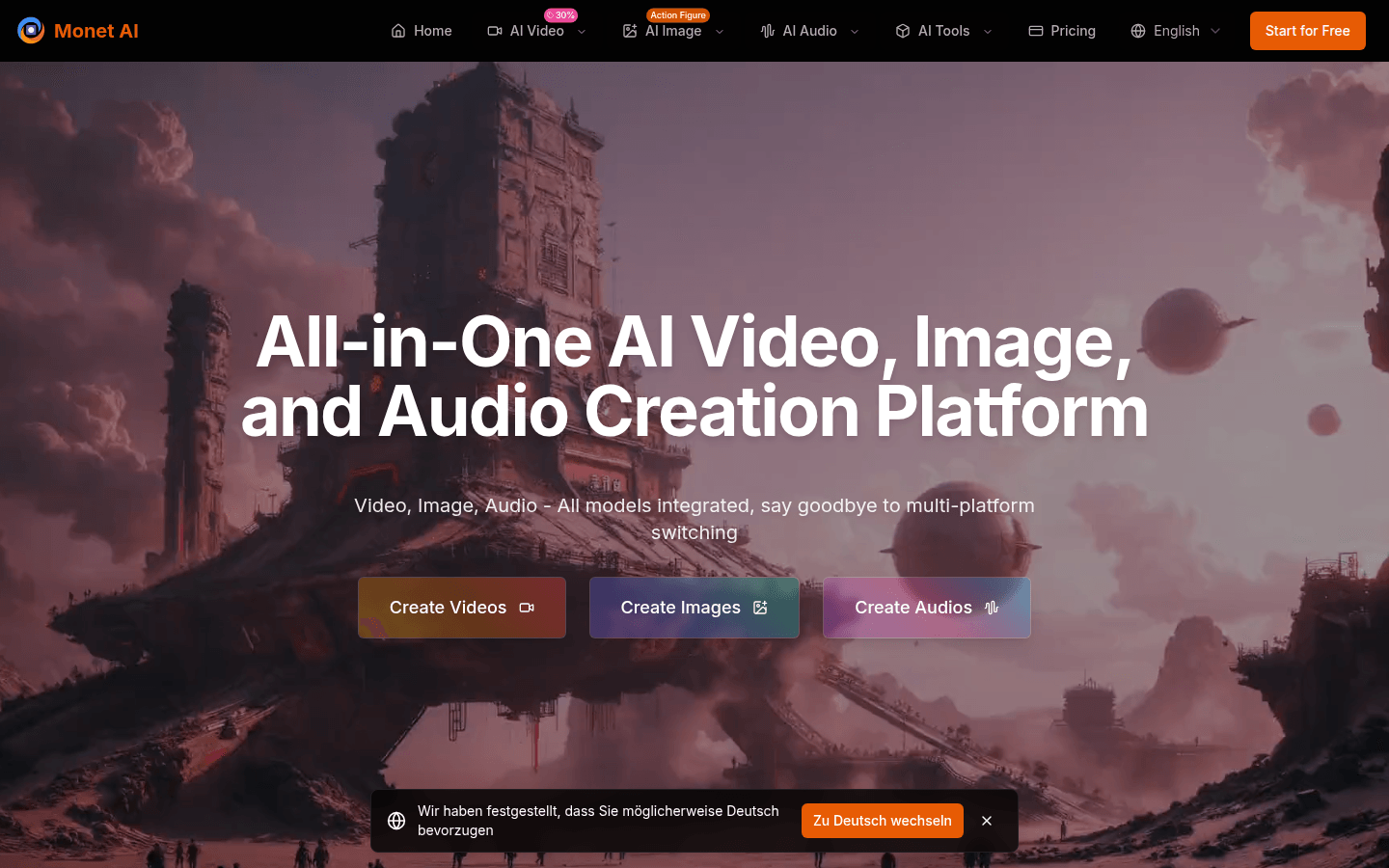
Monet AI is an all-in-one AI visual creation platform that integrates more than 20 cutting-edge models, covering image generation, video generation and audio creation. The importance is to provide users with a one-stop creative experience without having to switch between multiple platforms. The main advantages include multi-model integration, support for multiple creative modes, rich style conversion functions, etc. The product background is to meet the needs of different industries and user groups for AI creation. In terms of price, the page mentions that you can start using it for free, but does not mention whether there is a paid model. It is speculated that it may be a free trial and then payment. It is positioned to provide professional multi-model AI creation solutions for content creators, e-commerce merchants, corporate marketers, designers, video creators and developers.
Demand group:
["Content creators: can access all mainstream AI models on one platform, conduct multi-model comparison and selection, realize one-click cross-platform publishing, and have flexible style choices to meet different creative needs.", "E-commerce merchants: can take advantage of different AI models, such as using Ideogram to generate logos, DALL-E to generate product images, and Recraft to generate vector materials, to achieve multi-model product image display and one-stop brand material production.", "Enterprise marketers: Integrate the advantages of major AI models to provide a one-stop solution for marketing material needs from concept design to execution, achieving multi-model marketing material production and unified brand style.", "Designers: No need to subscribe to multiple AI services, you can access all professional tools such as Flux, StabilityAI, Recraft, etc. on one platform for multi-model inspiration comparison and design process optimization.", "Video creators: can achieve cross-model collaboration from Flux image generation to Replicate animation processing, complete the complete video production process, and improve production efficiency.", "Developers and enterprises: enjoy all mainstream AI models through API integration, achieve unified interface management, and reduce technical complexity and costs."]
Example of usage scenario:
Content creators use Monet AI 's image generation function, combined with AI intelligent copywriting creation, to produce attractive graphic and text content for social media.
E-commerce merchants use Monet AI 's video generation function to convert product images into vivid videos for product promotion and promotion.
Enterprise marketers use Monet AI 's multi-model integration advantages to produce unified style marketing videos, posters and audio content for brand activities.
Product features:
It supports multiple creative modes such as text-to-video generation and image-to-video conversion. It uses advanced artificial intelligence technology to easily transform creative concepts into vivid video content, providing users with unlimited possibilities for video creation.
Based on cutting-edge AI technology, creative ideas can be transformed into exquisite visual works, whether it is commercial design, artistic creation or personal expression, which can meet the diverse needs of users.
It can transform text and creative ideas into engaging audio content, which can be used in a variety of scenarios such as narration production, music creation or speech synthesis.
Provides one-click style conversion function, which can convert photos into various artistic styles from classic master style to modern art style to meet different creative needs.
Integrating the most advanced video, image and audio generation models in the industry, users can experience all top AI technologies without switching between multiple platforms.
Provide professional multi-model AI creation solutions for different industries and user groups, eliminating the trouble of switching between multiple platforms and improving creation efficiency.
Usage tutorial:
Visit the official website of Monet AI at https://monet.vision.
Click "Start for Free" to start your free trial.
If you need to create a video, click "AI Video", select a creative mode such as text-to-video generation or image-to-video conversion, describe your creative vision, and click "Generate Video Now" to generate a video.
To create images, click "AI Image", enter creative ideas, and click "Start Creating Images" to generate images.
If you want to create audio, click "AI Audio", enter text and creative ideas, and click "Start Creating Audio" to generate audio.
For style conversion, select the corresponding photo, click the style conversion button, and select your favorite style, such as "ghibli", "anime", etc. to convert.