MotionExcel
AI-powered spreadsheet editor to boost productivity and data analysis.

English
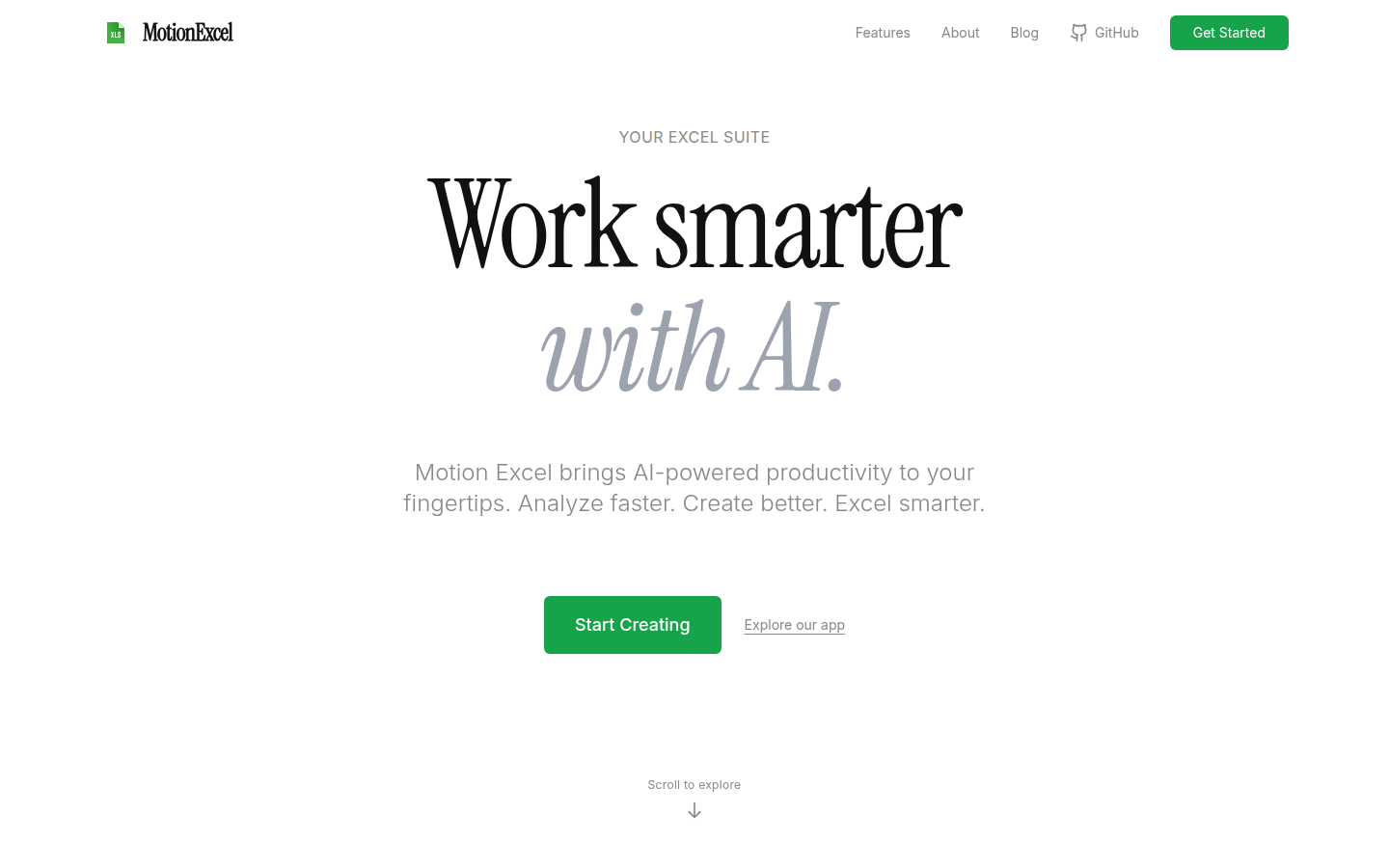
MotionExcel is an AI-driven spreadsheet editor that integrates AI technology into the use of spreadsheets, which can significantly improve users' work efficiency. The importance lies in leveraging the powerful capabilities of AI to help users analyze data and create table content more quickly. The main advantages include no need to log in to experience and easy operation, allowing users to use Excel more intelligently. The product background is developed to meet the needs for efficient data processing and analysis in modern offices. There is currently no price information mentioned on the page. Judging from the introduction, it can be used for free. It is positioned for a large number of user groups who need to perform spreadsheet operations.
Demand group:
["- Office staff: Office staff need to process a large amount of data and reports in their daily work. MotionExcel 's AI auxiliary functions can help them quickly analyze data, generate reports, and improve work efficiency and accuracy.", "- Data analysts: Data analysts need to conduct in-depth analysis of complex data. The product's AI analysis capabilities and data processing functions can meet their needs for data mining and insights.", "- Student groups: Students may be involved in data collation and analysis tasks during the learning process. MotionExcel is easy to use and requires no login, making it suitable for students to get started quickly and complete learning tasks. "]
Example of usage scenario:
1. Corporate financial personnel use MotionExcel to analyze financial data for each quarter and quickly discover data trends and anomalies through AI to provide a basis for corporate decision-making.
2. Market researchers use this product to process large amounts of research data, generate visual reports and charts, and intuitively display market conditions.
3. Teachers use MotionExcel to manage students’ scores, analyze students’ learning status through AI, and develop personalized teaching plans.
Product features:
AI-assisted data analysis: With the help of AI technology, data trends in spreadsheets can be quickly analyzed, helping users discover patterns and problems in the data, and saving a lot of data analysis time.
Intelligent content creation: When creating spreadsheet content, AI can provide intelligent suggestions and assistance, making it easier for users to create tables and improving the quality of table content.
Multiple font and style selections: Provides rich fonts, such as Arial, Verdana, etc., as well as multiple style settings, including font size, bold, italic, etc., to meet users' diverse typesetting needs.
Multiple data format support: Supports multiple data formats such as automatic, digital, currency, date and time, etc., to facilitate users to accurately present and process different types of data.
AI Copilot interaction: Users can interact with spreadsheets through AI Copilot, conduct detailed questions and answers, and dig deeper into data information.
Automatic task processing: Use intelligent agents to automatically process complex data tasks, such as creating data sets, generating SQL queries, performing Python analysis, etc., to improve work efficiency.
Usage tutorial:
1. Open the website: Visit the official website of MotionExcel in the browser.
2. Enter the editor: You can directly enter the AI-powered spreadsheet editor without logging in.
3. Create a form: Create a new spreadsheet according to your needs and enter data.
4. Format: Use the provided font, style, and data formatting options to format and format the table.
5. Data analysis: Use AI Copilot or automatic task processing functions to analyze and process tabular data.
6. Save and share: After completing the table editing and analysis, save the table and share it as needed.