Nano Banana Pro | Free AI Image Generator for Stunning Visuals
Create stunning visuals quickly with Nano Banana Pro—AI image generator for creators, designers, and developers.

English
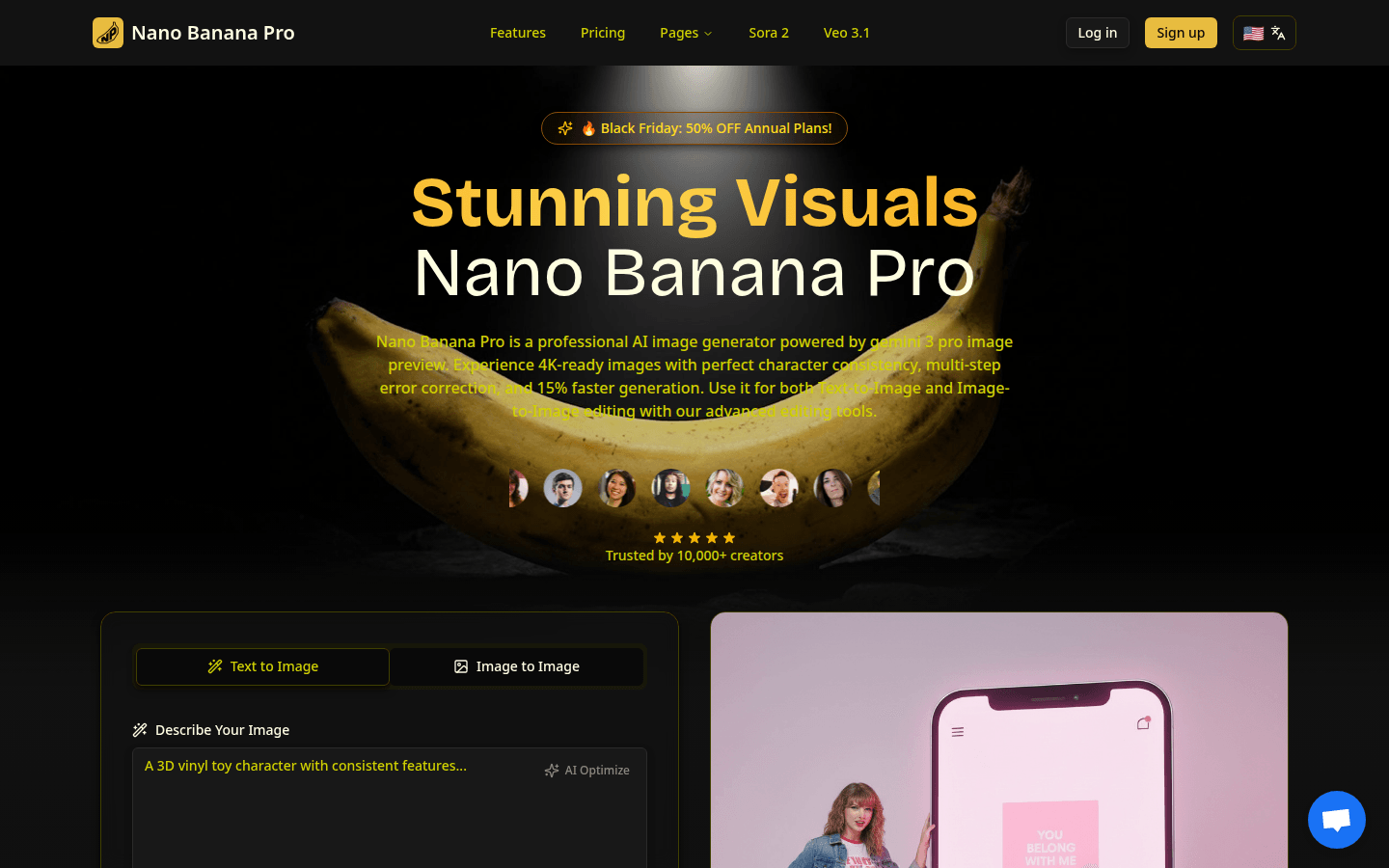
Nano Banana Pro is a professional AI image generator based on the image preview technology of Nano Banana 2 and Gemini 3 Pro. Its advantages include high character consistency and coherent characters in multiple images; fast generation speed, 15% faster than before; support for 11 aspect ratios, which can meet the needs of various formats; clear text rendering and powerful image generation function. The product is positioned to serve creators, designers and developers. In terms of price, there is a special package for new users of $4.99 for 80 points, as well as subscription packages such as basic, professional and ultimate editions. You can save 50% on annual payments.
Demand group:
["Creator: Whether you are an individual creator or a creative team, you can use Nano Banana Pro's character consistency and rapid generation functions to efficiently carry out character design, storyboard creation and series image production to release your creativity.", "Designer: For poster design, logo design, layout design and other work, clear text rendering and multiple aspect ratio support can help designers control image output more accurately to meet the needs of different projects.", "Developers: You can use the advanced technology of this product to carry out related development and innovation, apply it to your own projects, and improve development efficiency and product quality."]
Example of usage scenario:
Creators use the character consistency feature for character design and storyboard creation to quickly generate a series of coherent character images.
Designers use the photo editing function to transform ordinary photos into works of art for poster design or social media promotion.
Developers use the product's advanced technology to integrate it into their own projects to improve the project's image generation capabilities.
Product features:
Character consistency: Advanced multi-image understanding technology ensures that characters maintain perfect coherence in multiple generated images. It is especially suitable for character design, storyboard creation and series image production, so that creators do not need to worry about deviations in character images in different images.
Rapid generation: With the help of Gemini 3 Pro image preview technology, lightning-fast generation is achieved, 15% faster than previous models, allowing users to obtain high-quality image results in a short time (3-10 seconds), greatly improving creative efficiency.
Text rendering: Text can be clearly and accurately presented in the generated image, saying goodbye to garbled letters. This is very practical for users who need to add text descriptions to images, make posters, design logos and typesetting.
Picture editing: Using the Nano Banana Edit function, you can upload up to 10 pictures (JPEG, PNG, WebP, each up to 10MB), and reimagine the photos based on AI prompts, turning ordinary photos into works of art, adding elements or changing scenes while retaining key features.
Multiple aspect ratio support: Provides 11 aspect ratios, from the common 1:1 square to 21:9 ultra-widescreen format, and also supports automatic detection to meet the format requirements of various scenarios such as social media posts, presentations, banners, etc.
Usage tutorial:
Step 1: Select a mode. You can choose Vincent to create an image from scratch, or Tusheng to convert an existing photo. Both workflows are supported by the powerful Nano Banana 2 engine.
Step 2: If you choose Tu Sheng Picture Editing, upload up to 10 pictures (JPEG, PNG, WebP, each up to 10MB), and Nano Banana Edit will intelligently analyze and convert the pictures according to the prompts.
Step 3: Enter the prompt word and settings, describe the desired image with up to 5,000 characters, and select the aspect ratio (1:1 to 21:9) and format (PNG, JPEG). The model can understand complex instructions and artistic language.
Step 4: Click the Generate button, Nano Banana Pro will process the request within 3 - 10 seconds, and the high-resolution image can be downloaded immediately after generating the result. The image has a built-in SynthID watermark to verify authenticity.