Paper Animator Art
Turn static images into dynamic paper animations with AI—perfect for social media, branding, and creative projects.

English
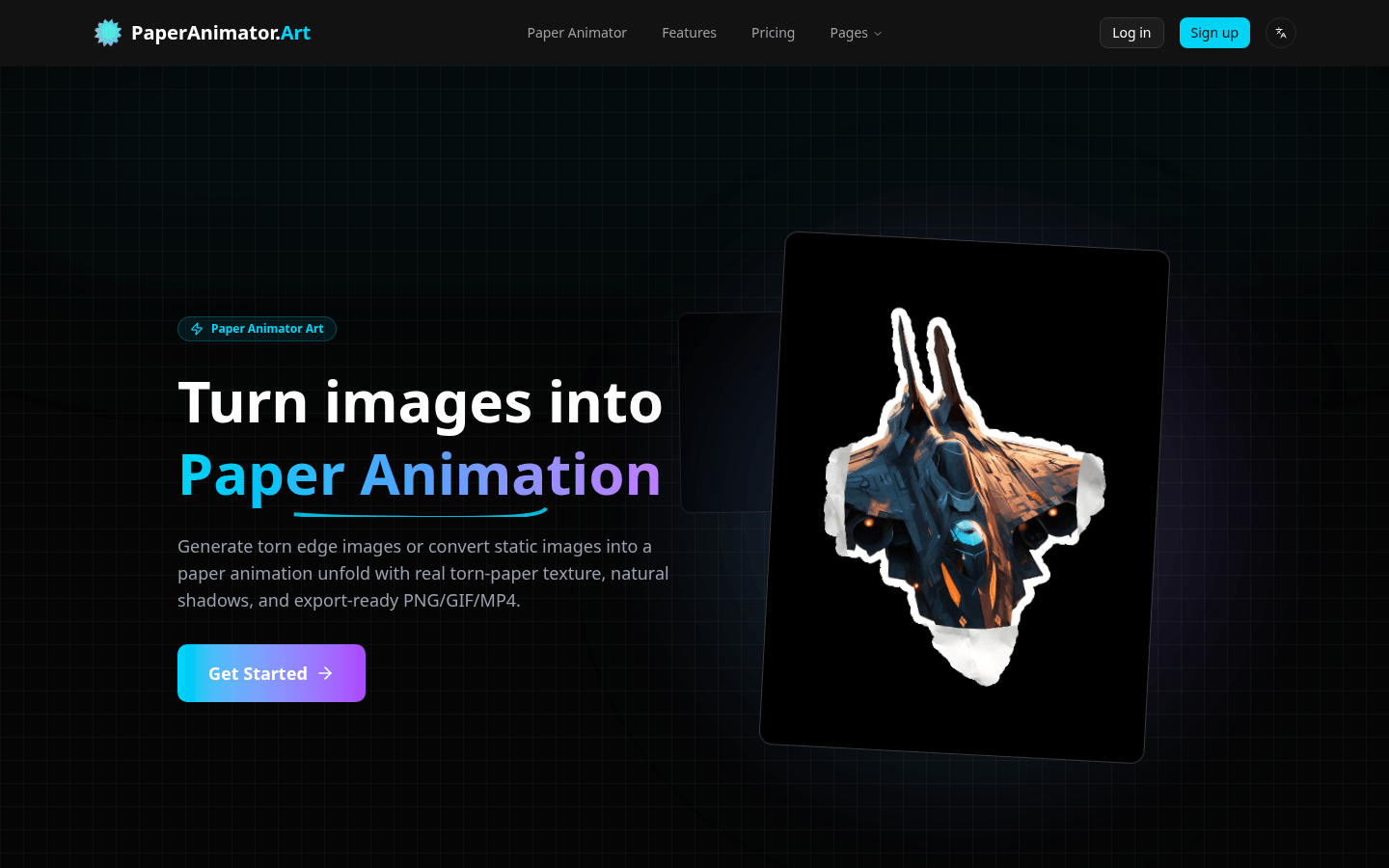
Paper Animator is an online tool based on AI technology designed to transform static images into animated effects with real paper texture. Its importance lies in providing users with a unique and creative image expression that can attract more attention in social media, brand promotion and other scenarios. Key benefits of the product include AI automatically identifying subjects and adding natural torn edges and shadows, making each result unique; support for fast background removal, highly customizable animation effects, and high-quality export. The tool offers a free tier suitable for individuals and teams with creative needs. Background information shows that the developers felt that existing image effects lacked vitality, so they created this tool to deliver realistic tearing edges, natural shadows and smooth unfolding effects.
Demand group:
["Social Media Marketers: Paper Animator transforms everyday social media posts into eye-catching paper animations for content on platforms like Reels, TikTok, and Shorts. Capture users' attention and increase click-through and engagement rates on your posts with unique tear edges and high-quality export effects.", "Branding teams: In brand storytelling, using the tool's visual effects can add tactile depth, layering, and a hand-crafted feel to marketing campaigns, making the brand image more human and making it easier for audiences to remember the brand story.", "Product launch teams: During new product launches, Paper Animator can generate paper animation hero shots with transparent or green screen backgrounds, paired with clear 1080p videos for advertising, making product launches more vivid and engaging.", "Content creators: For creators who need to produce fresh visual content every week, Paper Animator can provide consistent paper animation effects without the need for complex timelines and plug-ins, saving creative time and energy."]
Example of usage scenario:
Social media marketing: Transform daily social media posts into paper animations with torn edges for use on platforms such as Reels, TikTok and Shorts to attract users’ attention and increase interaction rates.
Brand Storytelling: Leverage the tactile depth and layering of paper animation to add a unique, hand-crafted feel to your brand marketing campaigns, making it easier for your audience to remember your brand story.
Product launch: When new products are released, use paper animation hero shots with transparent or green screen backgrounds, paired with 1080p videos for advertising, to make the product launch more vivid and attractive.
Product features:
Background removal: Use advanced AI technology to automatically remove the image background within seconds, eliminating the need for manual cutout, saving a lot of time and energy and making the main subject of the image more prominent.
Intelligent tearing edge: AI automatically recognizes the details of the image subject and adds organic tearing edges to it, making the paper animation effect look like it is hand-made, enhancing the realism and uniqueness of the animation.
Paper unfolding animation: simulate the process of paper unfolding from a crumpled state, and achieve a story-telling stop-motion animation effect by adjusting the depth, curvature and rhythm, adding vividness to the animation.
Highly customizable: Users can highly customize edge thickness, details, animation size and shadow according to their own needs to meet different creative requirements.
High-quality export: Supports exporting animations in high-quality GIF or MP4 format, suitable for social media and various marketing activities, ensuring clear and smooth effects on different platforms.
One-click background switching: Provides various background options such as classic paper, pure white, transparent PNG or green screen. Users can switch and preview with one click before exporting to choose the background that best suits their work.
AI Automated Processing: The engine automatically tracks the subject in the image, adding natural torn edges and subtle shadow layers without using templates, and each result uniquely matches the user's image.
Usage tutorial:
Step 1: Upload the image. Upload an image in PNG or JPG format to the website by dragging and dropping it, and the system will automatically prepare it for animation.
Step 2: AI unfolds magic. AI will automatically add textured paper edges and expansion animation effects to the image without manual intervention.
Step 3: Export GIF or MP4. Choose the appropriate aspect ratio according to your needs and download a looping GIF or MP4 file.