Pixwit
Create stunning videos effortlessly with Pixwit's AI tools. Perfect for creators, marketers, and content producers.

English
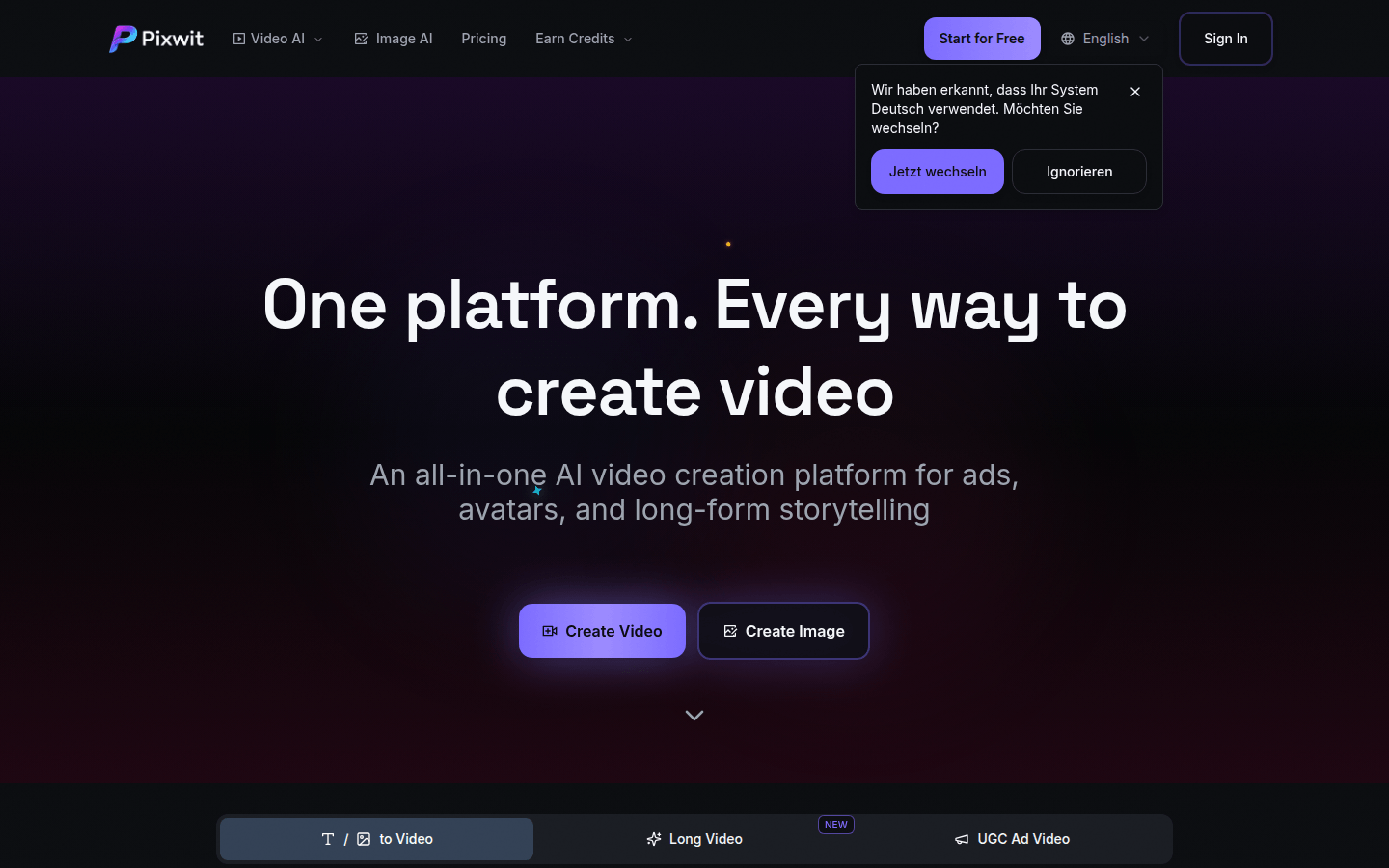
Pixwit is an integrated AI video creation platform built on multiple advanced video models. Its importance lies in providing users with a convenient, efficient and diverse video creation method that can be easily used regardless of technical background. The main advantages of the product include supporting multiple video creation types, integrating many high-quality AI video generation models, outputting high-quality videos, and providing rich effect templates. The platform is positioned as a comprehensive video creation tool for creatives, marketers, and content creators. In terms of price, there is a free version, which gets you 19 credits when you sign up, and there is also a paid plan that you can upgrade to get unlimited credits and advanced features.
Demand group:
["Creative people: Pixwit provides a wealth of creative methods, such as text to video, image to video, etc., which can quickly transform their creativity into high-quality video works, inspiring more creative inspiration.", "Marketers: You can use the UGC advertising video function to automatically convert product images into marketing videos suitable for social media, improving marketing efficiency and effectiveness.", "Content creators: Whether making long videos or creating AI avatar videos, it can meet their diverse content creation needs and enhance the attractiveness and professionalism of the content."]
Example of usage scenario:
Marketers use the UGC advertising video function to convert product images into advertising videos suitable for social media to promote products.
Creative people use text-to-video AI to transform their story descriptions into visually impactful video works.
Content creators use the AI long video generator to create multi-scenario long video content with one click for publishing on self-media platforms.
Product features:
Text-to-Video AI: Utilize top-notch visuals and perfectly synchronized audio to transform text descriptions into stunning videos, allowing your ideas to be presented in high-quality visual form.
Image to video AI: After uploading the image, AI will add dynamic effects and animations to it, and match it with movie-level audio in a consistent style, turning ordinary photos into stunning videos.
UGC advertising video: Automatically convert product images into attractive marketing videos, suitable for a variety of social media advertising aspect ratios and customizable durations, to improve product promotion effects.
AI Avatar Generator: Transform your photos into 2-minute fully animated AI avatar videos with realistic movements, lip sync, and rich expressions to add a vivid element to your content.
AI long video generator: Create multi-scene long videos of various styles with just one click, ensuring consistent characters and smooth transitions, and efficiently completing long-form content creation.
Reference image to video: Provide reference images of characters, objects or scenes to ensure the visual consistency of each frame of the video and make the video style more unified.
Start-End Image to Video: Create smooth transitions between two images and turn start and end images into seamless videos with professional transitions and special effects.
Usage tutorial:
1. Visit Pixwit ’s official website https://Pixwit.ai.
2. If you are a new user, you can select "Start for Free" to start using it for free, or click "Sign In" to log in.
3. According to your creative needs, select the corresponding functions, such as "Text to Video AI", "Image to Video AI", etc.
4. Enter relevant information according to the prompts of the selected function, such as entering text description in text to video, uploading pictures in image to video, etc.
5. You can adjust parameters as needed, such as adding special effects, setting video duration, etc.
6. Click the "Generate" button to start generating the video.
7. Wait for the video generation to be completed. The generation time is usually 2 - 5 minutes. You can check the progress in real time.
8. After the generation is completed, you can edit, download or share the video.













