Current location: Home> AI Tools> AI Image Generation
Qwen-Image-i2L

Qwen-Image-i2L

Transform images into LoRA models for style transfer and detail generation.

Author:LoRA
Inclusion Time:10 Dec 2025
Visits:2345
Pricing Model:Free
Introduction

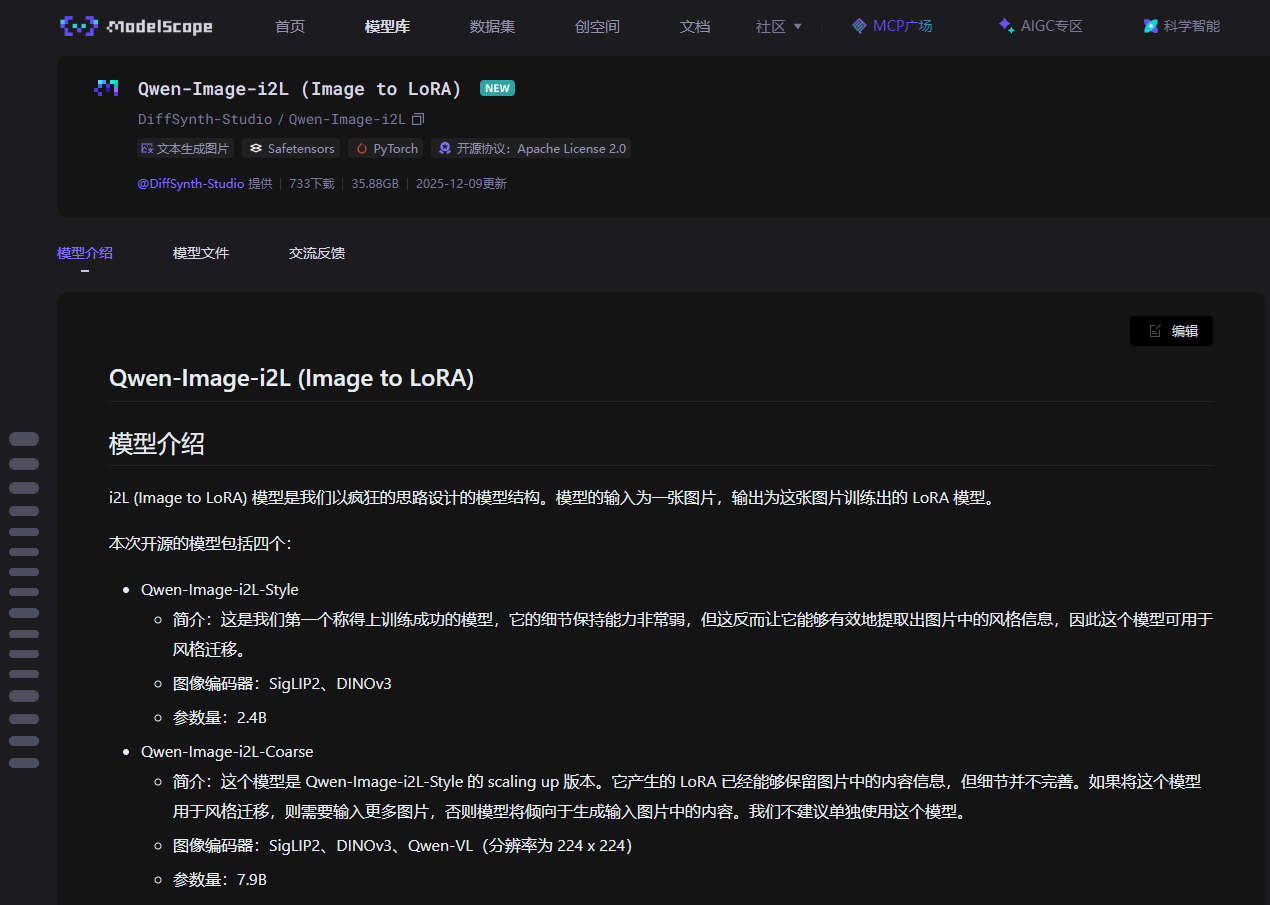
Qwen-Image-i2L is an innovative model that converts input images into LoRA models, supports style transfer and detail generation, and is suitable for various visual creation needs. It contains multiple versions to meet different detail preservation needs and is suitable for researchers and artists.

Demand group:

"This product is particularly suitable for artists, researchers and developers who are engaged in image processing and creation. By using this model, they can easily transform image styles and extract details to assist their creation and research work."

Example of usage scenario:

Use Qwen-Image-i2L -Style model to quickly generate stylized images.

Combine Qwen-Image-i2L -Coarse and Qwen-Image-i2L -Fine for detailed image generation.

The Qwen-Image-i2L -Bias model makes the generated image closer to the Qwen-Image style.

Product features:

Convert input images to LoRA models to support style transfer.

Several different versions of the model are available to suit different needs.

Supports high-resolution image encoding to maintain more detailed information.

Compatible with multiple image encoders, providing flexible application scenarios.

Can be combined with other models to speed up the training process.

Open source promotes community collaboration and innovation.

Use simple inference code to make it easier for developers to use.

Suitable for many types of image generation tasks.

Usage tutorial:

Install DiffSynth-Studio and download related models.

Load the input image and perform inference using the appropriate model.

Run the inference code to generate the LoRA model.

Use the generated LoRA model for image generation or style transfer.

Save the resulting image or model for later use.

Alternative of Qwen-Image-i2L
  • ComfyUI

    ComfyUI

    ComfyUI is an intuitive Stable Diffusion visualization tool that is lightweight and efficient, supports custom workflows to help you easily generate high-quality AI images.
    ComfyUI tutorial Stable Diffusion visualization tool
  • ImageFX

    ImageFX

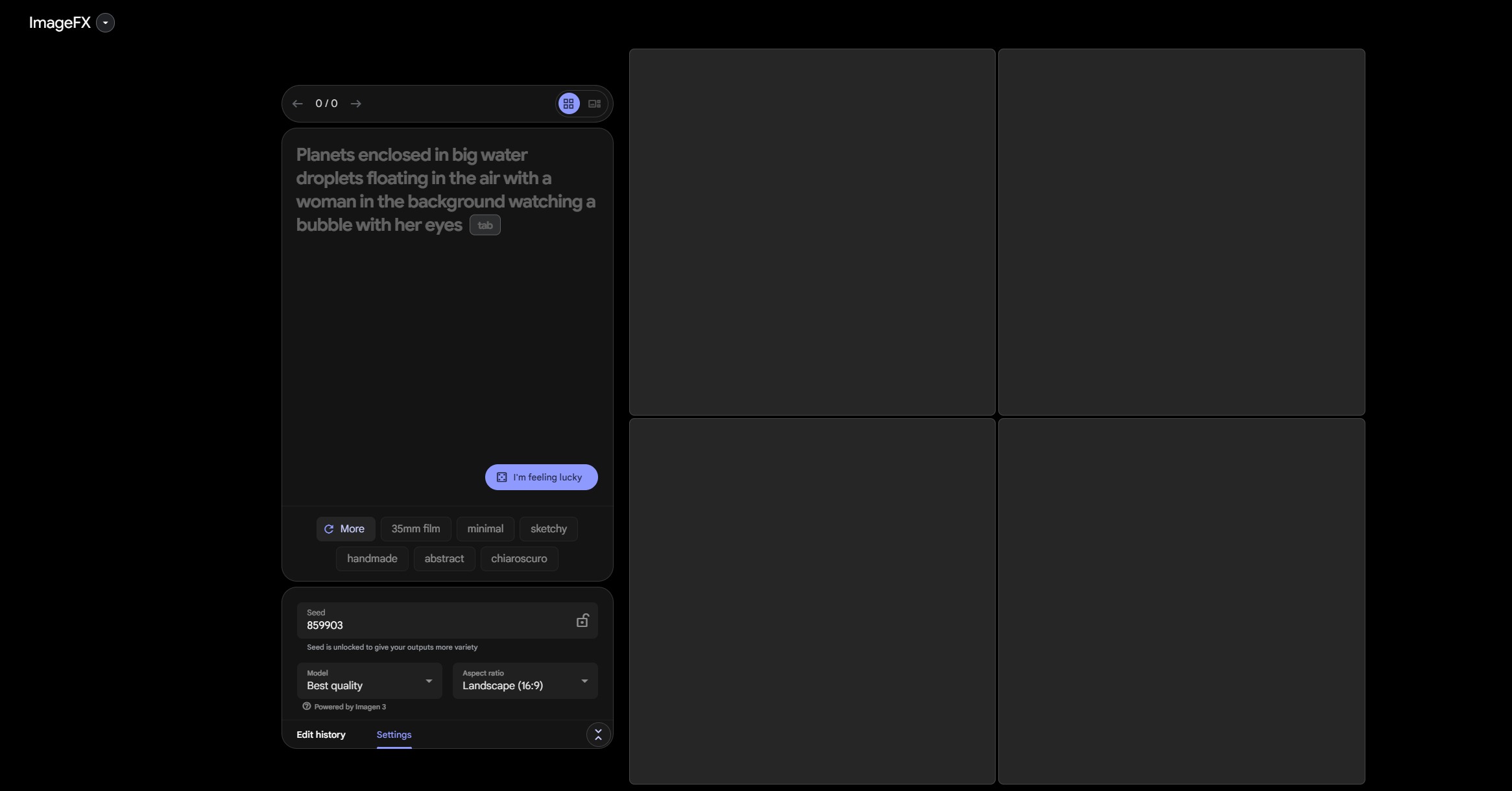
    Want to use AI to easily generate images? Try ImageFX ! It provides a simple interface and intelligent prompt word suggestions, so even novices can get started quickly.
    ImageFX Google AI
  • Stylar AI

    Stylar AI

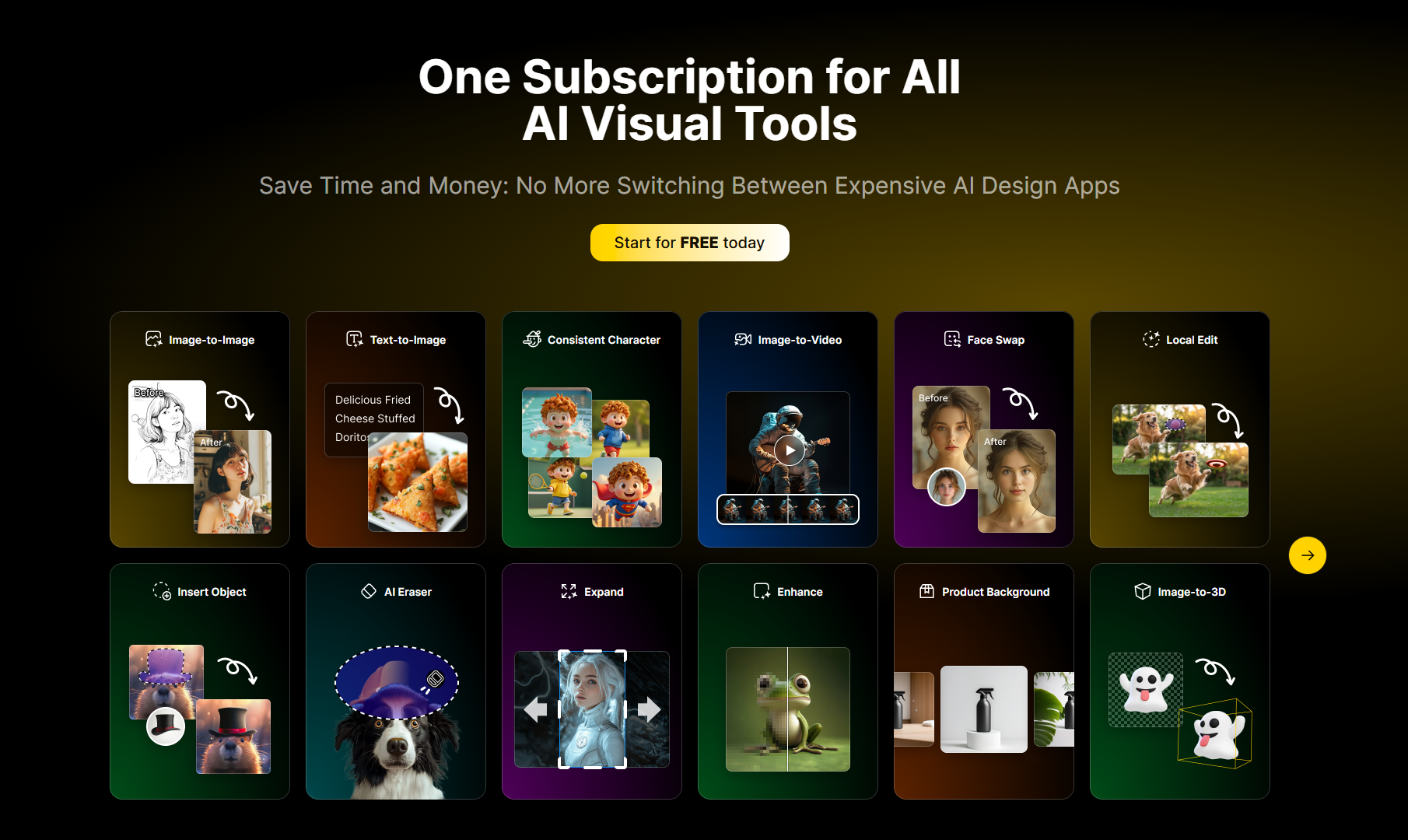
    Stylar AI is a free AI image generation and editing tool that provides style customization, layer synthesis and high-resolution output.
    AI image generation image editing tool
  • Qwen2.5-VL

    Qwen2.5-VL

    Qwen2.5-VL handles images videos efficiently, excelling in finance, education, content creation, supporting multi-language and complex document parsing.
    Qwen2.5-VL visual language model
Selected columns
  • Second Me Tutorial

    Second Me Tutorial

    Welcome to the Second Me Creation Experience Page! This tutorial will help you quickly create and optimize your second digital identity.
  • Cursor ai tutorial

    Cursor ai tutorial

    Cursor is a powerful AI programming editor that integrates intelligent completion, code interpretation and debugging functions. This article explains the core functions and usage methods of Cursor in detail.
  • Grok Tutorial

    Grok Tutorial

    Grok is an AI programming assistant. This article introduces the functions, usage methods and practical skills of Grok to help you improve programming efficiency.
  • Dia browser usage tutorial

    Dia browser usage tutorial

    Learn how to use Dia browser and explore its smart search, automation capabilities and multitasking integration to make your online experience more efficient.
  • ComfyUI Tutorial

    ComfyUI Tutorial

    ComfyUI is an efficient UI development framework. This tutorial details the features, components and practical tips of ComfyUI.