Remove Watermark
Remove Watermark from photos and videos easily with MarkGone. Fast, safe, and high-quality.

English
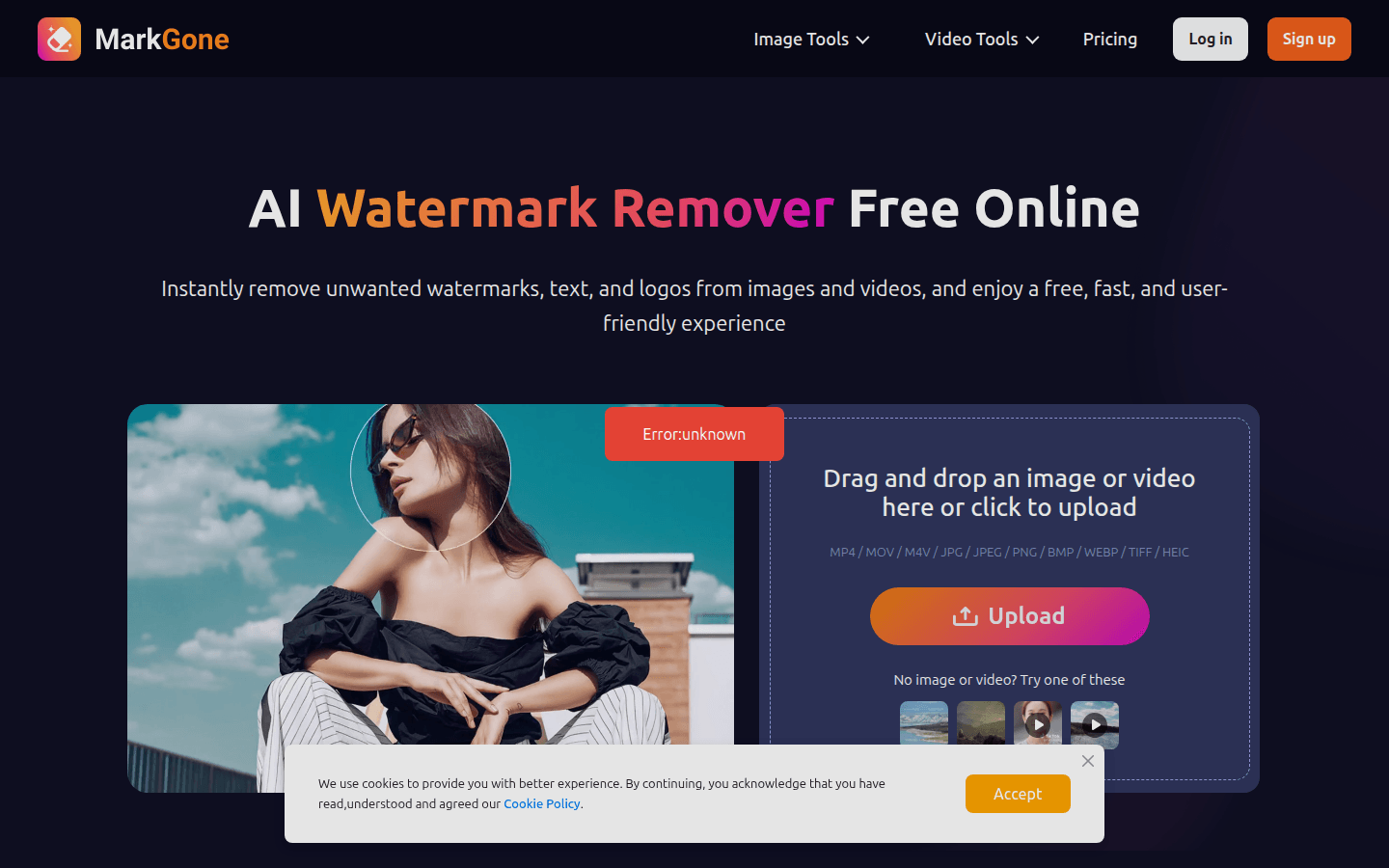
MarkGone is an online AI watermark removal tool that can be used to remove watermarks from photos and videos. Its importance lies in providing users with a convenient, efficient and high-quality watermark removal solution. The main advantages include: no need for manual editing, one-click processing avoids complicated masking, cropping or frame-by-frame cleaning; it can retain the original image quality, ensuring that colors, edges and visual details are natural and without obvious distortion; it pays attention to data security and performs strict security processing on uploaded files. The product is positioned for individual and professional users to meet their needs for image and video watermark processing. In terms of price, users have a limited number of free uses per day. If they need more use opportunities, they can upgrade to the PRO version or purchase additional credits.
Demand group:
["Social media managers: They need to publish high-quality content to maintain their brand image. MarkGone can help them quickly remove watermarks from photos and videos, making the content more professional and beautiful, and improving the brand's visual effect.", "Video editors: When processing video materials, they often encounter watermarks. This tool can quickly remove watermarks without affecting video quality, facilitating video editing work and improving work efficiency.", "Ordinary users: For individual users, you may encounter situations where you need to remove photo watermarks, such as repairing old photos or preparing to share pictures. MarkGone is simple and easy to use. No professional skills are required to easily remove watermarks to meet personal needs."]
Example of usage scenario:
Social media managers use MarkGone to remove watermarks from photos and videos before posting content, making branded content more professional and beautiful.
Video editors can use this tool to remove watermarks from videos when processing materials, without affecting video quality and improving work efficiency.
When individual users repair old photos, they use MarkGone to remove the watermarks on the photos and restore the original clarity of the photos.
Product features:
Image watermark removal: Users only need to upload pictures, and AI can automatically remove watermarks. It can be used to clean photos, repair old photos, or prepare visual materials for personal and professional use. The operation is simple and fast, and can effectively improve work efficiency.
Video watermark removal: Online video watermark removal tools can quickly remove video watermarks without affecting the visual clarity of the video, ensuring that every frame remains clear and professional, providing convenience for video editing and sharing.
Remove various types of watermarks: Whether it is logos, text, or seals, this AI watermark removal tool can easily handle various types of watermarks, providing clean, high-quality visual effects and suitable for images and videos of various content types.
Supports multiple file formats: Supports common image and video formats, such as MP4, MOV, M4V, JPG, JPEG, PNG, BMP, WEBP, TIFF and HEIC, making it easier for users to process files from different sources.
One-click processing eliminates the need for manual editing: One-click processing avoids traditional complex operations such as masking, cropping, or frame-by-frame cleaning, saving users time and energy and making watermark removal easier.
Preserve the original image quality: During the watermark removal process, the naturalness of colors, edges and visual details can be maintained without obvious distortion, ensuring that the quality of the processed images and videos is not affected.
Data security assurance: All uploaded files are subject to strict security processing to ensure the security of user information, so that users can use the tool with confidence.
Usage tutorial:
Step 1: Open the MarkGone website (https://www.removewatermarks.com/).
Step 2: Choose the tool you want to use, such as "Image Watermark Removal" or "Video Watermark Removal".
Step 3: Click the upload area and select the image or video file to be processed. Supported formats include MP4, MOV, M4V, JPG, JPEG, PNG, BMP, WEBP, TIFF and HEIC.
Step 4: After the upload is completed, click the "Remove" button, and AI will automatically process and remove the watermark.
Step 5: After the processing is completed, download the image or video file with the watermark removed.













