Roomlab
Roomlab: AI-powered interior design app for quick, realistic room makeovers.

English
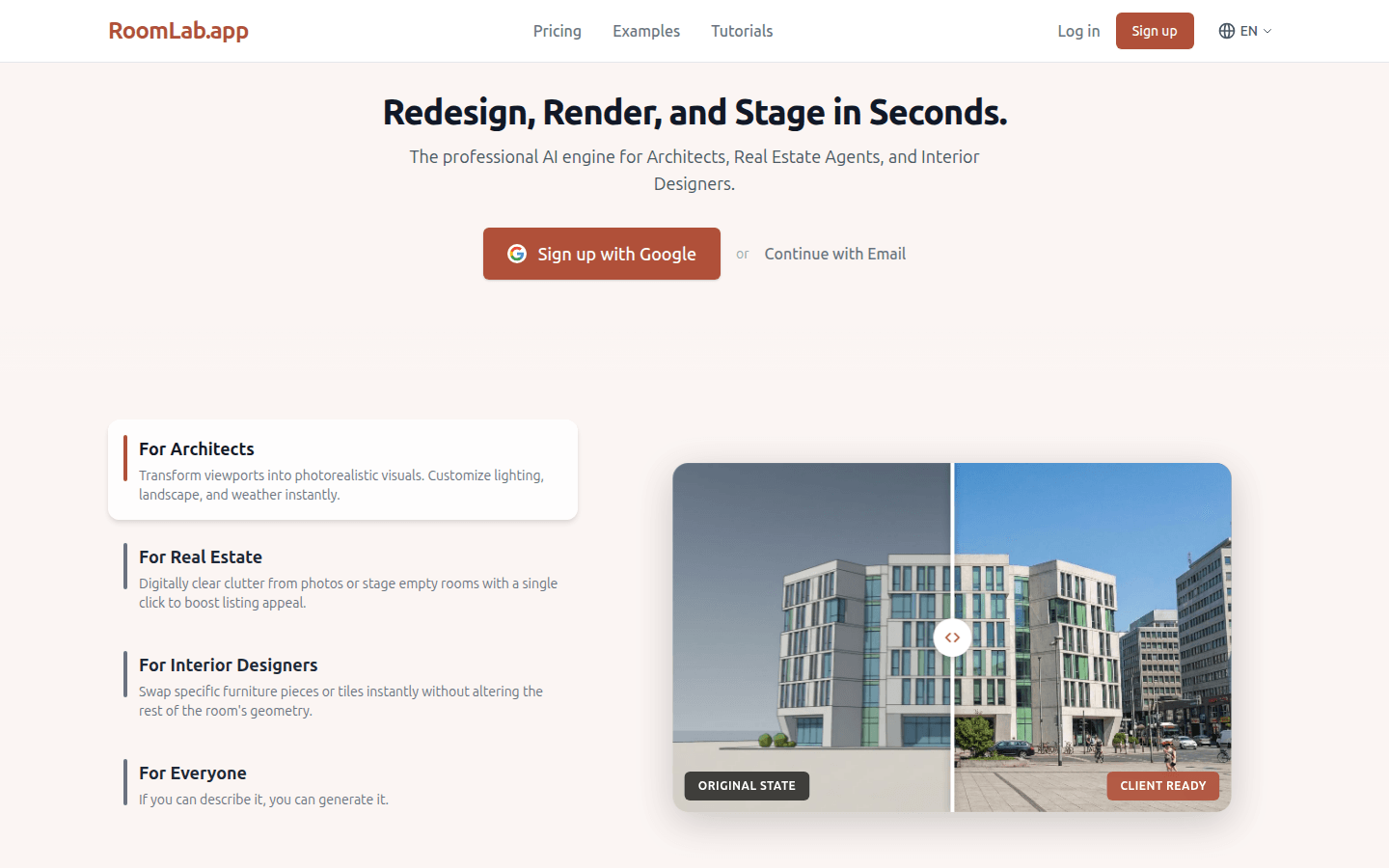
Roomlab is an interior design and virtual layout application based on artificial intelligence technology. Its core function is to use advanced AI algorithms to process and optimize room images. The importance lies in providing efficient and convenient solutions for the interior design and real estate industries. Key benefits include rapid operation, producing realistic effects in seconds; simplicity of use, requiring no complex design skills; and cost savings, reducing the time and labor costs required for traditional design and layout. Product Background has been developed with the needs of designers, architects and real estate professionals in mind. The price information page does not mention it in detail, but it is speculated that there may be a free trial or paid subscription model. Positioning is to provide professional AI assistance tools for the interior design and real estate fields.
Demand group:
["Interior designers: Roomlab can help them quickly transform design concepts into visual effects, save time and energy, and improve work efficiency. Designers can quickly try different design solutions through the application, communicate with customers more intuitively, and improve customer satisfaction.", "Architects: During the architectural design process, Roomlab can provide them with a virtual display of indoor space, helping them better understand the relationship between architecture and indoor space, and optimize the design plan. At the same time, it can also provide customers with a more comprehensive project display.", "Real estate professionals: Using Roomlab 's virtual staging function, they can create a more attractive presentation of the property for sale, attracting more potential buyers. At the same time, they can also save the cost and time of actually staging the property and improve sales efficiency."]
Example of usage scenario:
Interior designers use Roomlab to design living rooms for customers, quickly change furniture and wall materials, and generate a variety of design options for customers to choose from.
A real estate agent used Roomlab to virtually stage a vacant house for sale and create beautiful promotional images and videos to attract more potential buyers.
When architects design a commercial space, they use Roomlab to virtually display the indoor space, communicate and discuss with team members, and optimize the design plan.
Product features:
Use AI technology to instantly transform any room. Whether it is a living room, bedroom, office, etc., it can be easily processed and quickly present new design effects.
The furniture in the room can be accurately replaced, and furniture of different styles, styles and colors can be selected for replacement according to the user's preferences and design needs.
It can flexibly change various materials in the room, such as wall materials, floor materials, etc., allowing users to easily try different decoration styles.
Effectively clean up cluttered spaces, automatically identify and remove unnecessary items through AI algorithms, making the room look tidier and more spacious.
Virtually stage a property and add the right furniture and decorations to an unfurnished or for-sale property to increase its appeal and market value.
Generate realistic design effects in a short time, allowing users to intuitively see how the room will actually look after the renovation, making it easier to make decisions.
Support designers and architects to quickly verify ideas during the design process and find the best design direction by comparing different design plans.
Provides real estate professionals with powerful marketing tools to attract more leads with virtually staged property images and videos.
Usage tutorial:
1. Open the Roomlab application. If you are not registered, click "Sign up" to register. If you are already registered, click "Log in" to log in to your account.
2. After successfully logging in, enter the User Workspace and choose to upload the room pictures that need to be processed.
3. Choose the corresponding functions according to your own needs, such as replacing furniture, replacing materials, cleaning up space or virtually arranging the property.
4. During the operation, you can make detailed settings and adjustments according to the prompts, such as selecting the style, color, and material type of furniture.
5. After completing the design, click the Generate button and wait a few seconds to get realistic design effects.
6. You can save the design results to your own gallery (My Gallery) or share it with others.













