Seedance 1.5
Create professional videos quickly with Seedance 1.5—advanced AI video generation for creators, marketers, and educators.

English
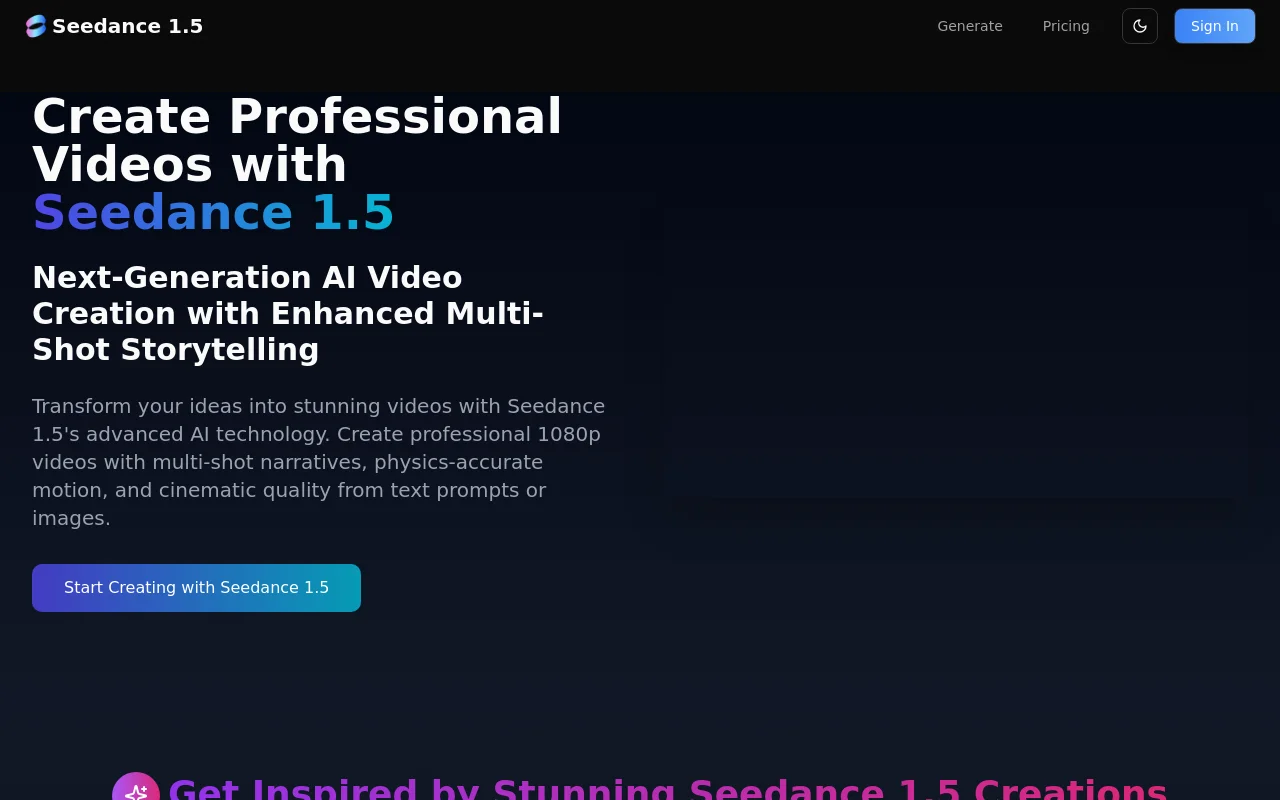
Seedance 1.5 is an advanced AI video generation model designed to help creators efficiently produce professional-grade videos. It features revolutionary multi-camera storytelling capabilities and physically accurate motion simulation, enabling creators to achieve high-quality content creation without the need for expensive equipment and specialized technology. Supports 1080p high-definition video output, flexible resolution and duration options, suitable for various creative needs. In terms of pricing, Seedance 1.5 offers a variety of subscription plans to meet different user needs.
Demand group:
"The product is suitable for a variety of target audiences including creative workers, marketing teams, independent filmmakers and educators. Through its advanced multi-camera storytelling and motion simulation technology, Seedance 1.5 allows creators to create high-quality video content at lower cost and time, thereby increasing productivity and creative flexibility."
Example of usage scenario:
TechStart Inc. uses Seedance 1.5 to improve video marketing efficiency and increase production capacity by 400%.
Independent filmmaker Marcus Rodriguez used Seedance 1.5 to create complex narrative scenes, significantly reducing costs.
EduTech Academy uses this tool to create educational videos and increases student comprehension by 85%.
Product features:
Native multi-shot generation: Achieve consistent narrative across multiple shots, maintaining visual style and thematic coherence.
Advanced Cinematography Controls: Supports a variety of camera movements and angles for professional-looking results.
Flexible multi-resolution output: Supports rapid prototyping and high-quality content creation in 480p, 720p and 1080p.
Precise duration control: 5-10 second videos can be generated to meet the needs of different platforms.
Ultra-fast generation speed: Use advanced multi-stage distillation strategies to quickly generate high-quality videos.
Physically accurate motion simulation: Enable realistic dynamics, including facial expressions and smooth performance of large-scale scenes.
Customized generation parameters: Allow users to choose resolution, scale and style according to their needs.
Real-time preview and adjustments: Videos can be previewed and adjusted after generation to ensure the final output is as expected.
Usage tutorial:
Visit Seedance 1.5 website and register an account.
Choose your input method: text prompts or uploaded images.
Set generation parameters: choose resolution, duration, camera movement, etc.
Click the Generate button and Seedance 1.5 will process the input and generate the video.
Preview the resulting video and make adjustments if necessary.
Download and share the resulting video.













