Seedance 1.5 Pro
Create professional videos faster with Seedance 1.5 Pro—advanced AI video generation for creators, studios, and brands.

English
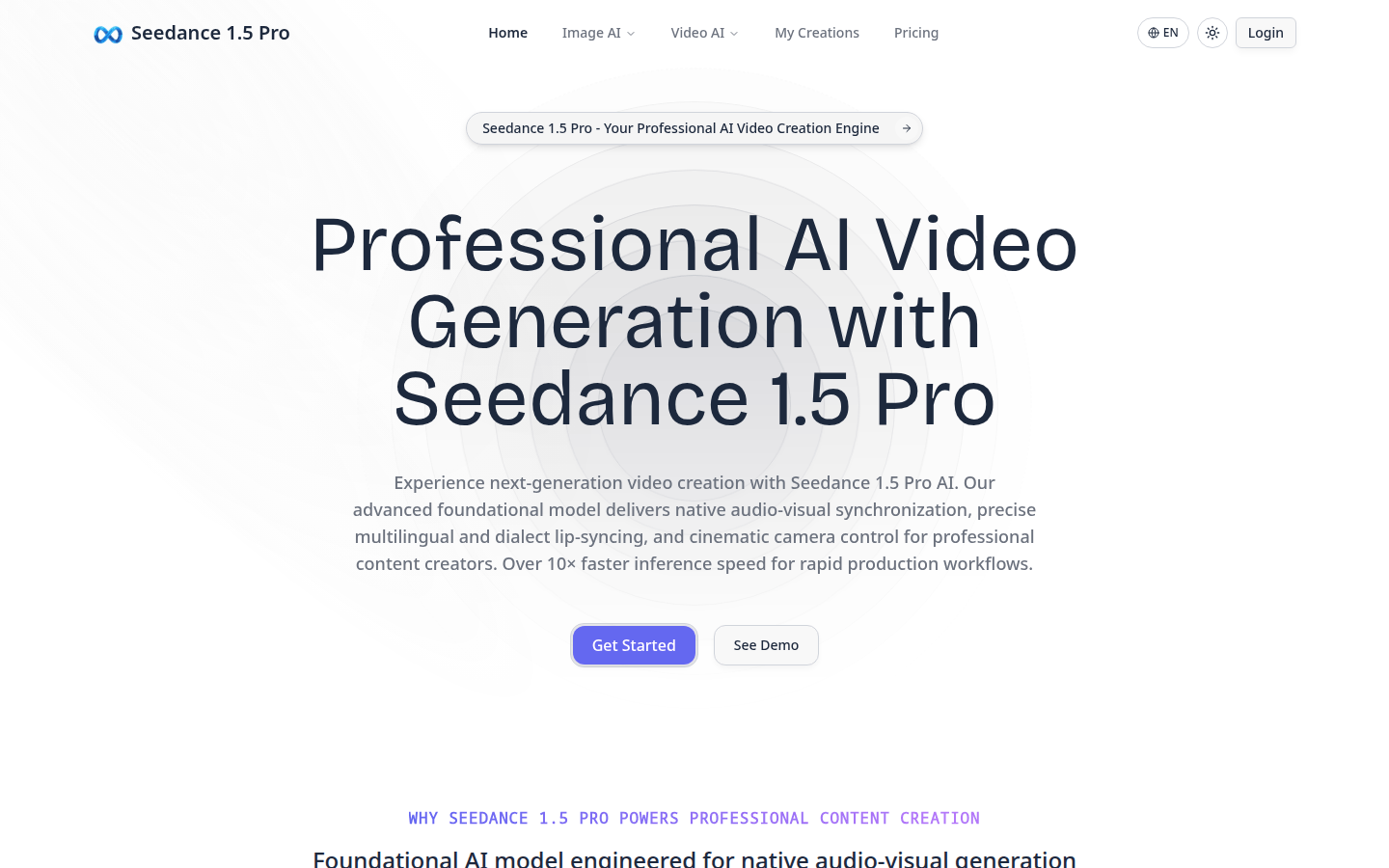
Seedance 1.5 Pro is an advanced AI video generation platform designed for professional content creators. It adopts a dual-branch diffusion transformer architecture, combined with a cross-modal joint module, to achieve native audio and video synchronization, precise multi-language lip synchronization and film-level lens control. The platform's inference speed is more than 10 times faster than the previous generation model, and it is optimized through supervised fine-tuning of high-quality data sets and reinforcement learning based on multi-dimensional reward models to ensure that the output meets professional content creation standards. Pricing information was not mentioned.
Demand group:
["Professional content creators: The platform's features such as precise audio and video synchronization, multi-language lip sync and cinematic lens control can help them create high-quality professional video content efficiently.", "Studio: Its fast inference speed and cross-platform compatibility can greatly improve the studio's work efficiency and reduce manual synchronization work while maintaining broadcast quality standards.", "Brand video strategist: Enhanced narrative coherence ensures that the brand story is consistent across multiple videos, helping them better convey the brand's creative vision.", " "Multi-language content directors: Multi-language lip-syncing allows them to produce marketing videos in multiple languages simultaneously, with perfect synchronization."]
Example of usage scenario:
Sarah Chen's team uses Seedance 1.5 Pro to produce marketing videos in 8 languages at the same time, achieving perfect synchronization, and lens control makes the video more professional.
Marcus Rodriguez's studio has used the platform to eliminate weeks of manual synchronization work and deliver client projects 10 times faster while maintaining broadcast quality.
Emily Watson leveraged the platform’s enhanced narrative coherence to ensure the brand story remained consistent across hundreds of videos.
Product features:
Native audio and video synchronization: The platform builds joint audio and video generation functions from the bottom up. Unlike traditional models, it can generate audio and visual elements simultaneously, ensuring perfect synchronization and coherent audio and video narrative throughout the video process.
Accurate multi-language lip synchronization: It has industry-leading multi-language and dialect lip synchronization capabilities, which can accurately synchronize lip movements and audio in multiple languages and regional dialects, ensuring that the voice in each video is natural and authentic.
Dynamic Cinematic Lens Control: Provides professional-grade camera movement and composition control to create videos with dynamic cinematic effects, smooth lens transitions and carefully designed composition choices, elevating your content to cinematic quality standards.
Enhanced narrative coherence: Advanced architecture understands narrative structure to ensure visual and thematic continuity throughout the video, keeping viewers engaged from start to finish.
10x accelerated inference: An optimized acceleration framework enables inference speeds more than 10x faster than previous generation models, enabling rapid iteration and high-volume content production workflows without sacrificing quality.
Professional-grade quality: Through supervised fine-tuning on high-quality datasets and meticulous post-training optimization through reinforcement learning based on multi-dimensional reward models, every output meets professional content creation standards.
Cross-platform compatibility: The resulting videos are optimized for all major platforms, compatible with broadcast, streaming, social media and professional video editing workflows.
Scalable Production Framework: Purpose-built for high-volume professional production environments, 10x inference acceleration enables studios and content creators to scale video production without sacrificing quality or creative control.
Usage tutorial:
1. Visit the platform website https://seedance1-5.pro.
2. If you are not logged in, click "Login" to log in.
3. After logging in, you can select "Image AI" or "Video AI" according to your needs to start creating.
4. During the creation process, use the audio and video synchronization, multi-language lip synchronization and lens control functions provided by the platform for video production.
5. After completing the creation, you can choose to save or share the video to various platforms.













