Seedream 5.0
Create stunning images with Seedream 5.0—free, fast, and multilingual. Perfect for designers, creators, and marketers.

English
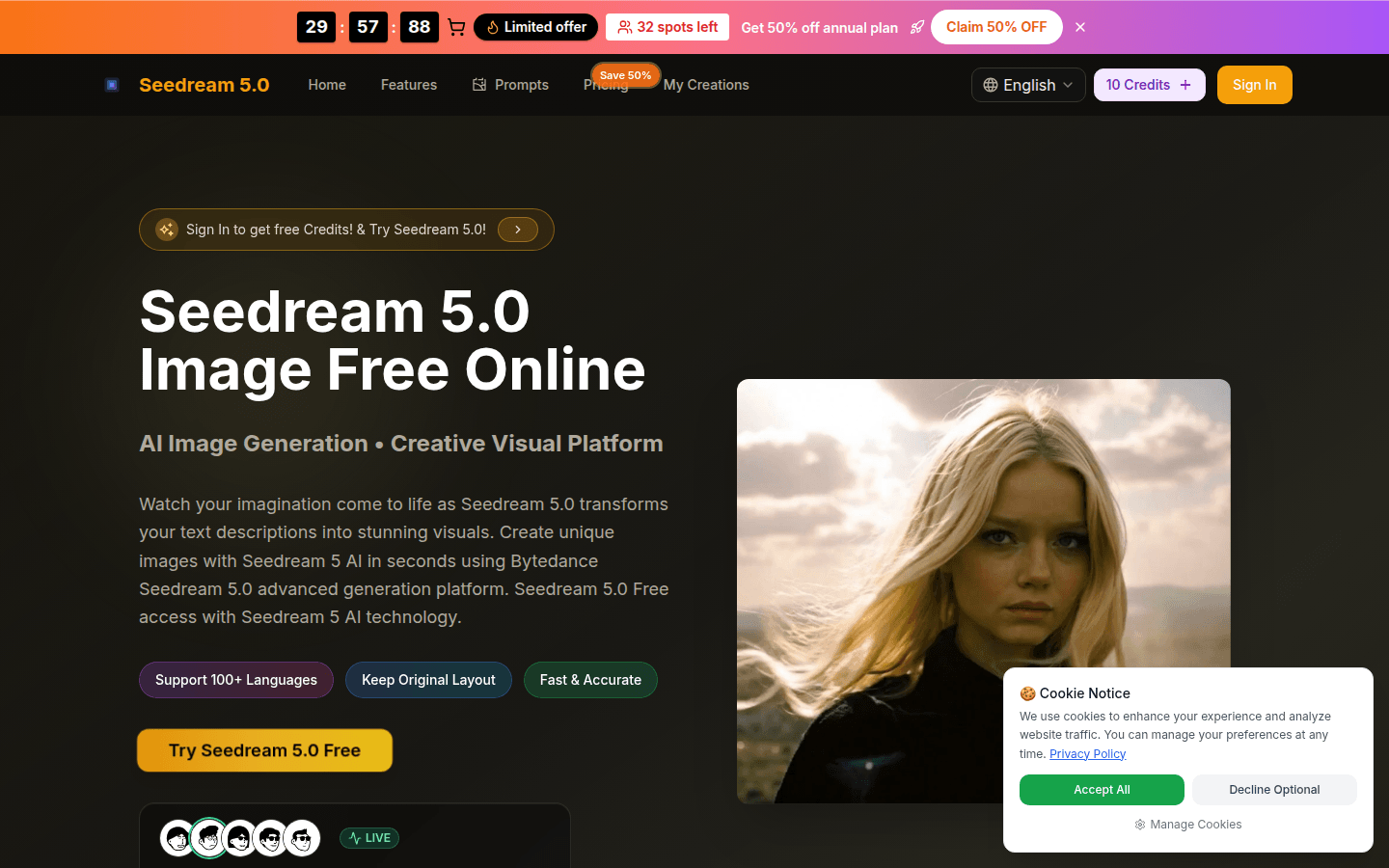
Seedream 5.0 is an advanced AI image editing platform launched by ByteDance. Its importance lies in providing users with convenient, efficient, and high-quality image generation and editing services. Key advantages include free use, support for 100 languages, preservation of original layout, fast and accurate. The product background relies on ByteDance’s strong technical strength. There is currently a promotion, and you can enjoy a 50% discount on annual plans. Positioned to meet the needs of different users for image creation and editing, both professional designers and ordinary enthusiasts can easily get started.
Demand group:
["- Professional designers: Seedream 5.0 's high-resolution output and fast and accurate generation functions can help designers quickly convert ideas into high-quality images and improve work efficiency. At the same time, supporting multiple languages makes it easier to communicate and collaborate with international customers.", "- Ordinary enthusiasts: It is free to use and easy to operate. Even without professional design skills, you can easily create unique images through text description to meet personal interests and creative needs.", "- Corporate marketers: You can use the platform to quickly generate promotional images, save design costs and time, and improve marketing effects. "]
Example of usage scenario:
Designers use text descriptions to quickly generate product promotional posters, saving design time.
Ordinary users enter a description of the scenery and a beautiful natural scenery image is generated as a desktop wallpaper.
Corporate marketers use the platform to translate product features into attractive advertising images.
Product features:
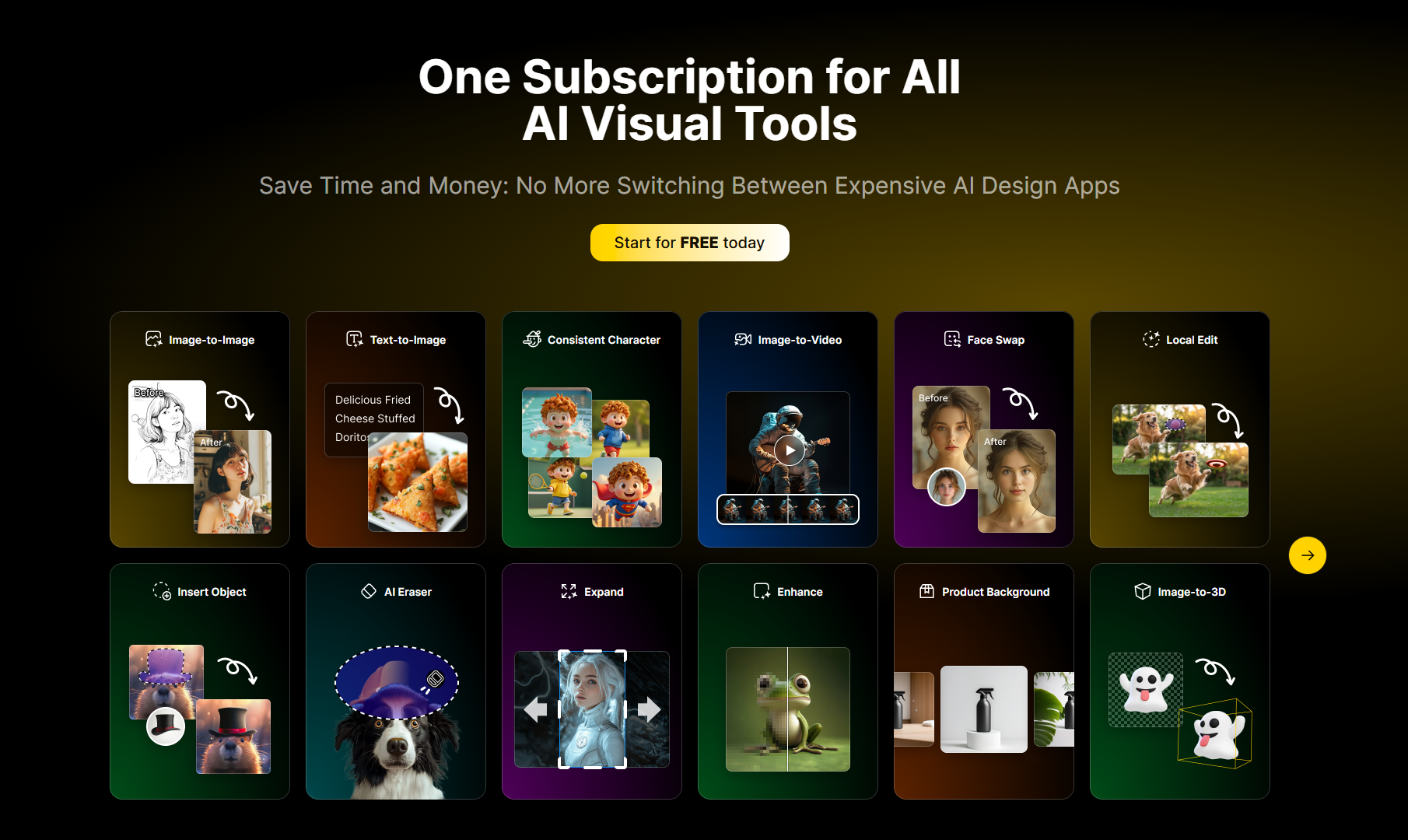
Text-to-image function: Users only need to enter text descriptions, Seedream 5.0 can quickly convert them into beautiful images, allowing imagination to easily become reality.
Image editing and enhancement functions: Supports uploading images, users can describe editing requirements, and AI will process and enhance the images to improve image quality.
Multi-language support function: The platform supports 100 languages, making it convenient for users in different regions around the world to break language barriers.
Retain original layout function: When editing and generating images, the original layout of the image can be retained to ensure that the overall structure and style of the image are not affected.
High-resolution output function: The generated images have 4K high resolution, ensuring image clarity and details to meet professional needs.
Fast and accurate generation function: Using advanced AI technology, it can accurately generate the images required by users in a short time, saving time and energy.
Usage tutorial:
1. Select Seedream 5.0 Image Generator: Open the platform and select Image Generator. The integrated Seedream 5 AI editor provides the tools needed to create professional 4K artwork.
2. Upload an image or enter a description: You can upload the photo you want to edit or enter a text description. The AI system will handle both methods to achieve image conversion or new visual generation.
3. Generate and download the work: Click the Generate button, and the editor will generate the image in a short time. Once the image is complete, preview the result and download it.