Somny
Create realistic AI images from photos with Somny — creative, fast, and affordable.

English
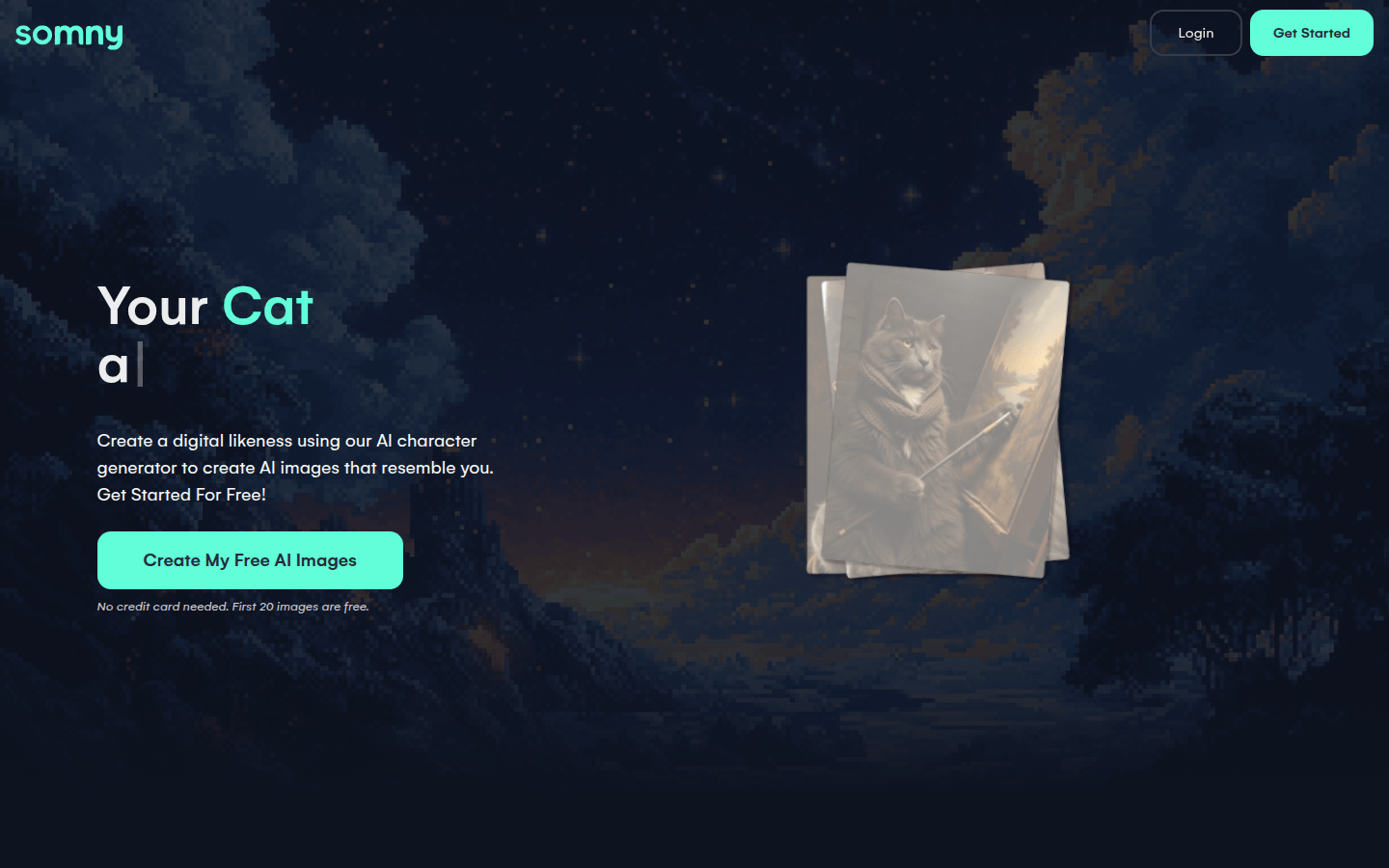
Somny is an image generation software based on artificial intelligence technology that runs on the web. Its core function is to create vivid and lifelike AI images using photos of users or their relatives, friends, and pets. The importance of this product lies in providing users with a convenient, efficient and creative way to create images. The main advantages include that the generated images are highly realistic, have a variety of styles, and provide intelligent tools to assist creation. The product has different pricing plans, such as a $15 monthly starter plan, a $25 creator plan, and a $50 premium plan, as well as corresponding annual plans with discounts. It is positioned to meet the image creation needs of different user groups, from casual users who create occasionally to high-volume professional creators.
Demand group:
["Casual creators: For casual creators who only occasionally create images and want to explore their creativity, Somny 's starter plan is very suitable. They can start trying it at a lower cost, using 20 free images to learn about the product, and then choose a suitable package according to their own needs. And smart tools and rich styles can help them easily realize various creative ideas.", "Active users: Active users usually have higher creative needs and require more monthly credits and commercial usage rights. Somny 's creator plan can meet these requirements, allowing them to create images more freely and use their works for commercial purposes. ", "High-volume creators: High-volume creators require a large number of image generation services. Somny 's advanced plan not only provides sufficient resources, but also allows them to enjoy discounted recharge credits, reducing creation costs and improving creation efficiency. "]
Example of usage scenario:
Debora S uses Somny to try out new hairstyles or create professional AI avatars, and she thinks the resulting images are incredibly lifelike.
John L didn’t have time for photography, so he used Somny ’s AI image generator to create dozens of AI avatars that looked exactly like himself.
Alyssa R used Somny -generated AI images for her salon Instagram page, making it look more professional and attract more attention.
Product features:
Create lifelike digital characters with the AI character generator: Users can upload photos of themselves, family, friends or pets to create lifelike digital characters using Somny ’s AI character generator, and can try it out for free first and get 20 free AI images to get an idea of what the character will look like before unlocking more features.
Generate realistic AI images: Somny 's AI image generator can create clear, realistic AI portraits that look like the user themselves without being generic, distorted or over-processed, allowing users to obtain personalized and realistic AI images.
Intelligent tools help improve creativity: Provide powerful intelligent tools, such as the creative enhancer, which can improve the creative direction through intelligent enhancement, making users more creative; the random creative function allows users to instantly discover new creative directions; you can also remix favorite images and turn them into your own unique works.
Present AI characters in unique styles: Users can imagine themselves as anime heroes, have their pets appear in traditional portraits, or have a 70s retro-style look. Somny ’s AI character generator and multiple styles enable these unique ideas.
Get inspiration from the community: On the inspiration page, users can discover beautiful AI images from the community, get creative inspiration from them, and expand their creative horizons.
Usage tutorial:
1. Visit the website: Open the browser and visit https://www.Somny.com.
2. Register an account: If you don’t have an account yet, you can click “Get Started” to register. No credit card is required to start a free trial.
3. Upload photos: After registering and logging in, upload photos of yourself, family, friends or pets to create digital characters.
4. Choose styles and tools: According to your own creative needs, choose the appropriate style and smart tools, such as creative enhancers, random ideas, etc., to improve your creative effects.
5. Generate image: Click the Generate button and wait for Somny 's AI image generator to create an image that meets the requirements.
6. Download and use: After generating a satisfactory image, you can download it, save it, and use it for personal or commercial use.