Sora 2 AI
Create professional videos from text or images with Sora 2 AI—no watermark, perfect for business and social media.

English
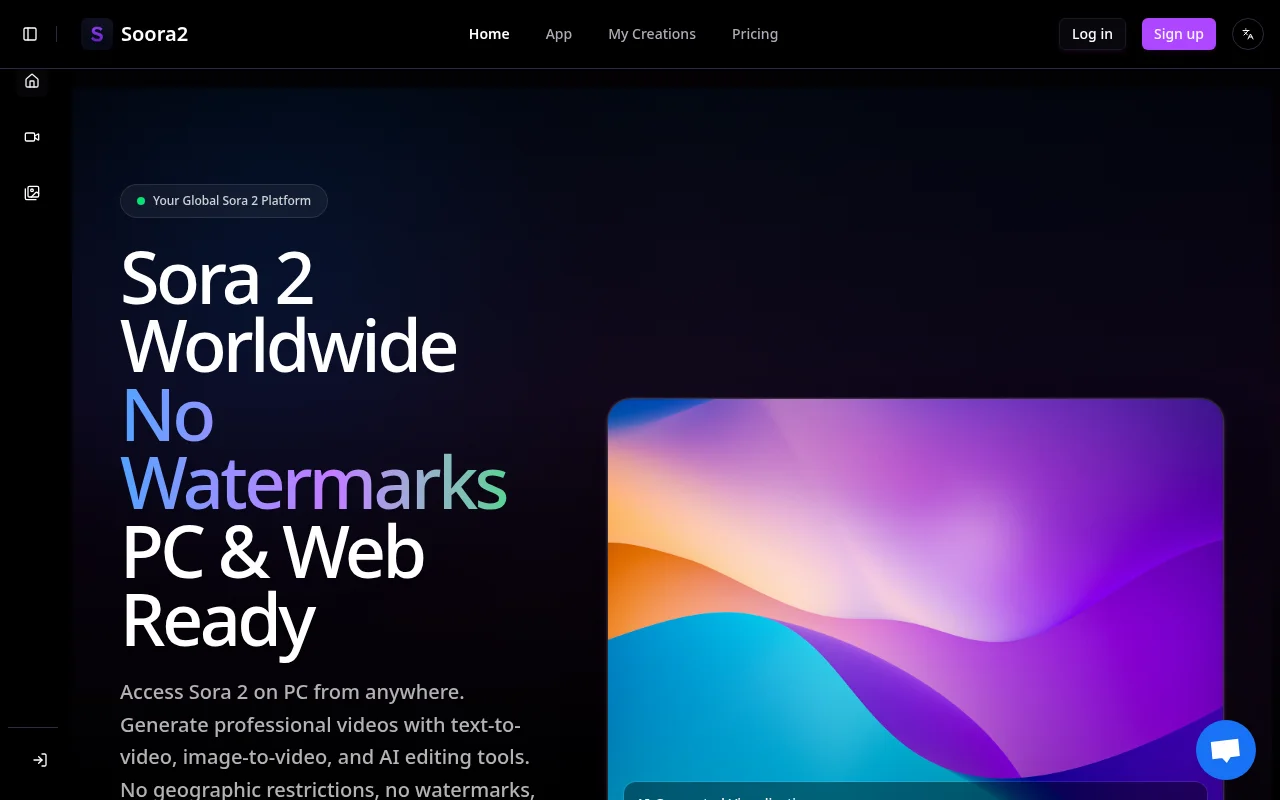
Sora 2 Online is a professional video generation tool that uses AI technology to provide text-to-video, image-to-video and other functions. The platform is not geographically restricted and allows users to create high-quality, watermark-free videos that are ideal for business use and social media content creation. Provide a transparent credit system so users can easily purchase and use services. The pricing is reasonable and suitable for individual and business users.
Demand group:
"Ideal for creators, marketers, businesses and social media users who need to quickly generate professional video content or high-quality images to support commercial use and enhance brand image and promotional effects."
Example of usage scenario:
Generate a 15-second product advertising video to quickly attract customers' attention.
Create high-quality social media promotional videos to increase brand awareness.
Create dynamic slideshows that bring product features and functionality to life.
Product features:
Text-to-video generation: Users can input text descriptions to generate professional videos, up to 2,000 characters supported.
Image to Video Animation: Upload static images and add dynamic effects to them to turn static into dynamic video.
Watermark-free export: All generated videos are watermark-free, suitable for commercial and professional use.
Watermark removal tool: Supports removing watermarks from official Sora videos to keep the content clear.
Multiple AI model selection: Users can choose different AI models according to their needs to optimize video quality.
Image generation: Generate high-quality images based on text descriptions, supporting social media and digital art.
AI image editing: Users can perform professional-level editing on uploaded images to improve visual effects.
Batch generation: Supports batch generation of videos to improve creation efficiency.
Usage tutorial:
Visit the soora2.ai website.
Register an account and get initial credit.
Select the desired feature like text to video or image to video.
Enter a creative description or upload an image and set relevant parameters.
Click the Generate button and wait for the video to be generated.
Download the resulting watermark-free video or image to get started.













