SpikApp
SpikApp: Real-time AI coach for better communication, confidence, and career growth.

English
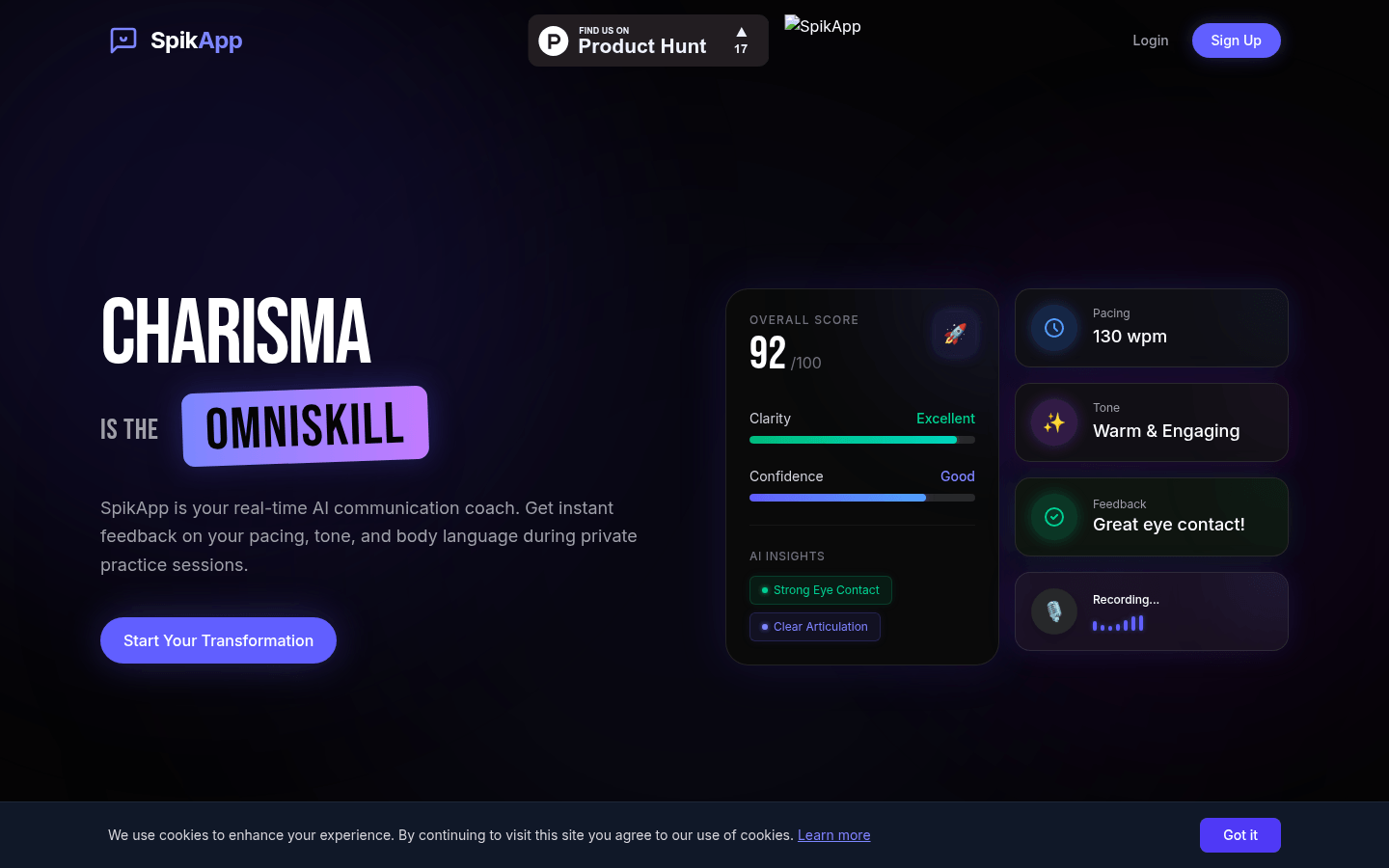
SpikApp is a real-time AI communication coaching application designed to help users improve their communication skills and personal charm. The product background stems from the fact that although most professionals have professional knowledge, they are limited by their lack of effective communication skills. SpikApp provides users with comprehensive communication feedback by analyzing aspects such as vision, sound and language. In terms of price, there is a free trial Starter version and a Pro version that costs $9.99 per month. Its positioning is to provide personalized communication training programs for users with different needs to help them express themselves confidently in various scenarios.
Demand group:
["Working professionals: For professionals, good communication skills are the key to career development. SpikApp can help them better express their ideas and opinions in various workplace scenarios, such as salary negotiations, work reports, customer communications, etc., and improve their professional competitiveness.", "Student groups: Students also need to have excellent communication skills in academic reports, group discussions, interviews and other occasions. The simulated scenarios and real-time feedback provided by SpikApp allow students to practice communication skills in a safe environment and enhance their self-confidence.", "Public speakers: Whether they are professional speakers or people who occasionally need to give speeches, SpikApp can provide targeted training. By analyzing the speaker's intonation, speaking speed, body language, etc., it can help them create more exciting speeches."]
Example of usage scenario:
A new employee uses SpikApp to practice mock interviews when preparing for a job interview. With real-time analytics and intelligent suggestions, he found that he was speaking too fast and lacking eye contact when answering questions. After a period of practice, he performed well in the actual interview and successfully got his favorite job.
A salesperson uses SpikApp 's scenario library for targeted training before giving a sales presentation. The system made suggestions for improving the content and expression of his presentation, helping him optimize the structure and language of his presentation, and ultimately achieved good sales results in front of customers.
A public speaker uses SpikApp to record and analyze speech videos while preparing a keynote speech. Based on the feedback, he adjusted the intonation, rhythm and body language of his speech to make it more vivid and contagious, winning high recognition from the audience.
Product features:
Real-time analysis function: When users practice, it can immediately provide subtle prompts to help users instantly correct their speaking speed and volume to ensure the fluency and accuracy of expression.
Intelligent suggestion function: After each exercise, the system will generate actionable suggestions, such as reminding users to slow down their speech slightly, maintain eye contact, maintain good energy status, etc., to help users continue to improve.
Scenario library function: Provides a rich variety of scenarios for users to practice, covering salary negotiations, keynote speeches, first dates, job interviews, sales presentations, etc., allowing users to conduct targeted training for specific scenarios.
Progress tracking function: Through intuitive visual analysis, it displays the growth of users' confidence scores, clearly presents users' progress in various aspects, and encourages users to continue to improve.
Privacy protection function: User's recordings are processed locally and will not be used to train public models. End-to-end encryption technology is used to ensure user privacy and data security, so that users can use it with confidence.
Usage tutorial:
Step 1: Visit the website https://SpikApp.com/ to register and log in.
Step 2: Choose the appropriate version. You can choose the Starter version for a free trial, or you can directly upgrade to the Pro version.
Step 3: Select the scenario you want to practice in the scenario library, such as salary negotiation, keynote speech, etc.
Step 4: Record videos or conduct real-time role-playing exercises to simulate real scenarios for communication training.
Step 5: After completing the exercise, wait for the system to conduct AI analysis to obtain feedback on speech clarity, speaking speed, eye contact, and body language.
Step 6: Make targeted improvements and exercises based on the intelligent suggestions and personalized action plans provided by the system.
Step 7: Check your progress and confidence score growth through the progress tracking function.













