TapNow AI
Create stunning visuals with TapNow AI—unleash endless creativity, fast.

English
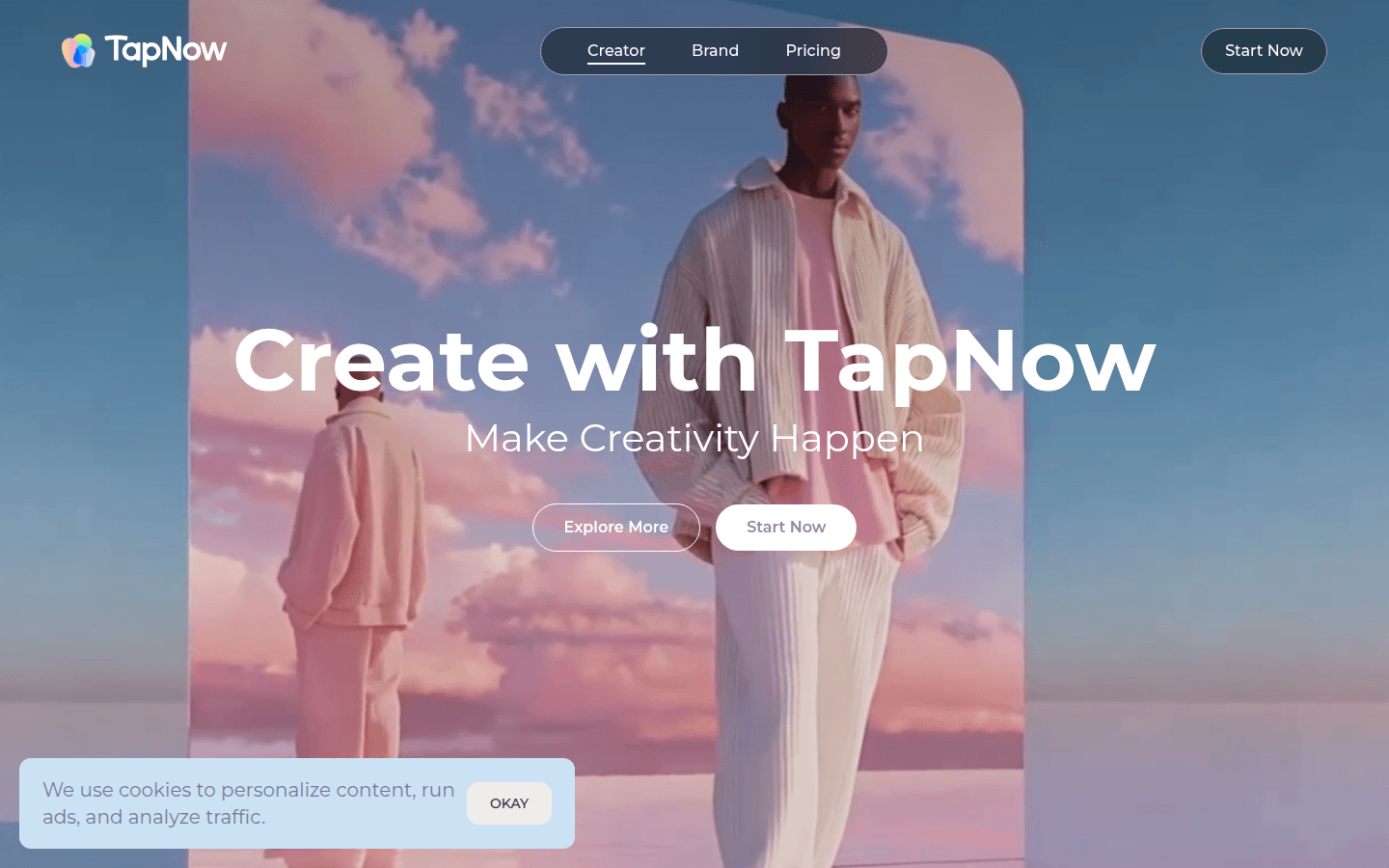
TapNow is a new generation AI visual creation engine for enterprises and creators. It is connected to the latest and most powerful image and video models in the world, providing users with a powerful creative AI workspace. Its importance lies in breaking the threshold of traditional visual creation and allowing everyone to easily use AI to create professional-level visual content. The main advantages include unlimited creativity, flexible creation, simple and easy to use, suitable for novices, and powerful functions to meet the needs of professionals, and can generate ultra-fine details and high-recognition visual effects. In terms of product background, it is committed to promoting the development of AI-driven creativity. Not mentioned on the price information page. The product positioning is to serve enterprises and creators, covering e-commerce advertising, short films, experimental art, brand marketing and other fields.
Demand group:
["Enterprise: Enterprises need a large amount of professional-grade visual content when conducting brand marketing, e-commerce advertising and other promotional activities. TapNow's powerful creative functions can help enterprises quickly generate high-quality advertising and marketing videos, save time and costs, and enhance brand image.", "Creators: Whether they are film creators, experimental art creators, or other types of creative workers, TapNow's unlimited creativity and flexible creation features can meet their diverse creative needs, and use AI technology to explore more creative possibilities.", "Newbies: For newbies who have just come into contact with visual creation, TapNow is easy to operate and provides a wealth of templates and examples, which can guide novices to get started quickly and gradually master creative skills.", "Graphic designers: When designing advertisements, banners, etc., TapNow's one-click graphic design function and multi-model support can provide designers with more creative inspiration and efficient design tools, improving work efficiency and design quality."]
Example of usage scenario:
E-commerce companies use TapNow to generate product advertising videos for promotion on e-commerce platforms to attract consumers to buy.
Film creators use TapNow's AI narrative and multi-model video generation functions to quickly produce creative clips of short films for early creative display.
The brand marketing team uses TapNow to create brand promotion videos and spread them on social media to enhance brand awareness and influence.
Product features:
AI-driven multi-type creation: TV commercials, animations, short films and other types of creation can be completed with one click, providing a convenient way to realize creativity in different scenarios.
Creative to script video generation: It can generate advertising concepts based on creative ideas and convert scripts into movie-level creative content, achieving efficient transformation from inspirational ideas to actual works.
One-click graphic design: suitable for advertisements, banners and social media, it can quickly convert images into TV ads to meet diverse design needs.
Multi-model video generation: Access a variety of powerful image and video models, with unlimited creative freedom. Creators can choose appropriate models for creation according to different needs.
Creation panel interaction: In the creation panel Tapflow, users can tell stories together with AI, and realize the gradual construction of ideas through simple operation nodes and edge selection.
Workflow trial experience: Various workflow examples are provided, such as the Japanese cherry blossom-themed beverage advertising workflow. Users can try it directly to experience different creative processes.
Community sharing and communication: Creators can join the TapTV community to share their creative processes, showcase their projects, communicate with other creators, and inspire the future of AI-driven creativity.
Usage tutorial:
1. Visit the TapNow website (https://tapnow.ai) and enter the creation page.
2. In the creation panel Tapflow, select an appropriate workflow template, such as the Japanese cherry blossom-themed beverage advertising workflow, or you can customize the workflow according to your own creativity.
3. According to the workflow prompts, enter relevant text, script and other information. If it is image creation, you can upload or select appropriate image materials.
4. Use the operating functions of the creative panel, such as selecting nodes, moving nodes, deleting nodes, etc., to adjust and improve the creative content.
5. After confirming that the creative content is correct, click the Generate button and wait for AI to generate professional-level visual content.
6. Preview and modify the generated content. If you are not satisfied, you can readjust the parameters and generate again.
7. After completing the creation, you can save the work and share it with the TapTV community to communicate and display with other creators.













