To3D.AI
Transform text or images into high-quality 3D models fast with To3D.AI.

English
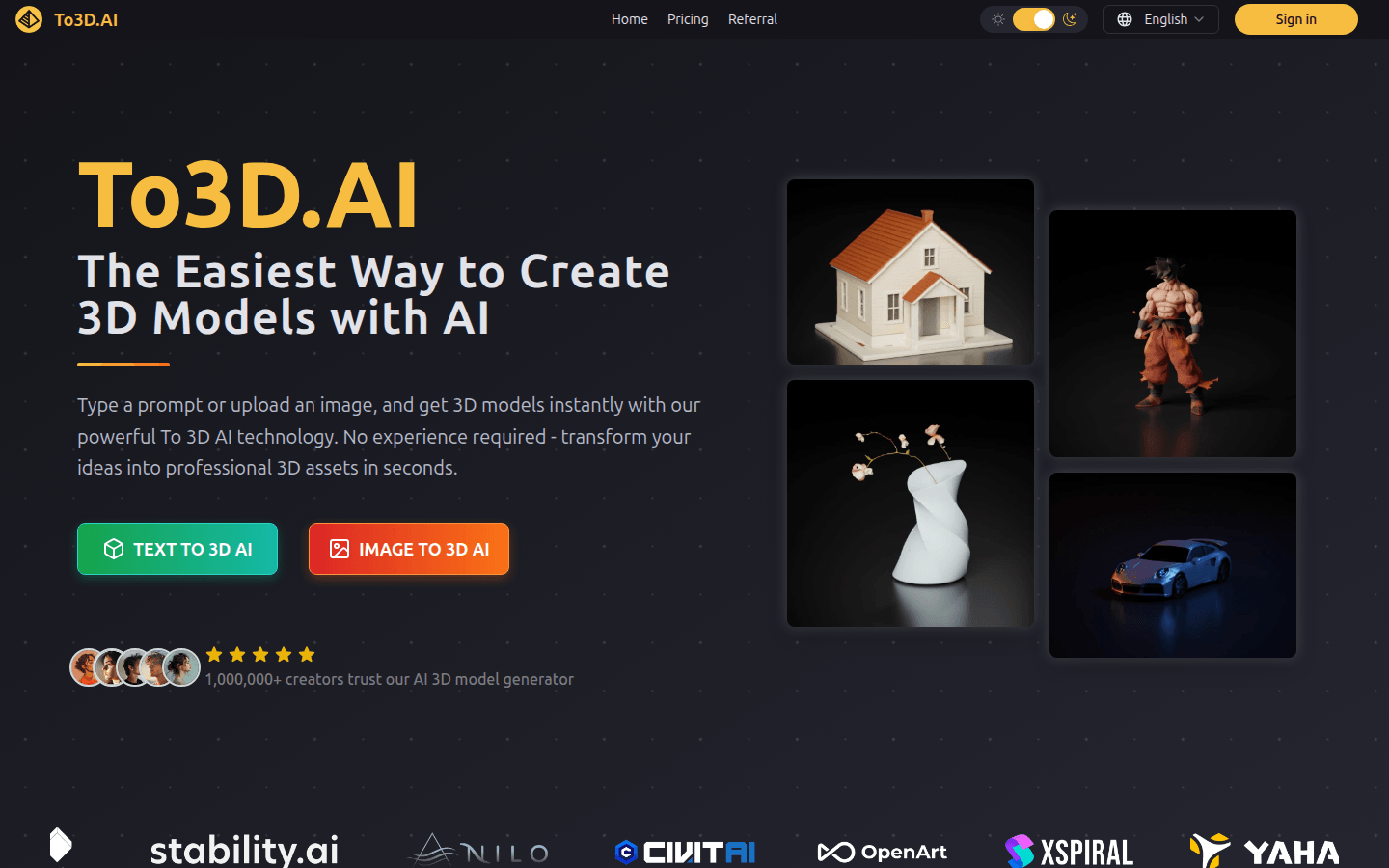
To 3D AI is an advanced AI 3D model generator that uses advanced machine learning algorithms to convert text descriptions and images into detailed 3D models. Its importance lies in greatly simplifying the process of creating 3D models without the need for professional 3D modeling experience. The main advantages include fast generation speed, 10-100 times faster than traditional 3D modeling workflow; support for export in multiple formats, compatible with mainstream 3D software and 3D printing workflows; high-quality generated models with optimized topology and PBR textures. The product background information does not mention price yet. It is positioned to provide developers, designers, artists and other professionals with efficient 3D model creation solutions.
Demand group:
["Game developers: can quickly generate 3D models of characters, props, environments, etc. required for the game, saving a lot of modeling time, improving development efficiency, and the generated models are of high quality, which can add more visual appeal to the game.", "Website developers: can use this platform to quickly generate 3D models, add unique visual effects to website applications, improve user experience, and simplify the workflow.", "3D artist: can quickly convert his or her ideas into 3D models through text descriptions or 2D images, saving time and costs, and the generated models have high-quality details and textures to meet the needs of artistic creation.", "Architect: can quickly create accurate furniture and environment models based on text descriptions, which are perfectly integrated into architectural visualization scenes, improving design efficiency and quality.", "Product designer: can convert product sketches into 3D prototypes in a short time, speeding up the product design and development process, and reducing time costs."]
Example of usage scenario:
Noah Böhringer, a game developer at BHR Studios, saved hundreds of hours of modeling time by using a text-to-3D AI model generator.
Product designer Mike Rodriguez shortened the product design process from days to minutes by turning images into a 3D AI model generator.
VR developer Alex Thompson leverages the platform’s text-to-3D and image-to-3D AI workflows to quickly obtain optimized 3D assets.
Product features:
Text-to-3D AI model generation: Ability to analyze text descriptions input by users and quickly create detailed 3D models with optimized topology and PBR textures, suitable for creating various types of custom assets from characters to environments.
AI-Powered 3D Texture Generation: Easily generate realistic PBR textures for 3D models with AI 3D Model Generator’s texture tools. No need for manual painting or UV unwrapping. Create professional-grade textures by applying smart materials and adjusting styles.
Image to 3D AI model generation: Any 2D image, sketch or illustration can be converted into a high-quality 3D model. After uploading the reference image, you can get a 3D asset that retains the original style and details, is textured and can be directly exported.
Production-ready export: Support for exporting AI-generated 3D models in all major formats such as FBX, GLB, OBJ, STL, and USDZ, ensuring models have clean topology, optimized meshes, and are compatible with Unity, Unreal Engine, Blender, and 3D printing workflows.
Provide detailed user reviews: It shows the trust and praise of many developers, designers and artists for the platform, providing users with reference and confidence.
Frequently Asked Questions: Answers common questions about the working principle of the To 3D AI generator, the types of 3D models that can be created, generation time, commercial use permissions, etc., to facilitate users' understanding and use.
Usage tutorial:
1. Visit the To 3D AI platform website.
2. If you already have an account, click "Sign in" to log in; if you don't have an account, you can register.
3. Select the text to 3D AI or image to 3D AI function: if you select text to 3D AI, enter a detailed text description; if you select image to 3D AI, upload a reference image.
4. Submit the task and wait for the platform to use advanced machine learning algorithms to convert text or images into 3D models. The generation time depends on the complexity of the model, generally between 20 seconds and 4 minutes.
5. After the generation is completed, you can view the generated 3D model. If you are satisfied, select the appropriate format (such as FBX, GLB, OBJ, STL and USDZ) to export.
6. Apply the exported 3D model to corresponding projects, such as game development, website design, 3D printing, etc.