Trellis.2 AI 3D
Generate high-quality 3D assets fast with Trellis 2 AI—perfect for game devs, artists, and designers.

English
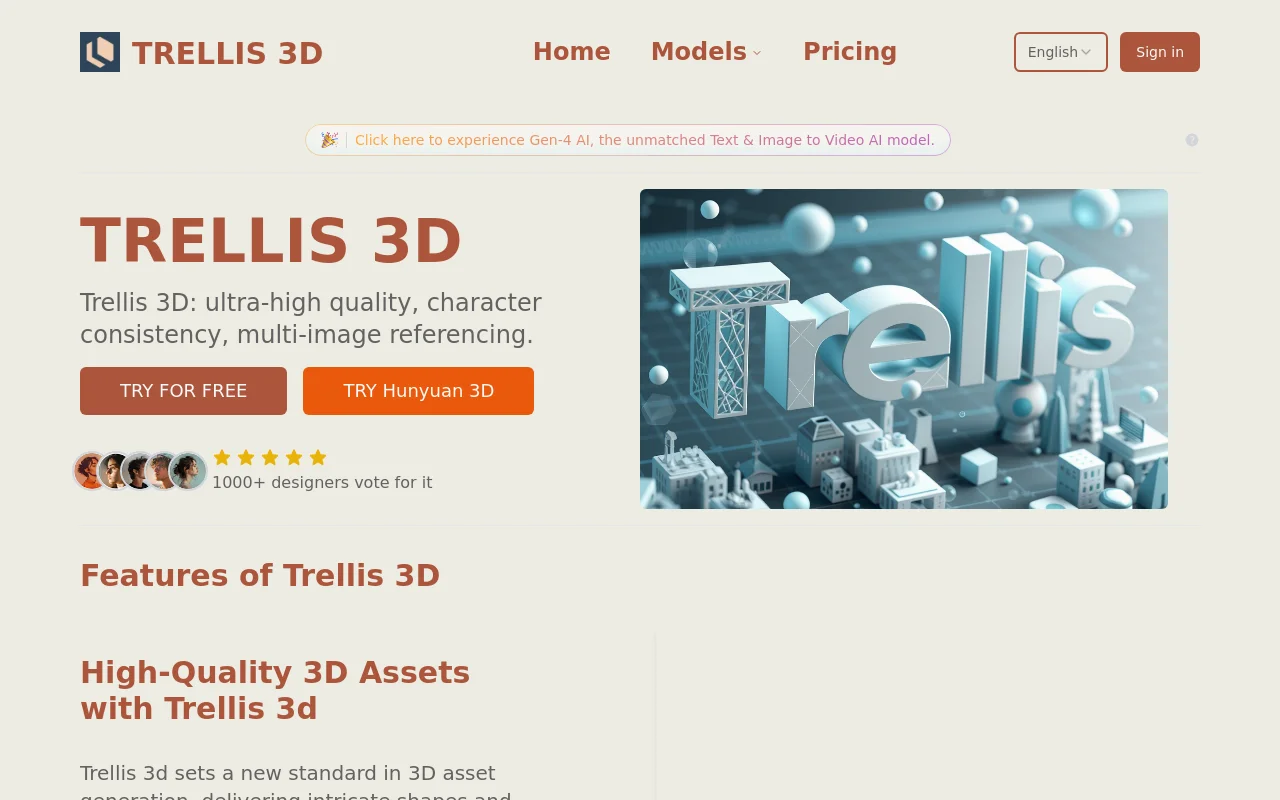
Trellis 2 AI is an advanced 3D generative model developed by Microsoft with 4 billion parameters. At its core is the innovative O-Voxel, capable of handling complex topologies. The model converts 2D images into 3D assets with PBR textures in seconds, eliminating the need for additional optimization and manual work, enabling an end-to-end workflow. It achieves an unprecedented balance of speed and quality, producing photorealistic assets up to 1536³ resolution. It can be used directly on the trellis3d.net platform, and no price information has been mentioned yet. Positioned as a professional 3D generation solution, suitable for users with 3D model creation needs.
Demand group:
["- Game Developers: Trellis 2 AI can quickly convert concept drawings into high-quality 3D models, saving a lot of time and labor costs for game development. The 3D assets it generates with PBR textures can be directly used in game engines, such as Unity and Unreal Engine, to make game scenes more realistic.", "- 3D Artists: Artists can use the efficiency and high-quality output of this model to quickly verify their ideas. They can obtain ideal 3D effects without the need for tedious manual modeling and texture processing, so they can focus more on creative design. ", "- Interior Designers: Designers can quickly generate realistic 3D interior scenes by uploading floor plans or renderings of interior designs. This helps customers feel the design plan more intuitively, improving communication efficiency and the approval rate of the design plan. Animation producers: Producers can use Trellis 2 AI to generate 3D character and scene models required for animation. Its rapid generation and high quality can speed up the progress of animation production while ensuring the visual effects of the animation. "]
Example of usage scenario:
In game development, character concept drawings are converted into 3D character models that can be used in game engines.
In the field of interior design, design sketches are transformed into realistic 3D interior scenes for customers to preview.
During animation production, the 3D props and scenes required for animation are quickly generated to improve production efficiency.
Product features:
High-resolution and efficient generation: The Trellis 2 AI model can generate high-resolution 3D assets with PBR textures in a short time and with extremely high efficiency. Specifically, it can generate high-quality 3D models in seconds and is capable of reaching resolutions up to 1536³, providing users with extremely realistic 3D visual effects.
Arbitrary topology processing capability: With its revolutionary O-Voxel core, Trellis 2 AI can perfectly handle a variety of complex topologies. It can easily handle open surfaces, non-manifold edges, and other complex details that are difficult for other systems to handle, solving problems for users when dealing with complex 3D models.
Rich texture generation: Trellis 2 AI is able to generate not only the shape of a 3D model, but also the complete surface appearance simultaneously. It can generate all necessary PBR texture mapping including color, roughness, metallicity and transparency in one go, so that the generated 3D assets can be directly rendered in mainstream engines, fully demonstrating its comprehensive understanding of materials.
Minimalist asset processing workflow: This model enables a true end-to-end workflow, eliminating tedious steps such as NeRF training or manual texture baking for each asset. Users only need to upload an image, and Trellis 2 AI can directly process it into the final texture mesh, greatly saving time and energy.
Multi-resolution and texture resolution selection: Users can choose different resolutions and texture resolutions according to their own needs. It provides a variety of resolution options such as 512, 1024, and 1536, as well as texture resolution options such as 1024, 2048, and 4096 to meet the usage requirements in different scenarios.
Multiple parameter adjustments: In the process of generating 3D models, users can adjust multiple parameters, such as various guidance strengths, guidance rescaling, sampling steps, and rescaling T parameters. Adjustment of these parameters allows users to more accurately control the effects of the generated 3D model.
Usage tutorial:
1. Upload pictures: On the trellis3d.net platform, click the Upload Picture button and select a clear picture to upload. Supported image formats include png, jpg, jpeg, and webp, with a maximum size of 20MB.
2. Set parameters: According to your own needs, set the relevant parameters for generating 3D models, such as resolution, texture resolution, whether to enable remeshing, etc.
3. One-click generation: After uploading the image and setting the parameters, click the generate button, and the platform will use the Trellis 2 AI 3D generator to process the image.
4. Download and use: After the generation is completed, receive a downloadable GLB file containing mesh and PBR textures, which can be used in any application that supports the GLB format.













