vibecodeprompts
Boost your coding efficiency with vibecodeprompts—turn ideas into ready-to-deploy code quickly.

English
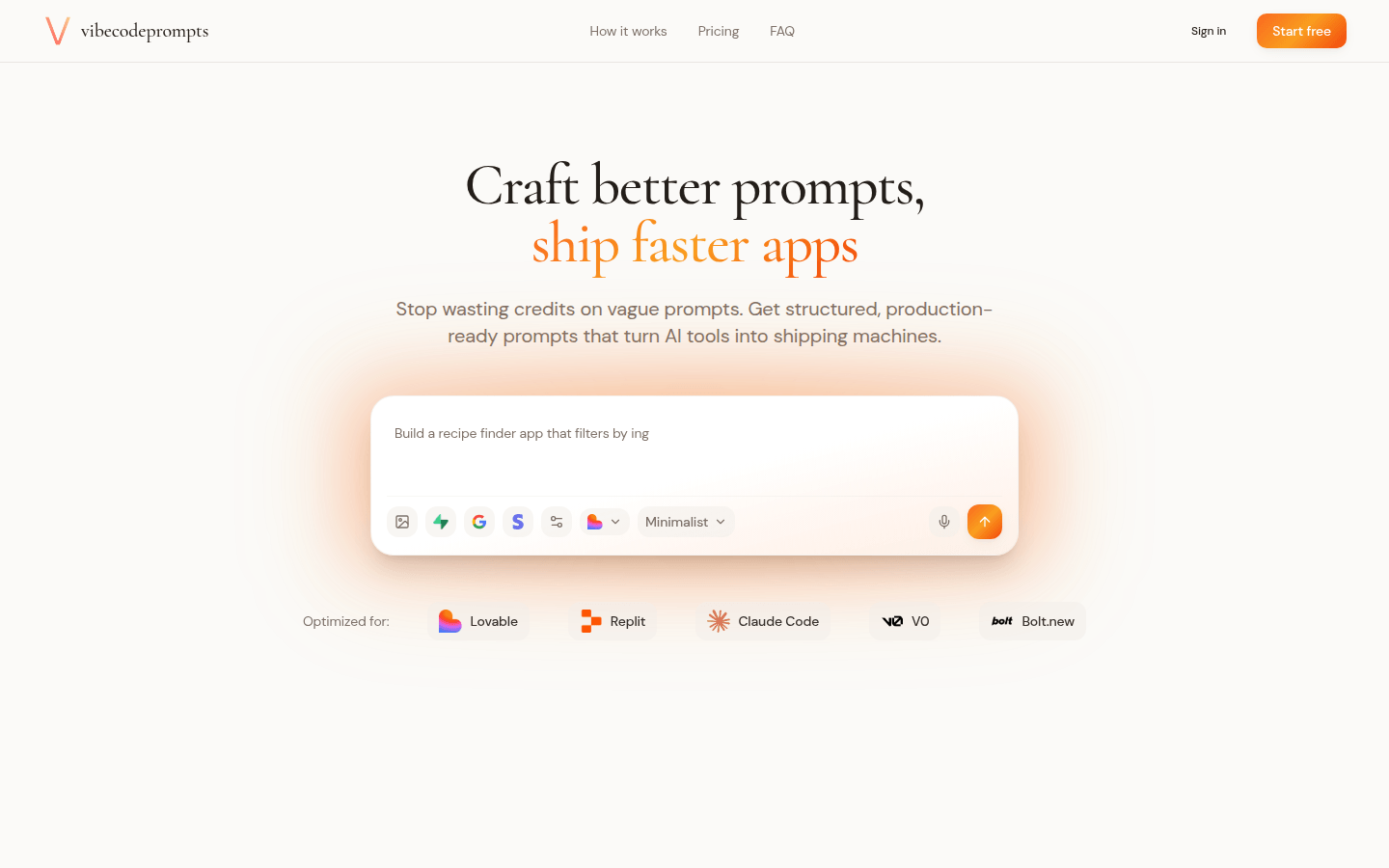
vibecodeprompts is a prompt operating system for vibe coding developed by Simpl Labs. Its main function is to transform application ideas into production-ready prompts for tools such as Lovable, Replit, Claude, V0 and Bolt. The importance of this product is that it helps users avoid wasting credit on vague prompts and provides structured prompts that allow AI tools to generate deployable code more efficiently. Its main advantages include tool-specific prompt generation, backend-aware prompts, AI feedback and iteration, and having a prompt library. The product provides a variety of price plans, including free trial versions and paid packages at different prices, suitable for users with different needs. It is positioned to help developers and professionals turn ideas into production code more efficiently.
Demand group:
["Developers: For developers, vibecodeprompts can help them transform vague application ideas into structured production-ready prompts, avoiding wasting time and resources due to unclear prompts when using AI tools. Through tool-specific prompt generation and back-end aware prompts, developers can complete project development more efficiently and quickly achieve product launch.", "Entrepreneurs: Entrepreneurs usually have many novel application ideas, but may lack technical development experience. The prompt library and AI feedback and iteration functions provided by vibecodeprompts can help entrepreneurs better communicate with the technical team, or directly use the generated prompts to develop products on AI tools, reducing development costs and time. ", "Professionals: such as data analysts, designers, etc., they may need some simple applications to assist their work. vibecodeprompts can help them convert their needs into executable prompts, use AI tools to quickly generate the required applications, and improve work efficiency. "]
Example of usage scenario:
One developer built a complete SaaS dashboard in two days using prompts generated by vibecodeprompts and achieved first monthly recurring revenue on day one.
Some users used the AI chat interface prompts generated by vibecodeprompts to develop a chat UI similar to ChatGPT style and implemented streaming responses.
The merchant used the e-commerce product page prompts generated by this product to develop a modern product page with shopping cart functionality.
Product features:
Tool-specific generation: For different tools such as Lovable, Replit, Claude Code, V0 and Bolt, it automatically handles the unique requirements of each tool and generates optimized prompts to ensure that the prompts can better adapt to the tool characteristics and improve the accuracy and efficiency of code generation.
Backend-aware prompts: Supports switching of backend functions such as Supabase integration, authentication process, and payment system. The generated prompts include correct setup instructions to help developers handle backend-related configurations and function implementations more conveniently during the development process.
AI feedback and iteration: Users can paste any prompt, obtain structured feedback, identify risks in the prompt through AI chat, improve the clarity of the prompt, and perform iterative optimization to continuously improve the prompt content to obtain better code generation effects.
Prompt Library: Users can save, organize, and iterate on their own prompts to build a personal library of production-ready templates. At the same time, a ready-made prompt library is provided, including production-ready prompts for various authentication, payment, UI, etc., organized by tools and categories to facilitate users to quickly find and use.
Instant evaluation and analysis: Perform instant clarity assessment and risk analysis on user prompts, allowing users to quickly understand the quality of prompts, discover problems in a timely manner and make improvements, improving development efficiency and code quality.
Usage tutorial:
1. Register and log in: Visit the vibecodeprompts website, register and log in to your account.
2. Enter your ideas: Enter your application development ideas on the platform and clarify the project requirements and constraints, such as deployment platform, time constraints, etc.
3. Select tools: Choose the tools to use according to your needs, such as Lovable, Replit, Claude Code, etc.
4. Generate prompts: The platform automatically generates structured production-ready prompts based on the information you enter and the tools you select.
5. Optimize prompts: If necessary, you can use AI feedback and iteration functions to optimize the generated prompts and improve the quality and clarity of the prompts.
6. Use tips: Copy the optimized tips to the corresponding AI tool and start developing the project.
7. Save and manage: Save the generated prompts to the prompt library to facilitate subsequent use and management. You can also organize and iterate the prompts as needed.