Video Maker AI
Create stunning videos from text or images with Video Maker AI—fast, high-quality, and free to try.

English
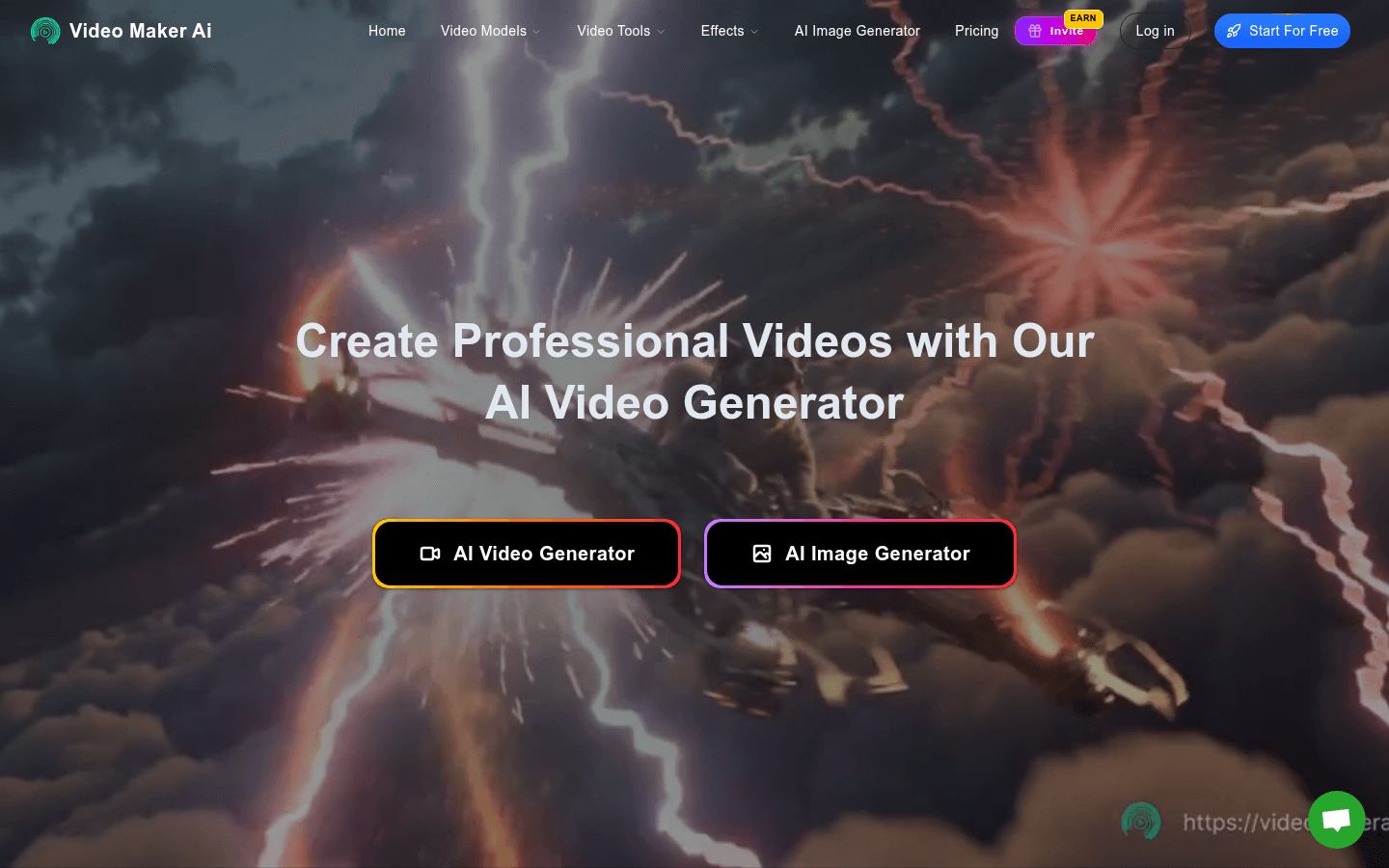
Video Maker AI is a video generator based on leading AI models. It can realize text-to-video, picture-to-video and other functions, providing users with one-stop video creation services. The advantage of the product is that it uses cutting-edge machine learning models, has fast processing speed and high success rate, and can generate professional videos with up to 4K resolution. The price comes with a free trial, no credit card required. Its positioning is to meet the video creation needs of all types of users. Whether they are entrepreneurs, marketers or enterprises, they can use this platform to create attractive video content.
Demand group:
["Content creators: can quickly convert text scripts and picture materials into videos, saving time and energy, and focus on creative expression.", "Marketers: can use the powerful functions of the platform to produce attractive promotional videos, improve marketing effects, and attract more customers.", "Enterprises: Whether they are large enterprises or small and medium-sized enterprises, they can use this platform to produce professional corporate promotional videos, product introduction videos, etc., to enhance corporate image and product promotion effects."]
Example of usage scenario:
Content creators use the text-to-video feature to turn novel snippets into animated videos for posting on social media.
Marketers use the photo-to-video function to turn product images into promotional videos for e-commerce platform promotion.
Enterprises use the platform to produce corporate promotional videos for display on the company's official website and to participate in industry exhibitions.
Product features:
It supports input in multiple formats, including JPG, PNG, MP4, TXT, etc., and provides a drag-and-drop interface to facilitate users to upload images, enter text, and provide video or audio content. It also supports batch processing and can create multiple videos at the same time.
There are a wealth of AI models to choose from, such as Kling AI, Sora, Hailuo MiniMax, etc. Use these powerful models to achieve text-to-video, photo-to-video, image-to-video conversion and professional video creation.
It can perform real-time video processing and optimization on the input content, use advanced algorithms to analyze the input material, intelligently improve the video quality, and ensure that the generated video reaches a professional level.
Supports a variety of video output formats, including MP4, MOV, GIF, etc., with video resolution up to 4K and no watermark, making it easy for users to share directly to social media platforms.
Provides AI image generation function, combined with video generation function, to provide users with a more comprehensive video creation experience.
Usage tutorial:
Step 1: Start video creation, upload images, enter text, provide video or audio content through the drag-and-drop interface, and support multiple formats.
Step 2: Select an appropriate AI model. The platform will analyze and process the input content and use algorithms to generate professional videos.
Step 3: After the video generation is completed, select the desired output format (such as MP4, MOV, GIF) to download and share it directly to social media platforms.













