Video2PPT
Convert videos to editable PowerPoint slides quickly with Video2PPT. AI-powered, secure, and easy to use.

English
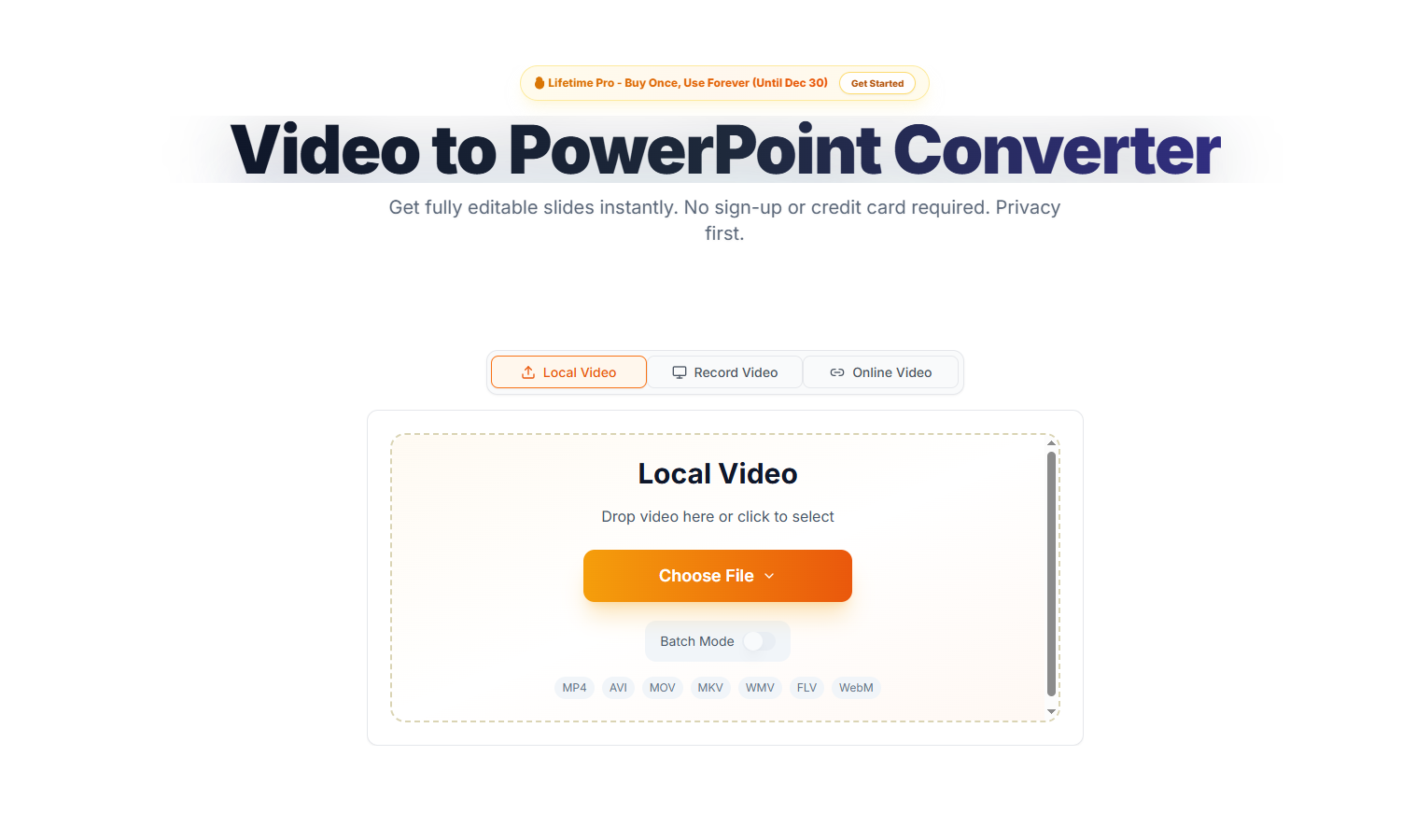
Video2PPT is a powerful online tool that can convert videos into editable PowerPoint presentations. Through AI technology, this tool can automatically extract key slides from the video and support the upload of multiple video formats, ensuring that users can quickly and efficiently generate presentation materials. It not only provides high-accuracy content extraction functions, but also ensures the privacy and security of user data. Its pricing structure is reasonable and it provides free and paid plans to suit users with various needs.
Demand group:
" Video2PPT is ideal for educators, training managers, and content creators who need to quickly extract slides from videos and generate teaching materials. By using this tool, they can save a lot of time and energy and focus on content creation and teaching instead of manually taking screenshots."
Example of usage scenario:
Sarah Johnson, Training Manager at TechCorp, uses Video2PPT to convert weekly training videos into slides, saving 6-8 hours of manual work.
Dr. Michael Chen, a professor at Stanford University, uses this tool to extract lecture slides so that students can quickly access study materials.
Lisa Rodriguez, Director of Marketing at Growth Labs, uses Video2PPT to extract slides from monthly webinars, significantly improving client delivery efficiency.
Product features:
Intelligent content extraction: AI identifies and extracts key frames in videos to quickly generate slideshows.
Multiple video source support: you can upload local videos, record screens or directly link to online videos.
High-definition screen recording: seamlessly record meetings and automatically extract slides, suitable for online teaching and meetings.
Batch processing: Supports processing of multiple videos at the same time, greatly saving time.
Multiple export formats: Supports exporting to PowerPoint, Google Slides, PDF and other formats.
Local processing: All video processing is performed on the user's device to ensure privacy and security.
Usage tutorial:
Visit the Video2PPT website.
Select a video file to upload or record your screen.
Click 'Start Conversion' and wait for the AI to extract the slides.
Download the resulting PowerPoint file or other supported format.
Edit and share as needed.













